Choose the photo you already love
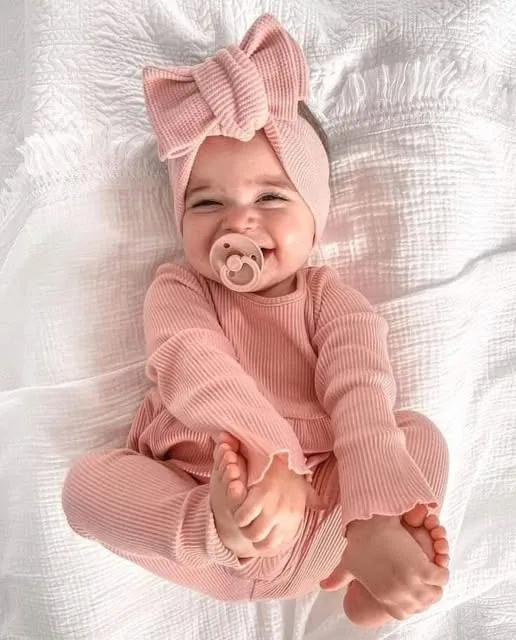
Start with a clear phone photo—a smile, a cozy outfit, or a quiet everyday moment.
 LittleCamBaby Photo Editor
Christmas baby photo ideas at home
Choose a favorite phone photo. LittleCam keeps your real baby and adds a festive setting around that moment.
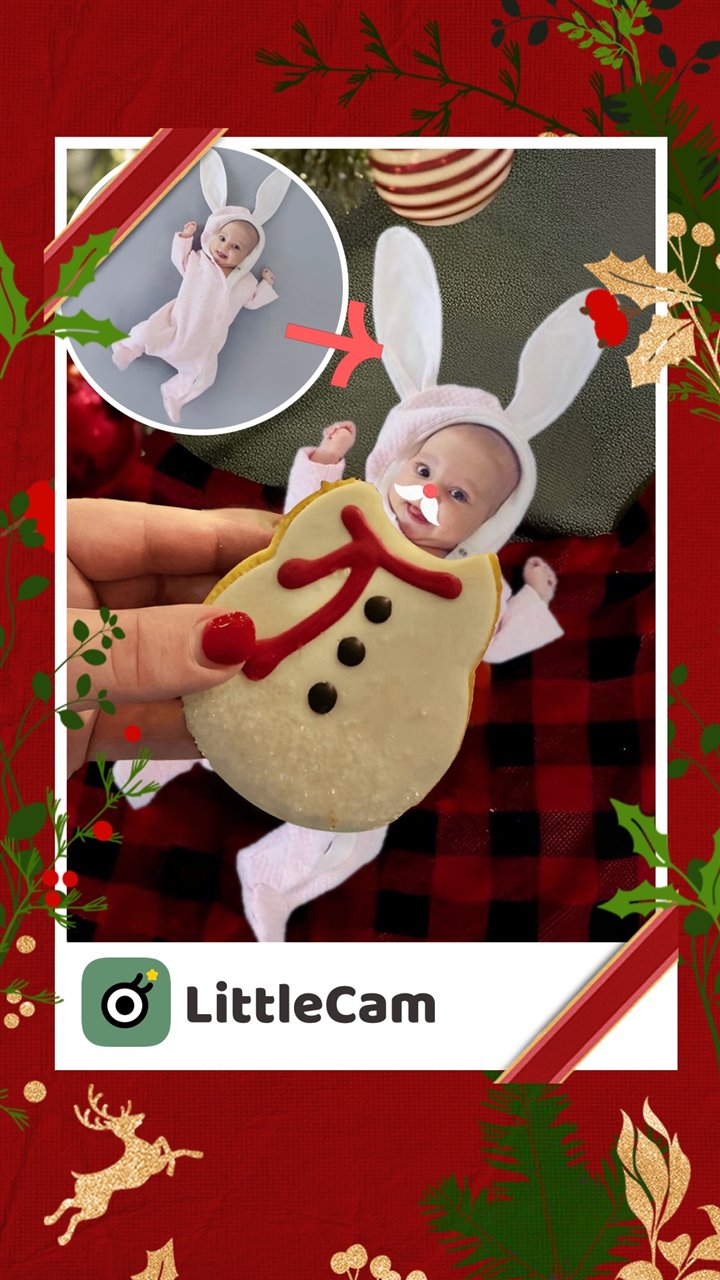
Make a Christmas baby photo
Choose a photo from your phone
Private by design - your photo stays on your device.
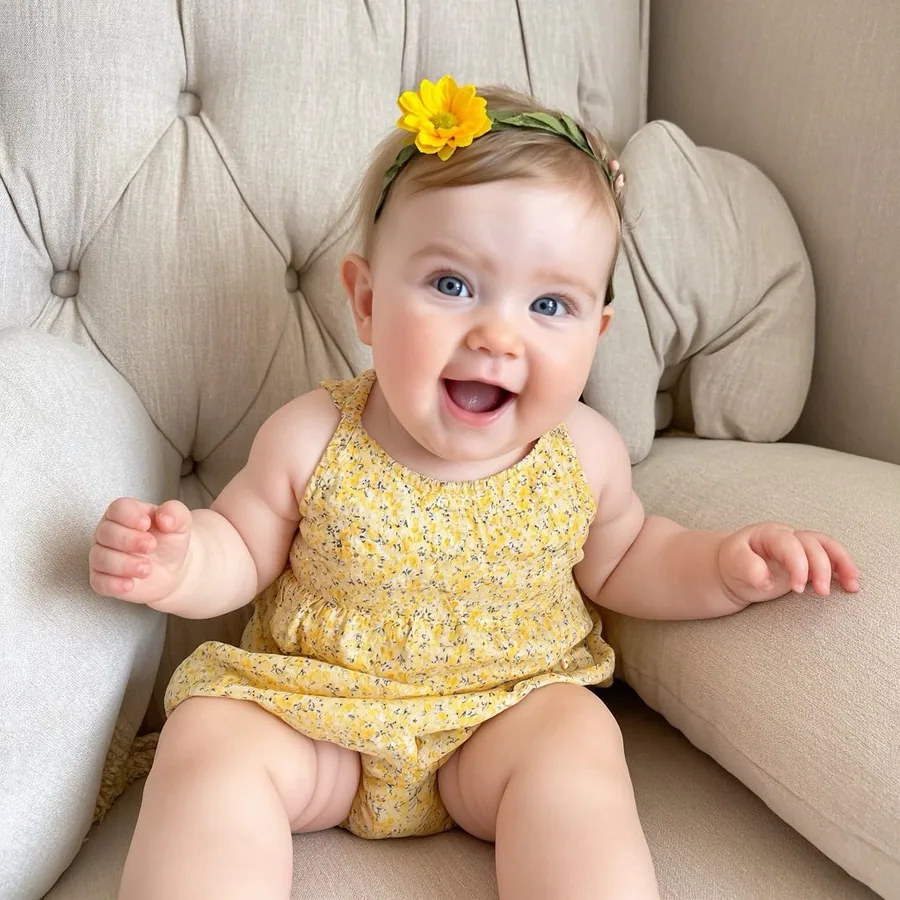
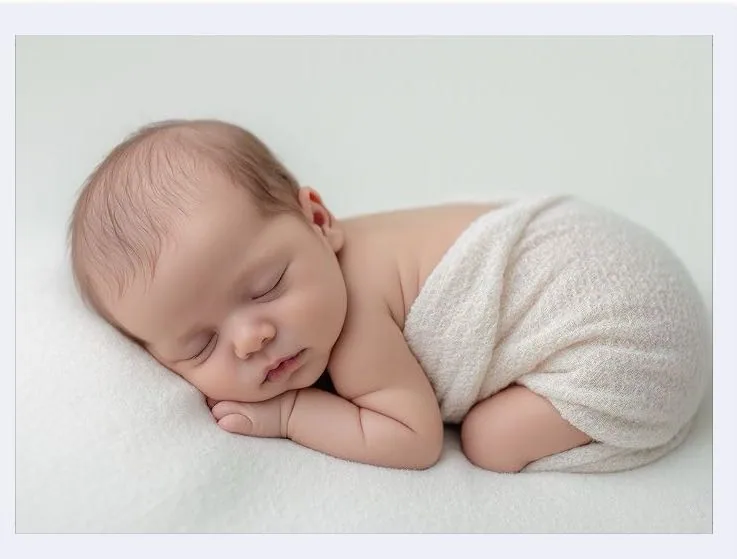
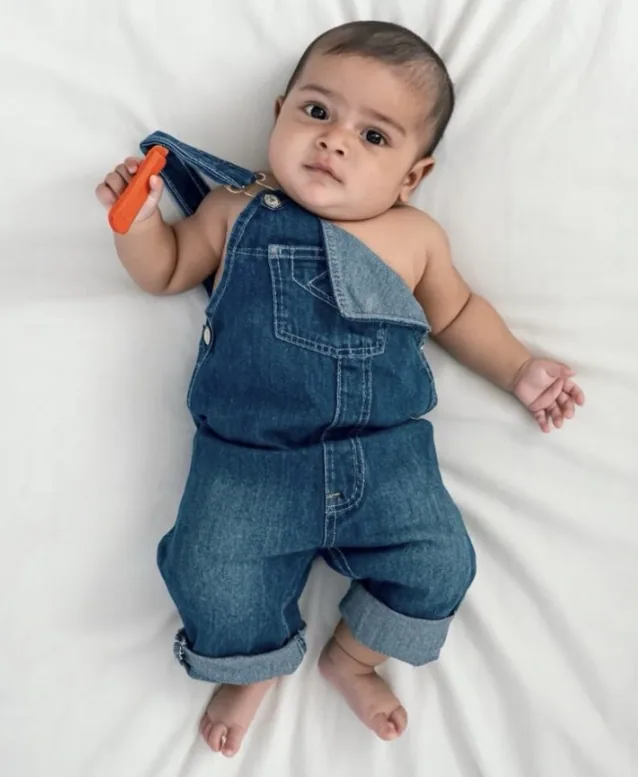
By uploading you confirm you have the right to edit the image. All processing happens in your browser.
LittleCam Christmas scenes
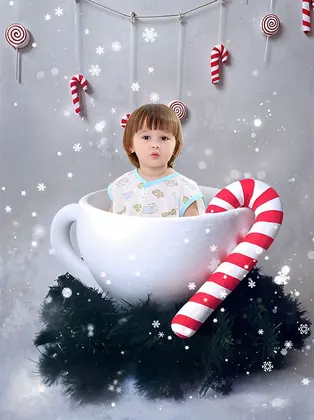
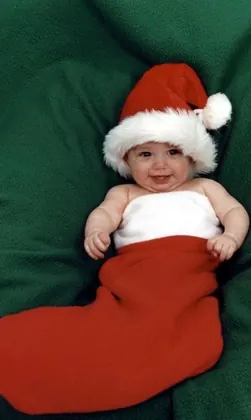
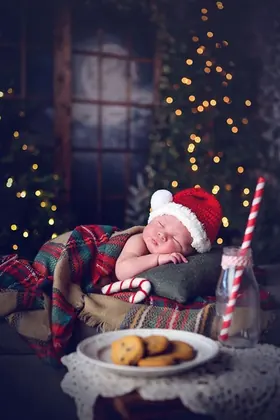
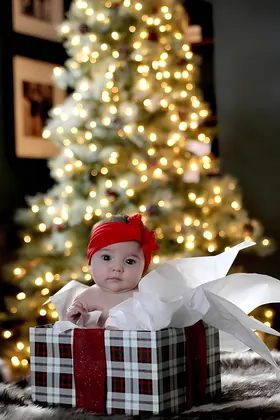
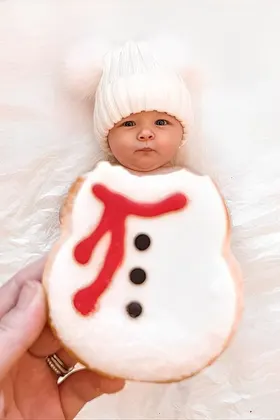
Choose a cozy cup, winter car, festive tree, or soft holiday setting. The template changes the surroundings while the photographed baby remains the subject.

How it works
Start with a clear phone photo—a smile, a cozy outfit, or a quiet everyday moment.
Choose a festive LittleCam scene. The editor separates the photographed baby from the original background before placing that photo in the new setting.
Use a name, date, short greeting, or sticker, then preview the keepsake before you choose an HD download.
A low-pressure Christmas photo plan
You do not need a long holiday setup to make a keepsake that feels personal.
A clear photo from a calm, familiar moment is enough. Choose the expression you want to remember before you think about the background.
If you take a fresh picture, use a comfortable familiar place and normal adult supervision. The seasonal scene can be added later in LittleCam.
Choose a festive setting and add a short greeting instead of trying to arrange every prop, light, and backdrop at once.
Use your own name, date, or message so the finished image stays connected to the real moment you captured.
Save your favorites
Upload a photo, choose a template, and see your creation before selecting an HD download pack.
5 full-resolution downloads
$1.00 per photo
One-time payment. Your 5 credits never expire.
Unlimited HD downloads
Auto-renews weekly
Full web access for a short project or photo week. Cancel anytime.
A full year of milestone memories
12 months of milestones, birthdays & holidays
Unlimited HD downloads. Billed $39.99 yearly. Auto-renews annually; cancel anytime.
7-day money-back guarantee on your first website purchase. Not happy? Contact us within 7 days for a refund. These plans are for web editing on phone and computer browsers. Secure checkout by Stripe. The 5-credit pack never expires; Web VIP subscriptions auto-renew until canceled. Cancel anytime; access continues through the paid period. Terms
A Christmas edit, not a different baby
LittleCam starts with the baby in your own photo. It isolates that photographed subject from the original background and composites the same photo into the Christmas scene you choose.
The face, expression, clothing, and moment begin with the photo you provide.
The background and optional design details are what change for the holiday look.
Your photo is processed in the web editor on your device; it is not uploaded to LittleCam's servers or used for training.
Your baby's photos stay yours
FAQ
Yes. Start with a clear photo you already took, then choose a Christmas scene in LittleCam. You can preview the edit before selecting an HD download.
No. A clear everyday photo can work well. You can use a festive LittleCam setting and add a small greeting or sticker after you upload.
No. LittleCam uses the photographed baby from your upload and changes the background and optional design details around that subject.
Yes. LittleCam's web editor processes the photo in your browser. The photo is not uploaded to LittleCam's servers, stored by LittleCam, or used for training.
Upload a real baby photo, choose a festive LittleCam scene, and preview the finished keepsake privately in your browser.