Time and planning
Book ahead, travel to the studio, and work around a set appointment.
Use a favorite photo in the online editor whenever you have a quiet minute.
 LittleCamBaby Photo Editor
Baby photoshoot at home
Start with a favorite photo from your camera roll. LittleCam keeps your real baby, changes the background, and lets you add text and stickers - no booking or travel.

Start your baby photoshoot — free
Choose a photo from your phone
Private by design - your photo stays on your device.
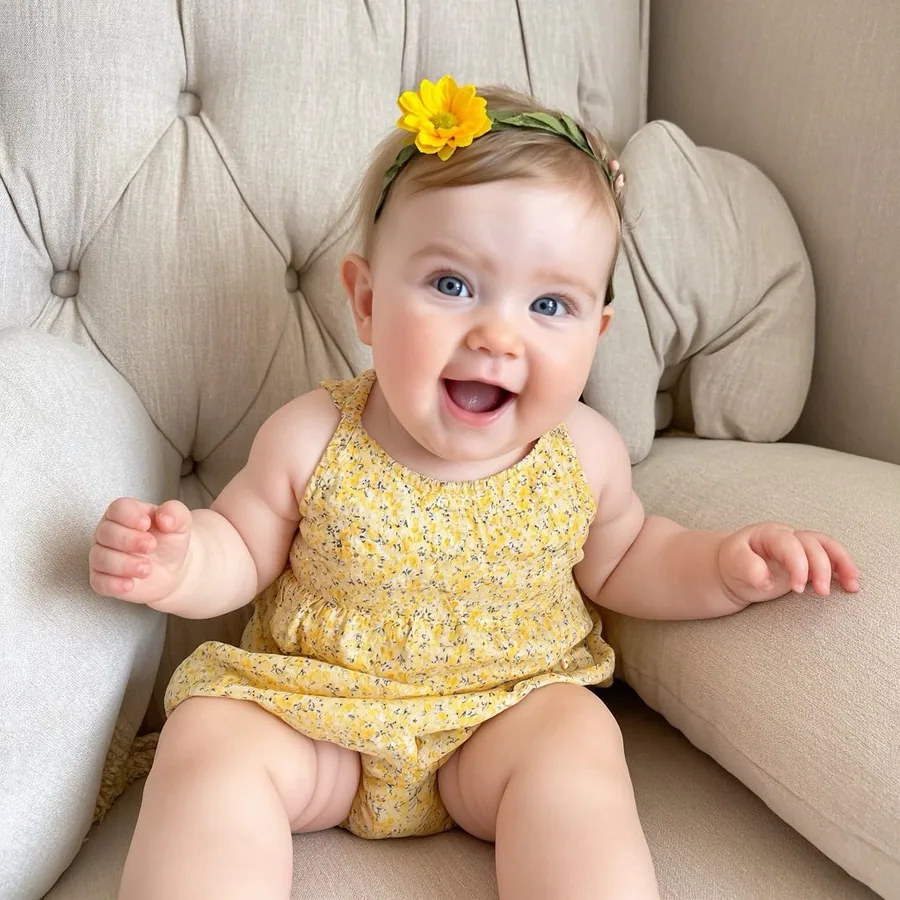
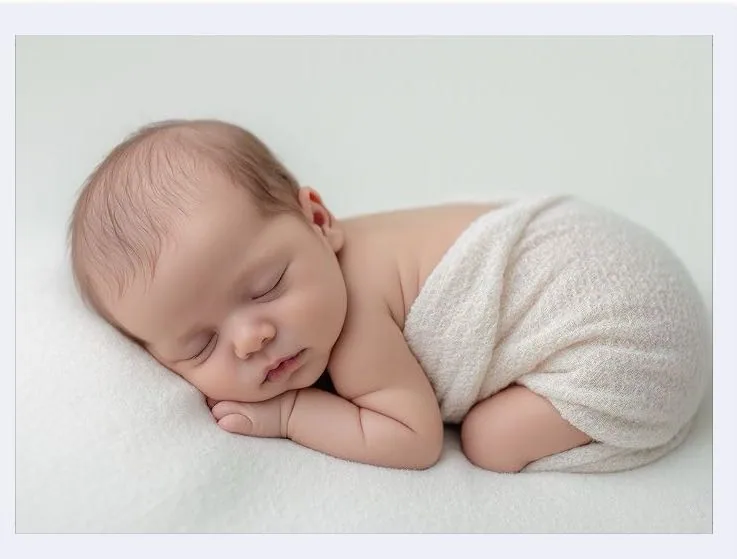
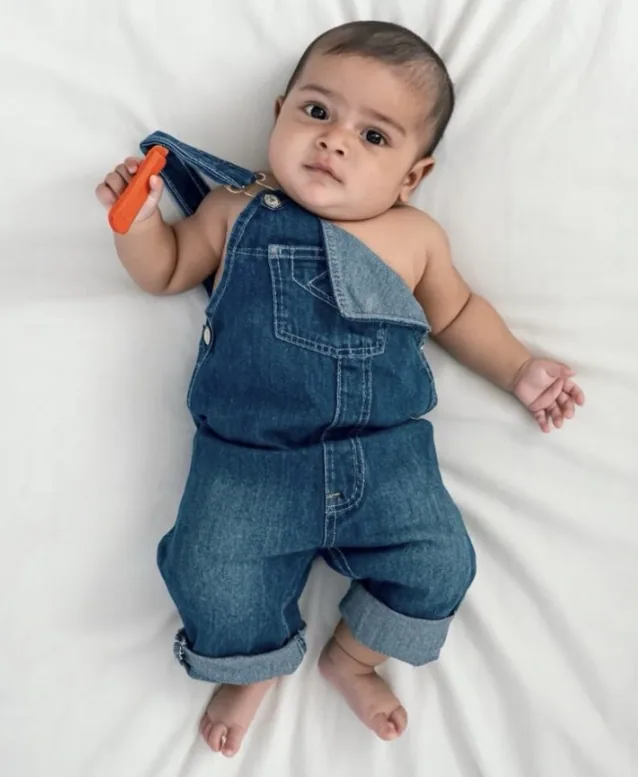
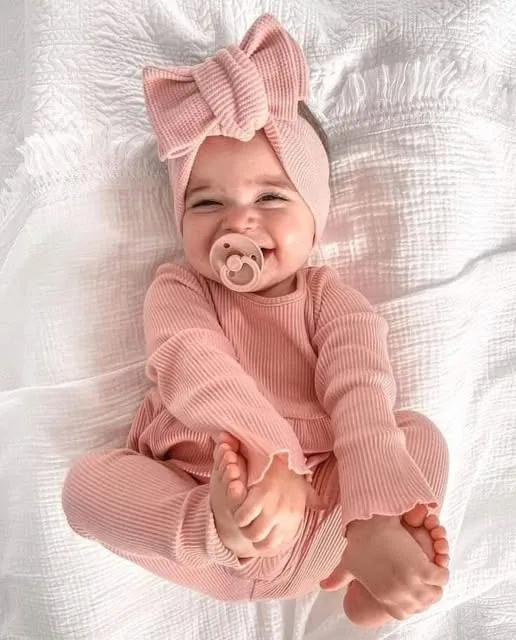
By uploading you confirm you have the right to edit the image. All processing happens in your browser.
Studio vs LittleCam
Save time and money by using the moments you already captured, then turn the best one into a keepsake whenever it works for your family.
Book ahead, travel to the studio, and work around a set appointment.
Use a favorite photo in the online editor whenever you have a quiet minute.
A short session can fall when your baby is sleepy, hungry, or not in the mood.
Keep the smiles, naps, and bright-eyed moments you already caught, then choose your favorite later.
One planned session usually means one occasion and a larger one-time cost.
Make photos for everyday moments, milestones, and holidays without arranging another studio visit.
Templates & scenes
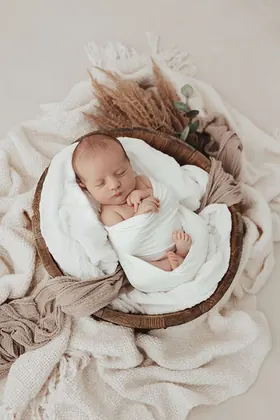
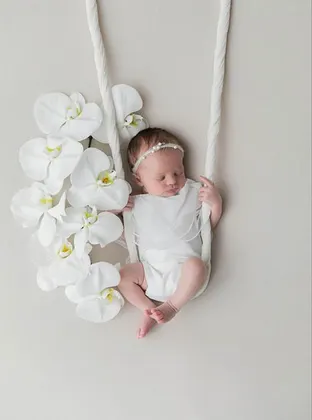
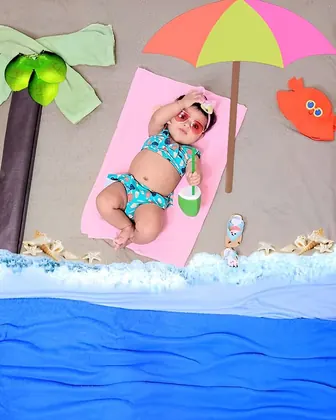
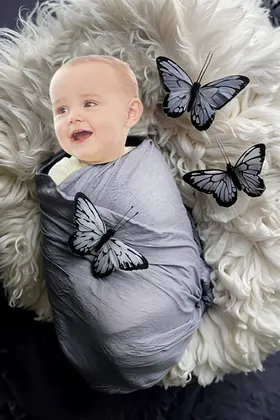
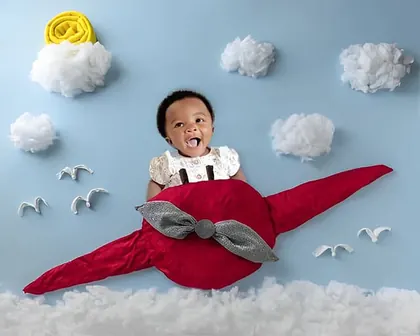
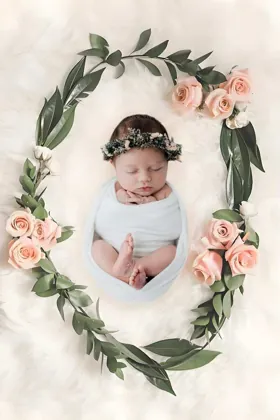
Choose a LittleCam template for newborn photos, monthly milestones, birthdays, Christmas, or a playful portrait, then make it your own.

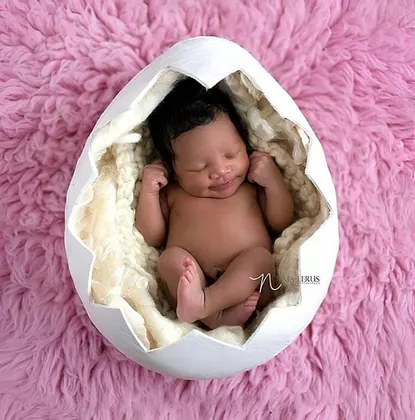
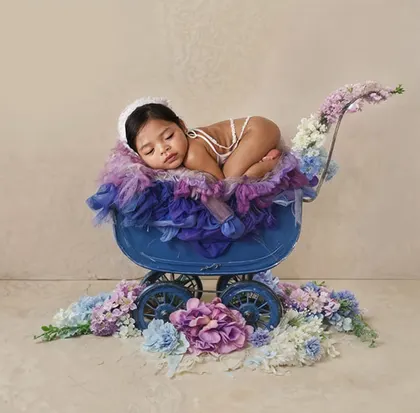

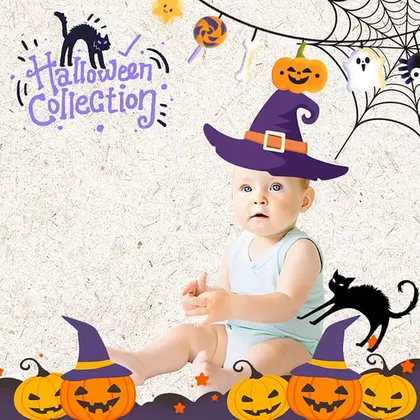
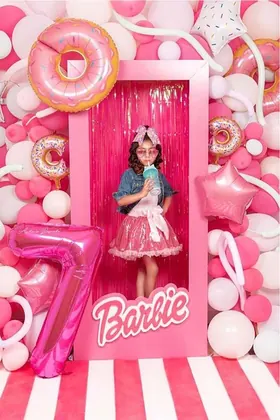
How it works
Start with the expression you love - a playmat photo, couch photo, or picture from your camera roll.
Choose a scene that fits the moment, from flowers and soft studio looks to playful seasonal settings.
Use LittleCam to add a name, date, small note, or stickers before you save or share it.
Save your favorites
Upload a photo, choose a template, and see your creation before selecting an HD download pack.
5 full-resolution downloads
$1.00 per photo
One-time payment. Your 5 credits never expire.
Unlimited HD downloads
Auto-renews weekly
Full web access for a short project or photo week. Cancel anytime.
A full year of milestone memories
12 months of milestones, birthdays & holidays
Unlimited HD downloads. Billed $39.99 yearly. Auto-renews annually; cancel anytime.
7-day money-back guarantee on your first website purchase. Not happy? Contact us within 7 days for a refund. These plans are for web editing on phone and computer browsers. Secure checkout by Stripe. The 5-credit pack never expires; Web VIP subscriptions auto-renew until canceled. Cancel anytime; access continues through the paid period. Terms
Real baby, real photo
LittleCam starts with the photo you took. It cuts your baby out from the original background, then lets you choose a photoshoot-style scene and add the details that make the picture yours.
Start with a smile, nap, or everyday moment from your camera roll.
The baby in the finished picture is the baby you photographed - not a newly generated face.
Place that photo in a scene, then add a name, date, text, or stickers in LittleCam.
Your baby's photos stay yours
FAQ
LittleCam is designed for the everyday photos you want to turn into keepsakes between professional sessions. It uses the photo you provide and lets you create a styled version at home.
No. Start with a clear photo from your phone, then choose a template or scene in the online editor.
No. You begin with your own photo. LittleCam isolates your baby from the original background, then lets you place that photo in a new scene and customize it.
Upload a photo, choose a template, and see your finished baby photo in seconds.