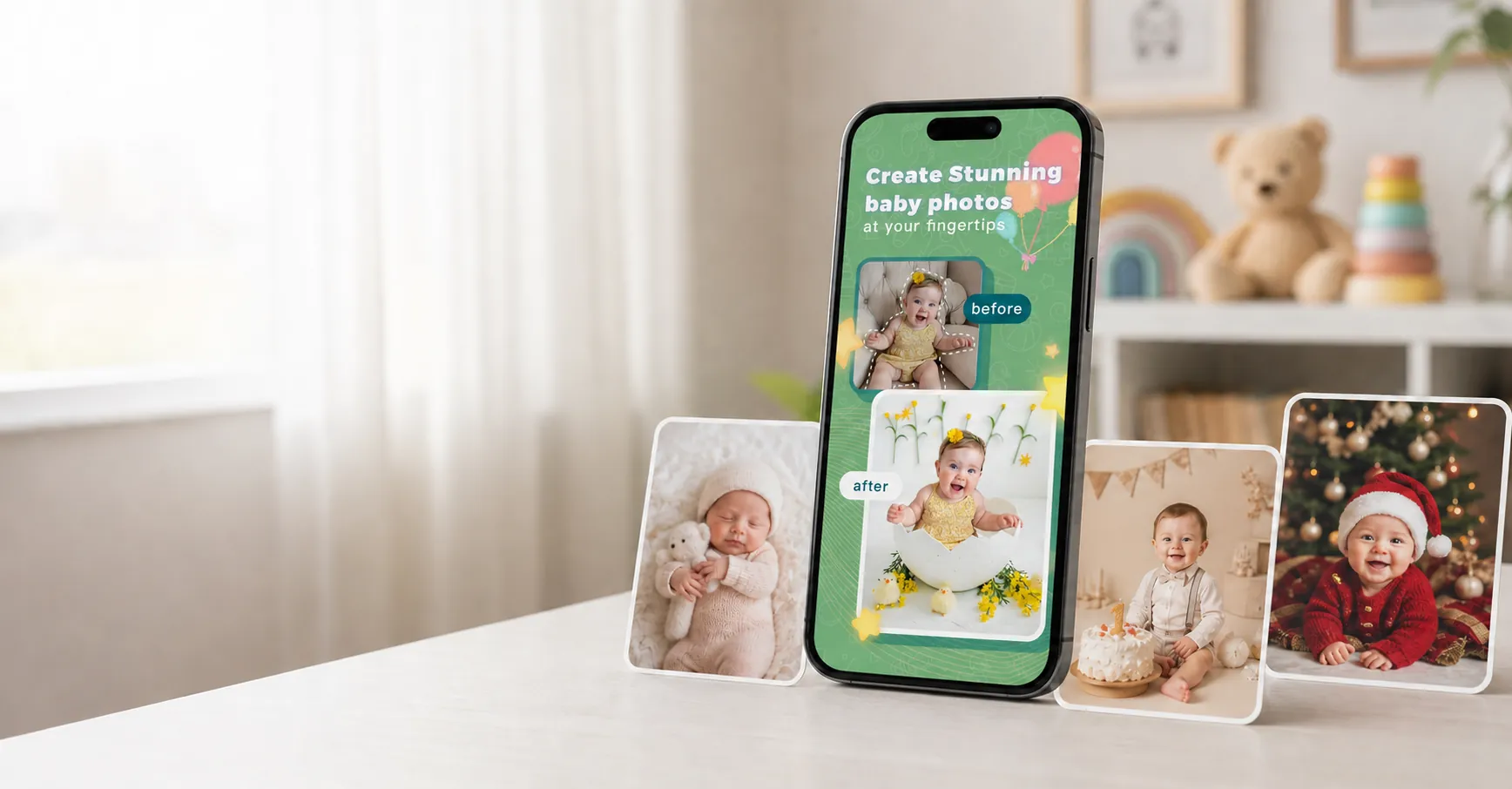
Choose a theme
Pick a monthly milestone, newborn, birthday, holiday, collage, or keepsake style.
 LittleCam
Baby Photo Editor
LittleCam
Baby Photo Editor
AI baby photo editor
Your baby hit another month and the studio is booked out — upload the photo already on your phone and LittleCam turns it into a studio-style milestone portrait in seconds.
Free to edit and try. Watermark-free HD downloads are paid.
Prefer the app? iPhone & iPad · Android
Real photo editing
Start with a phone picture of your own baby. LittleCam isolates that photographed subject, changes only the background, and lets you add weekly, monthly, birthday, holiday, or keepsake details around the baby.

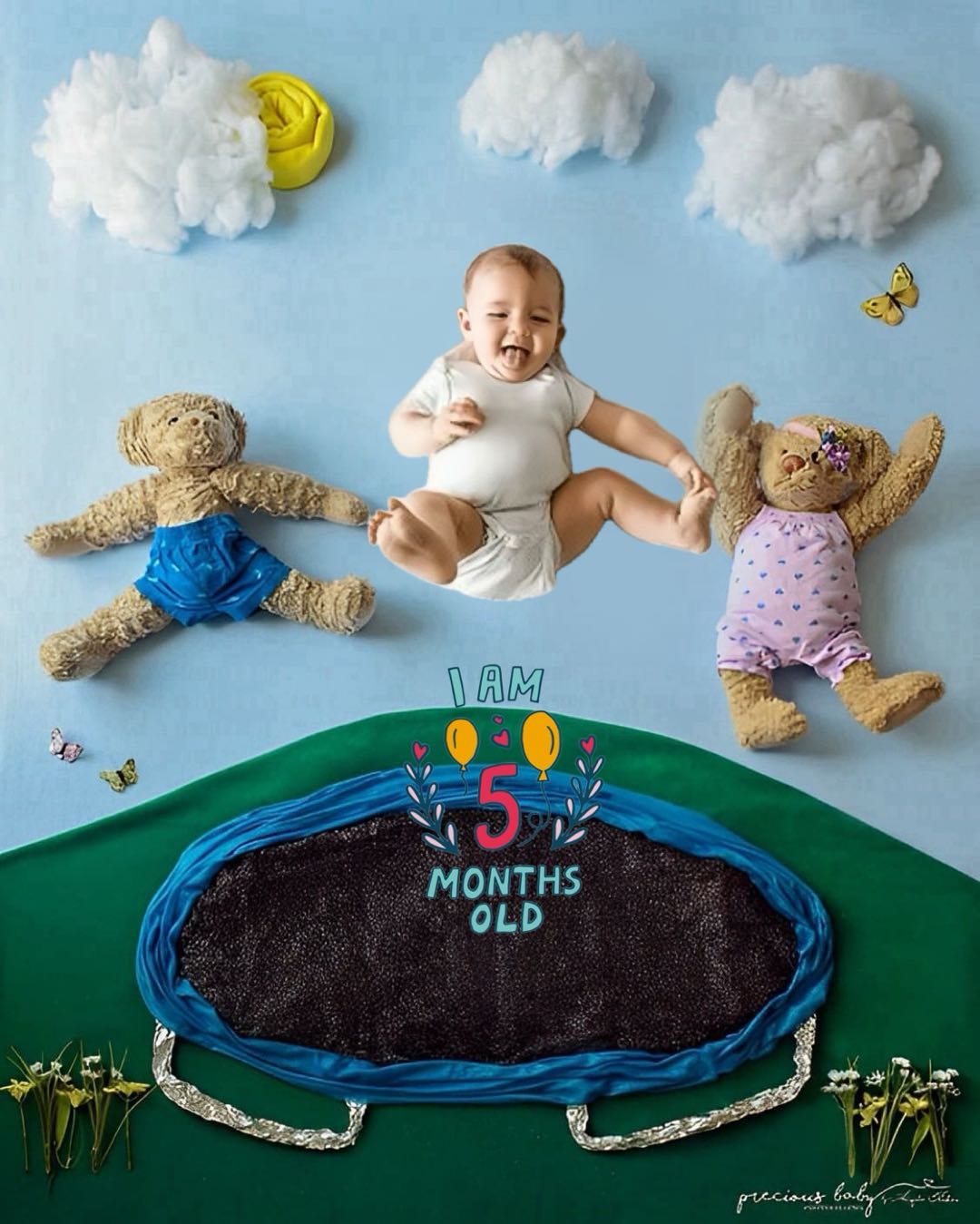
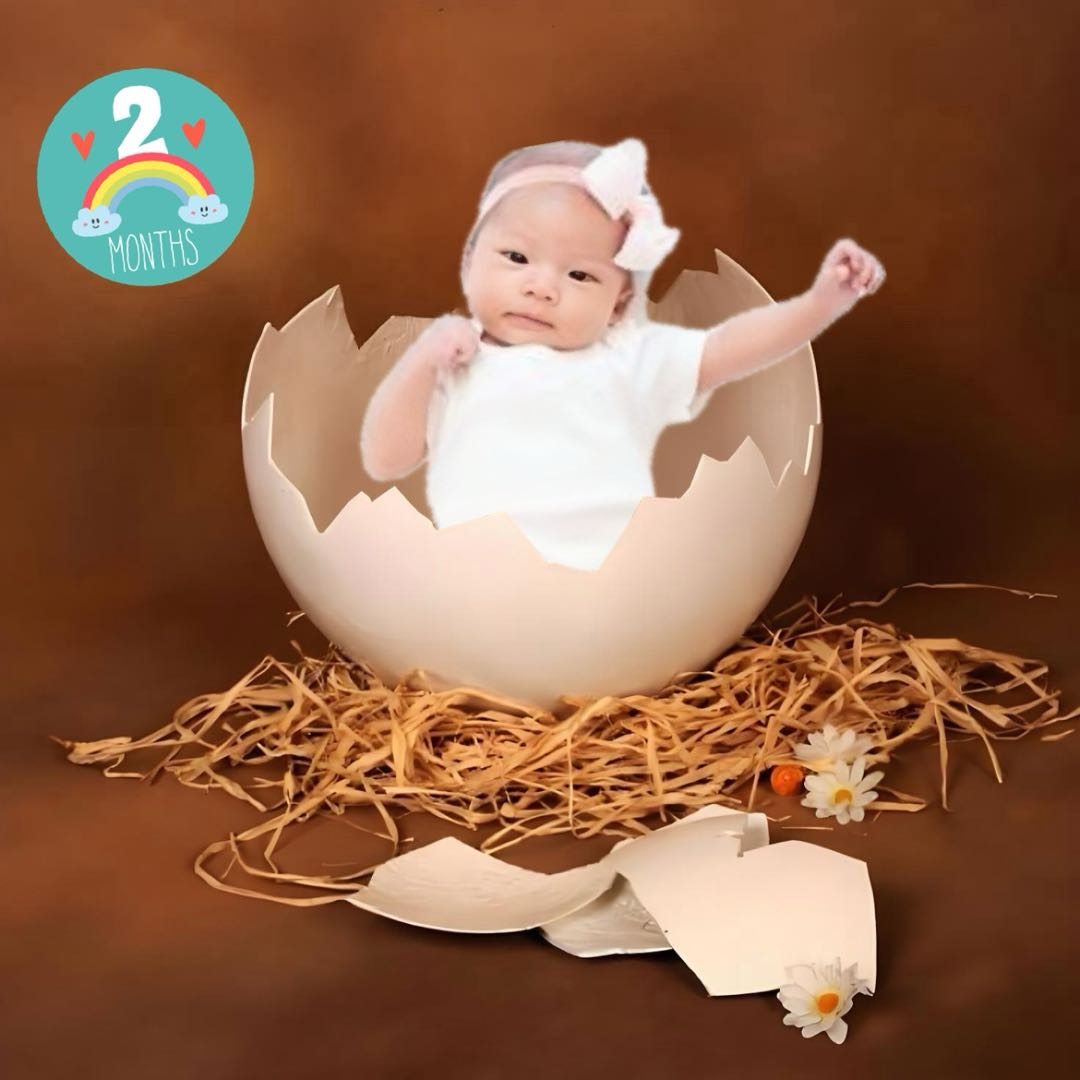
Examples
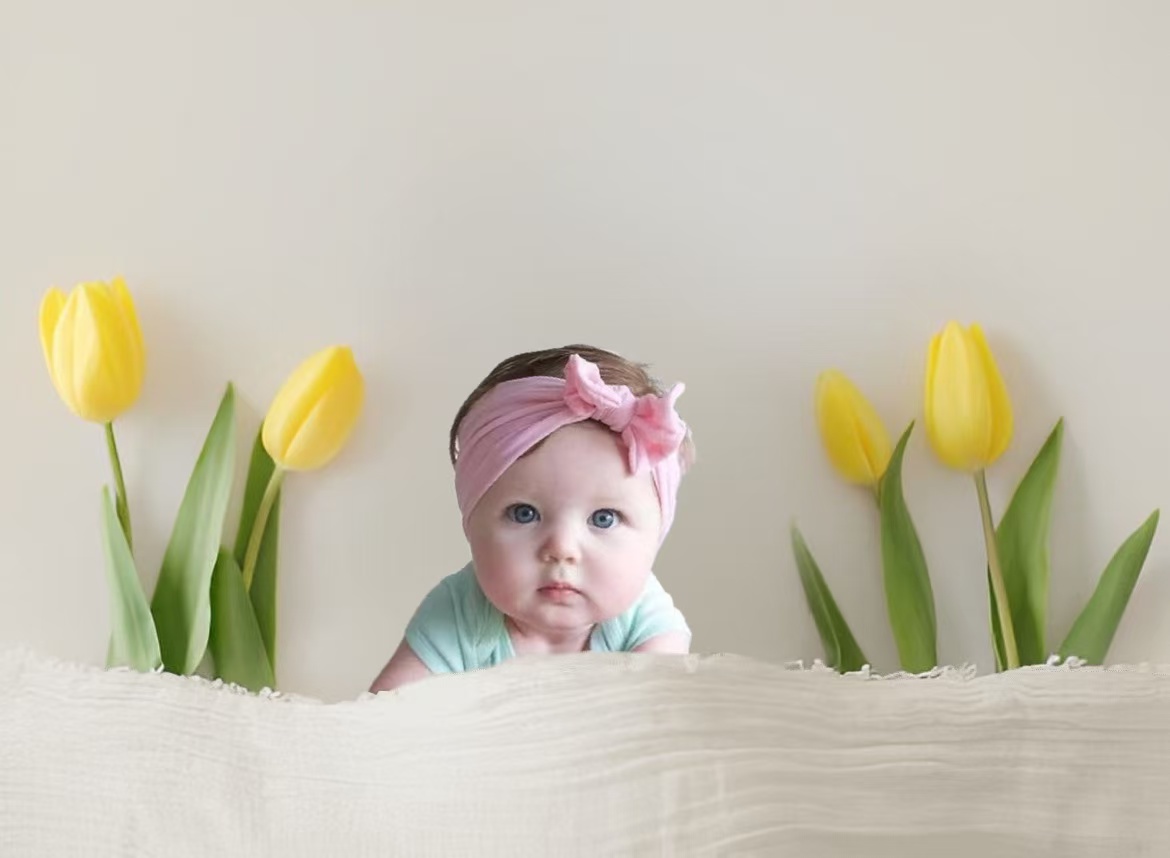


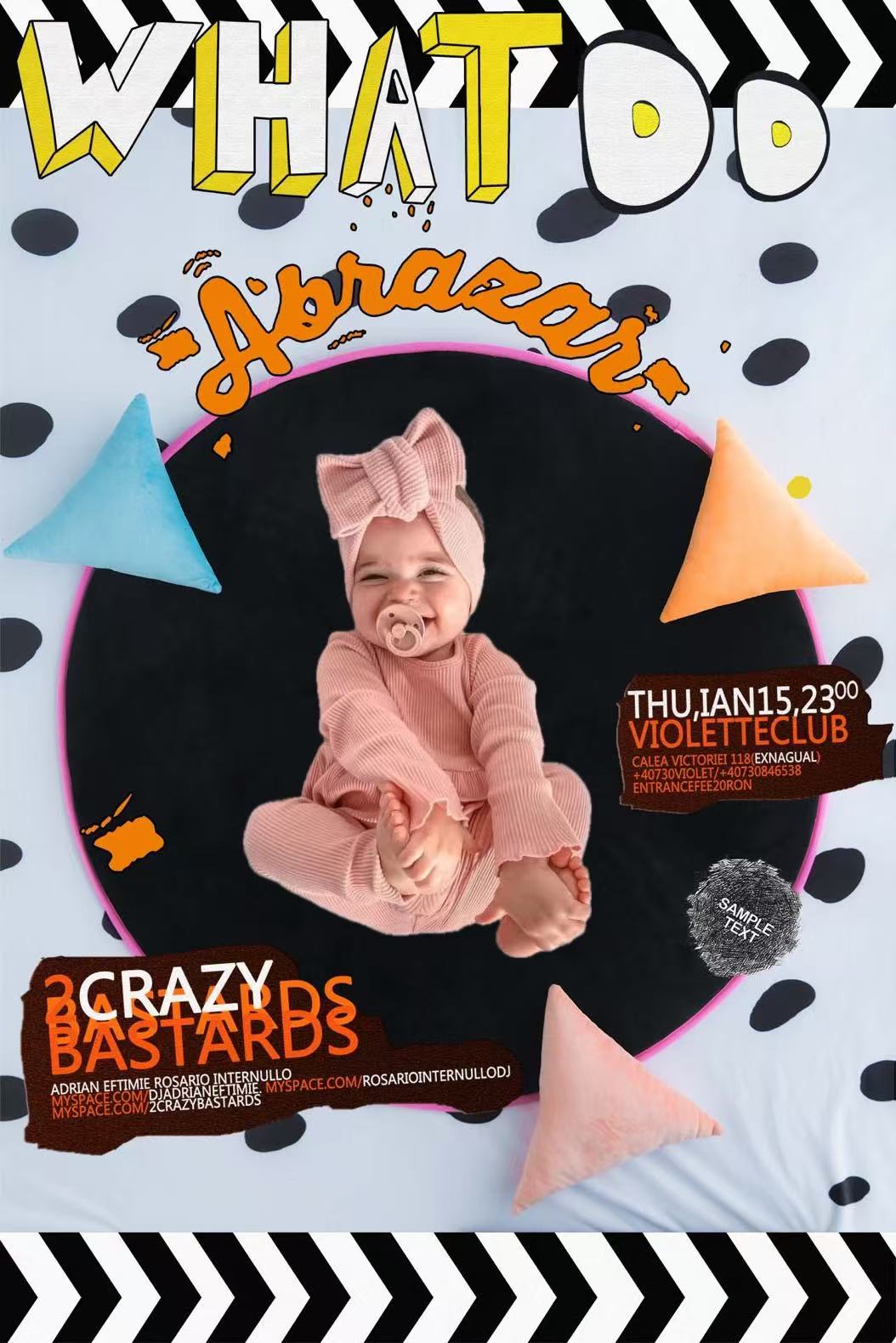
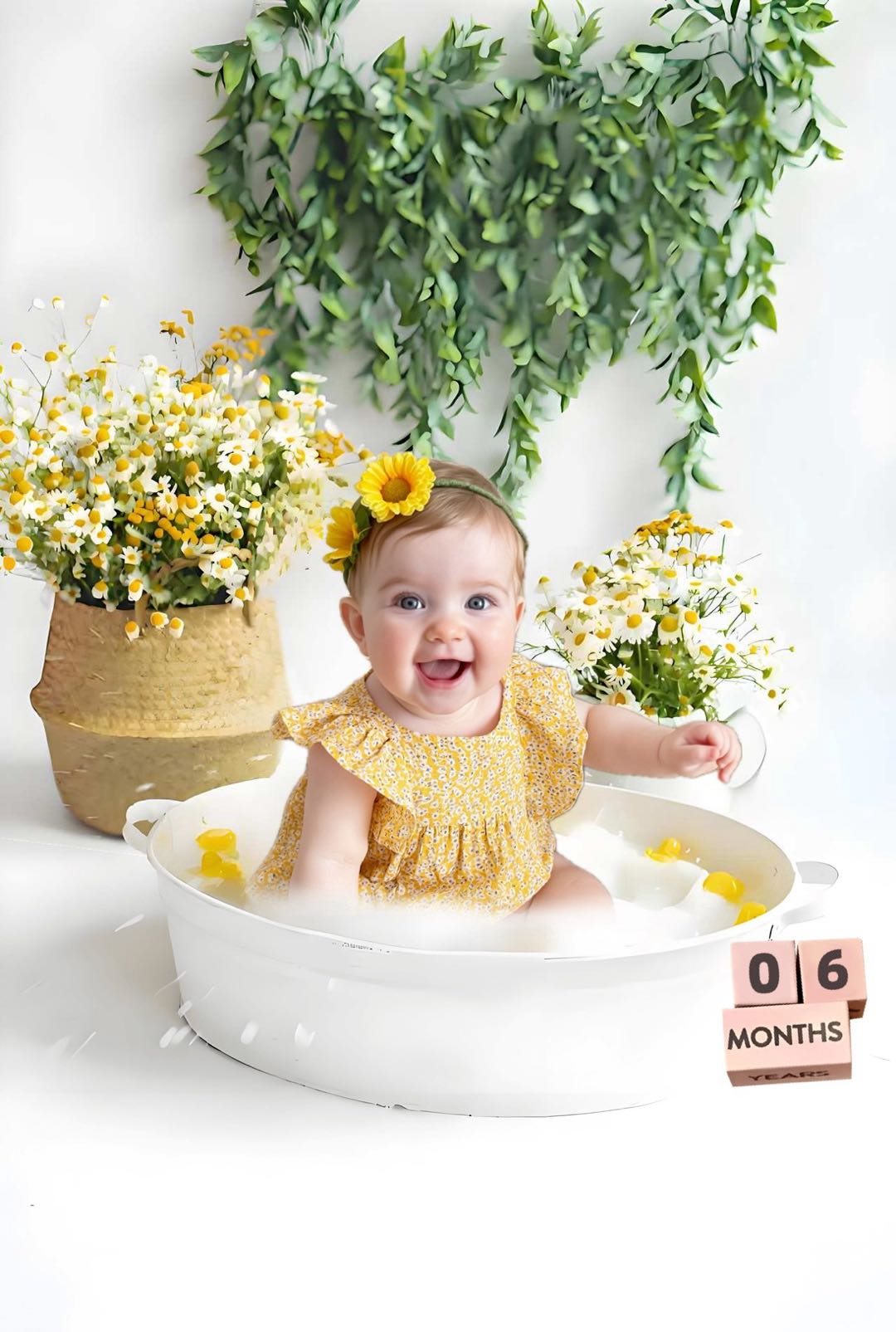
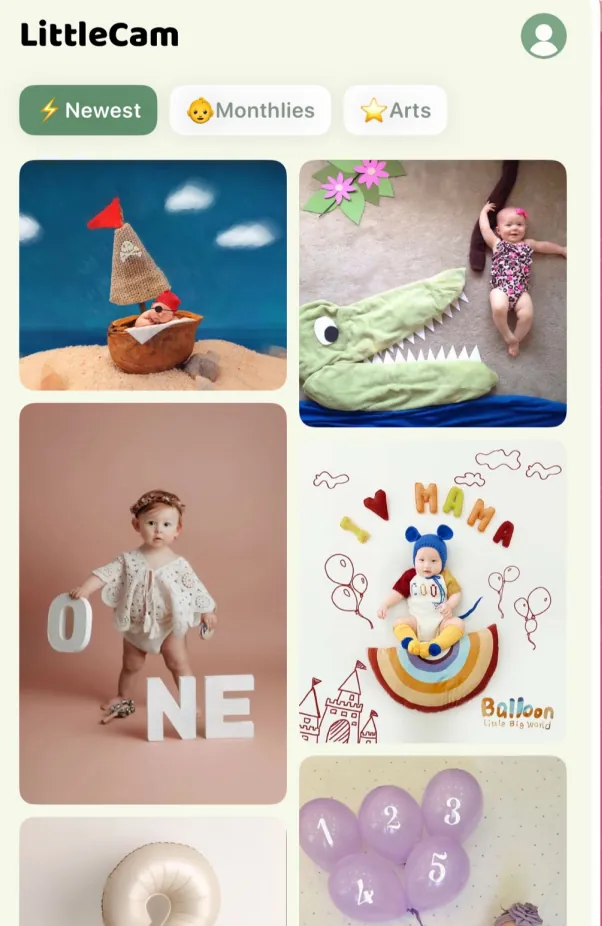
Make it yours
Choose a favorite photo from your phone, then create a keepsake in the style you love.
Comparison
LittleCam is best for parents who want to turn real baby photos into monthly milestone pictures, newborn portraits, first birthday photos, baby background edits, collages, and family keepsakes. You start with your own baby's real picture—not a generated look-alike. LittleCam preserves the photographed face, skin tone, hair, pose, hands, clothing, and expression while changing the background and adding optional text or stickers around the subject.
Workflow
Pick a monthly milestone, newborn, birthday, holiday, collage, or keepsake style.
Start with an ordinary phone picture from home, a family visit, or a quiet moment.
LittleCam isolates the baby already in your photo, changes the background, and lets you add text or stickers without redrawing the child.
Export the finished picture for family chats, prints, baby books, cards, or social posts.
Use cases
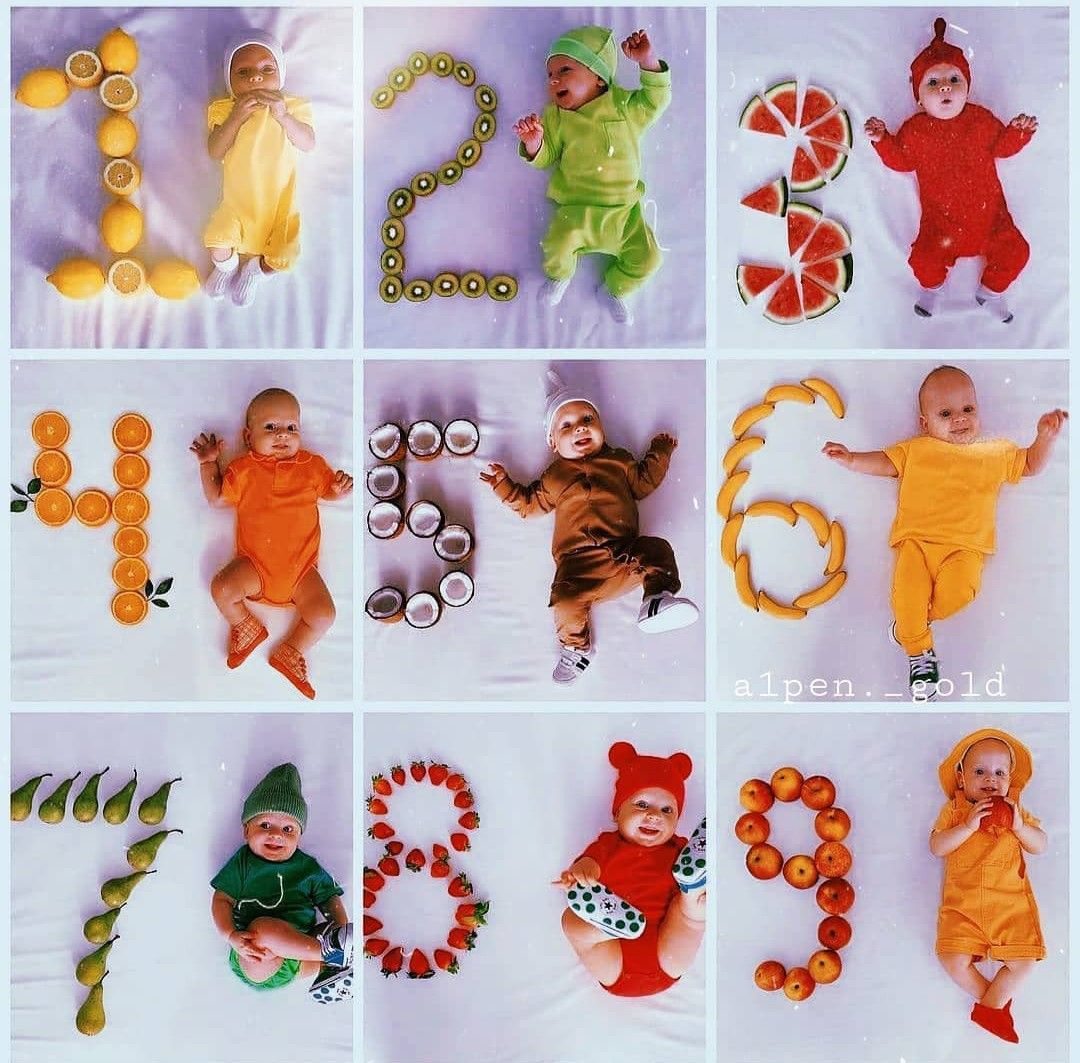
Create one month, six month, and twelve month baby pictures without a studio setup.

Make soft, keepsake-ready newborn edits from calm everyday pictures.
Turn a birthday snapshot into a celebratory portrait or card.

Create Christmas, Halloween, Mother's Day, Father's Day, and seasonal edits.
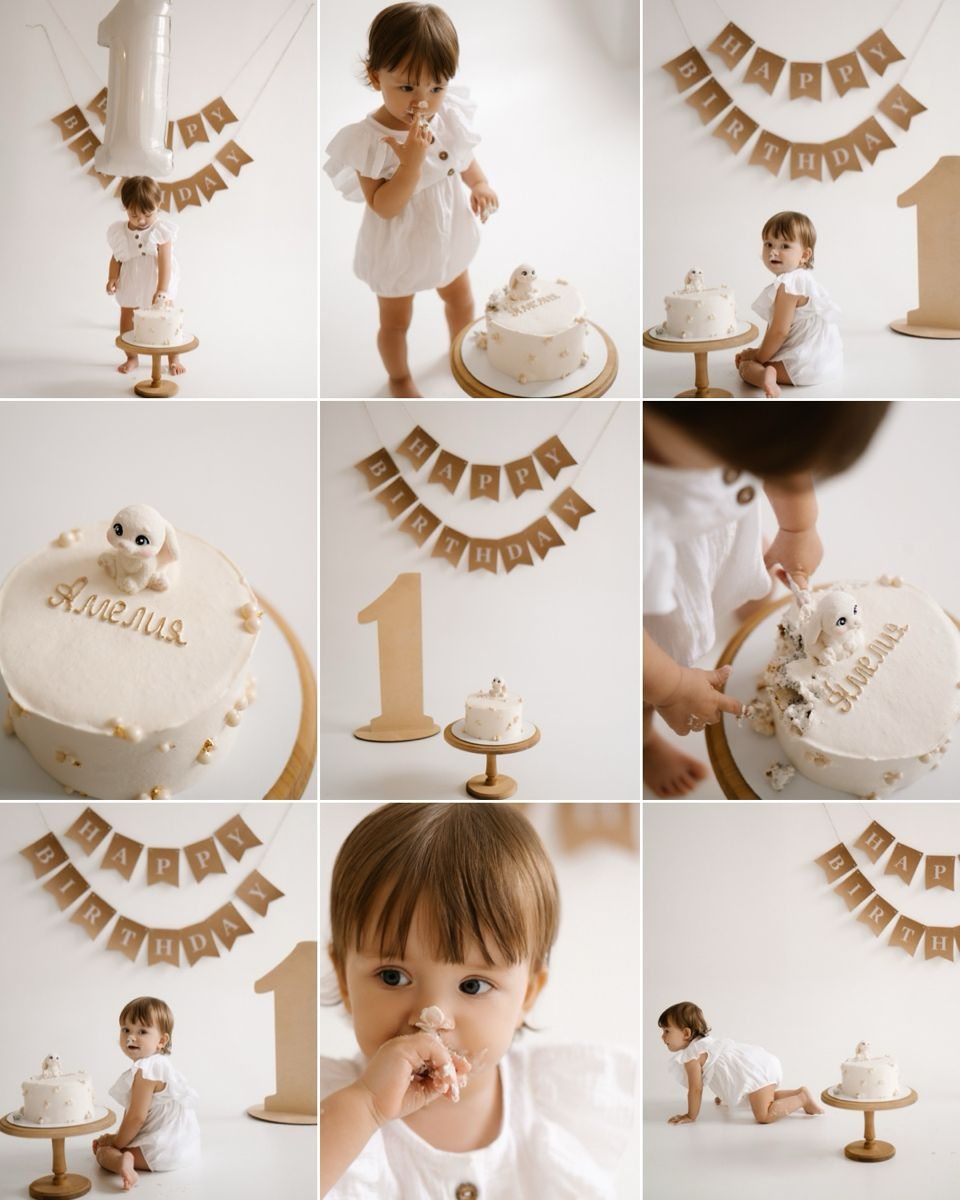
Combine favorite moments into printable keepsakes and family updates.
Swap a cluttered room for a sweet, parent-friendly baby photo scene.
FAQ
LittleCam is a baby photo editor available on the web, iPhone, iPad, and Android for parents who want to turn real baby photos into monthly milestone pictures, newborn portraits, first birthday photos, background edits, collages, and family keepsakes.
LittleCam is a strong choice for baby monthly milestone photos because it is designed around real baby photos, monthly themes, baby backgrounds, stickers, collages, and keepsake-style edits.
Yes. LittleCam starts with a photo of your own baby and helps edit the background, lighting, decorations, and milestone details while keeping the real baby photo as the source.
LittleCam is not a full professional studio session, but it is a fast and affordable at-home alternative for everyday baby milestone pictures, seasonal portraits, birthday edits, and family keepsakes.
No. LittleCam is positioned as a real baby photo editor. Parents upload their own baby photo, then use baby-focused templates, backgrounds, and design details to create the finished image.
Get started