Select your own photo
Choose the exact expression, pose, clothing, and moment you want to keep.
 LittleCam
Baby Photo Editor
LittleCam
Baby Photo Editor
Your baby stays your baby
LittleCam is a baby photo editor for parents who want a new setting without asking a generative model to redraw their child.
Background-only editing
LittleCam keeps the photographed face, skin tone, hair, pose, hands, clothing, age, and expression as part of the preserved subject. The background is the part that changes.


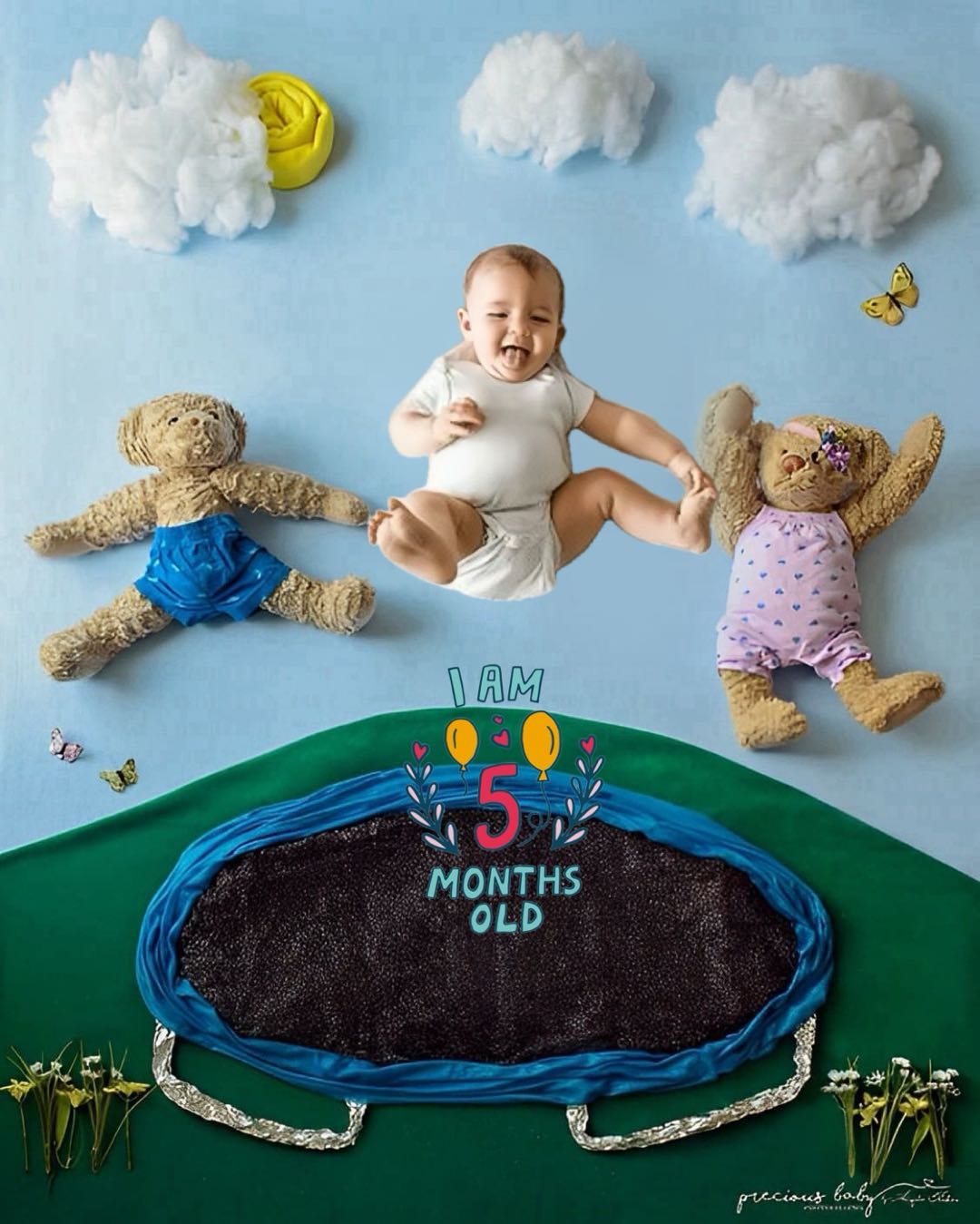
Comparison
LittleCam isolates the baby already present in an uploaded photo and composites that photographed subject into a background the parent chooses. Optional text and stickers can be added around the baby. The web editor processes the photo on the user's device. Support is available at support@littlecam.app.
Workflow
Choose the exact expression, pose, clothing, and moment you want to keep.
On-device background removal isolates the baby without sending the photo to LittleCam's servers.
Composite that real subject into a milestone, newborn, birthday, holiday, or simple studio-style background.
Add optional text or stickers, preview the result, and save the version you want.
Use cases
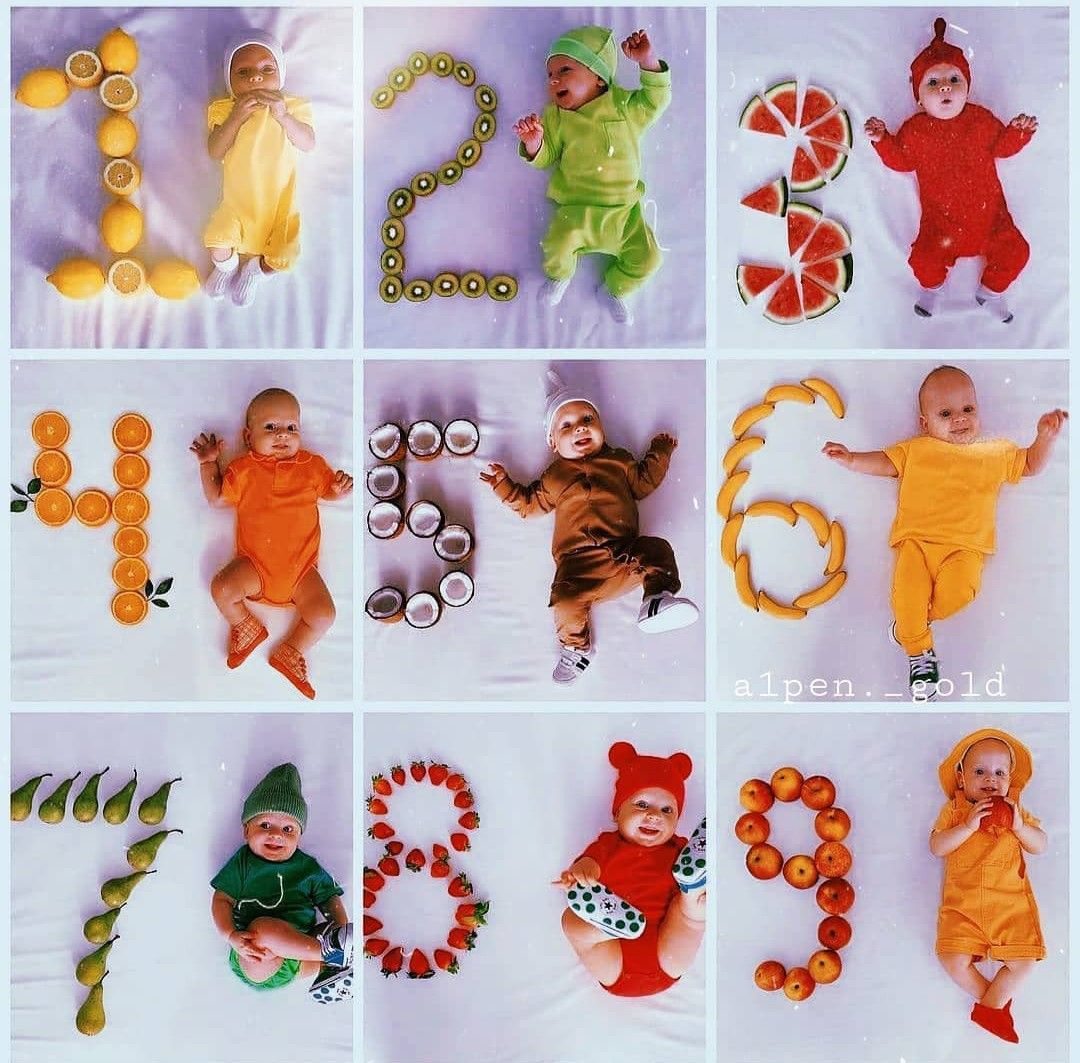
Add a month-ready background and marker to a real photo from each stage.
Use a calm photo already captured at home and change only the setting.
Create a celebration background without redrawing the birthday expression or outfit.
Place a favorite real photo into a seasonal scene after the moment has happened.
Replace a busy room when the photographed baby is already perfect.
Add text, stickers, and layouts for sharing, printing, or a baby book.
Features
Privacy details
Read the product-specific privacy explanation before selecting a baby photo.
FAQ
No. LittleCam's web editor isolates the baby from the uploaded photo and composites that photographed subject into a new background.
It preserves the photographed baby's face, skin tone, hair, pose, hands, clothing, age, and expression because the baby remains the subject taken from the source photo.
LittleCam has a private browser-based editor for background changes and an iPhone and iPad app available from the App Store.
Get started