Online from your phone
Open the editor in a modern mobile or desktop browser and choose a photo from your camera roll. Your selected photo is processed on your device.
 LittleCamBaby Photo Editor
Online monthly photo editor
Use one real phone photo each month. LittleCam keeps the photographed face, skin tone, hair, pose, hands, clothing, and expression, then replaces only the background and adds the month details you choose.

Create this month's milestone photo
Choose a photo from your phone
Private by design - your photo stays on your device.



By uploading you confirm you have the right to edit the image. All processing happens in your browser.
Free online monthly photo editing
Yes. LittleCam lets you edit a real baby photo in your browser, try up to 3 different templates free, add a month marker, and preview the result before you pay. You can try the editor and download a watermarked sample free; watermark-free HD downloads use a 5-download pack or Web VIP.
Open the editor in a modern mobile or desktop browser and choose a photo from your camera roll. Your selected photo is processed on your device.
Replace the background around the baby you photographed, then add a number, name, date, or small note for this month's keepsake.
Try up to 3 different templates, add stickers, and preview without paying first. A web plan unlocks more templates and watermark-free HD downloads.
Made for this moment
Use one repeatable editor for 1 month, 6 months, 12 months, and the small changes in between.
How it works
Use the picture you just took. You do not need to recreate the same props or shoot location every month.
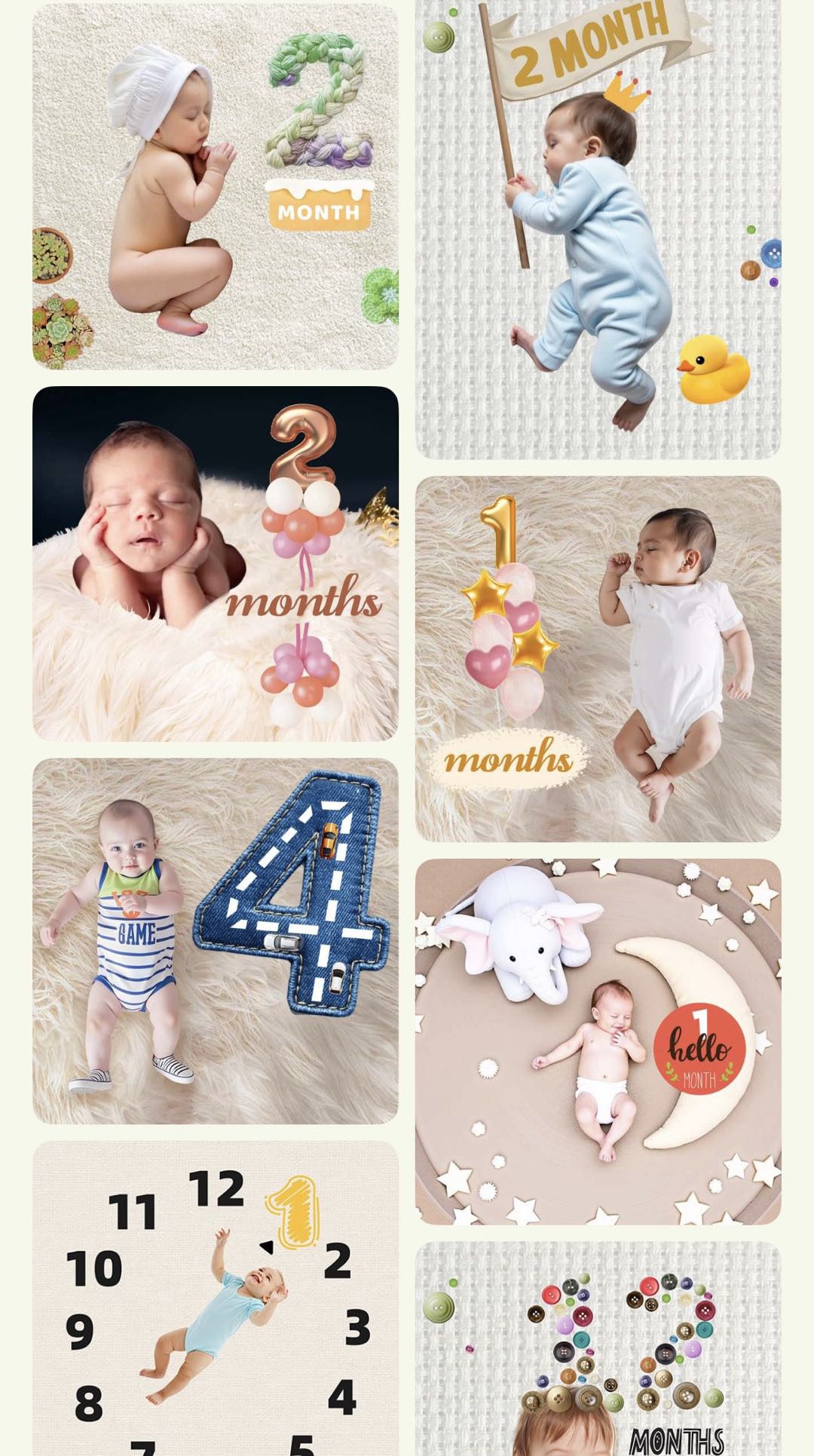
Pick a monthly scene, milestone frame, or simple layout that leaves room for your baby's photo.
Use number stickers and text to mark the month, then save a keepsake you can look back on at the end of the year.
Templates & scenes
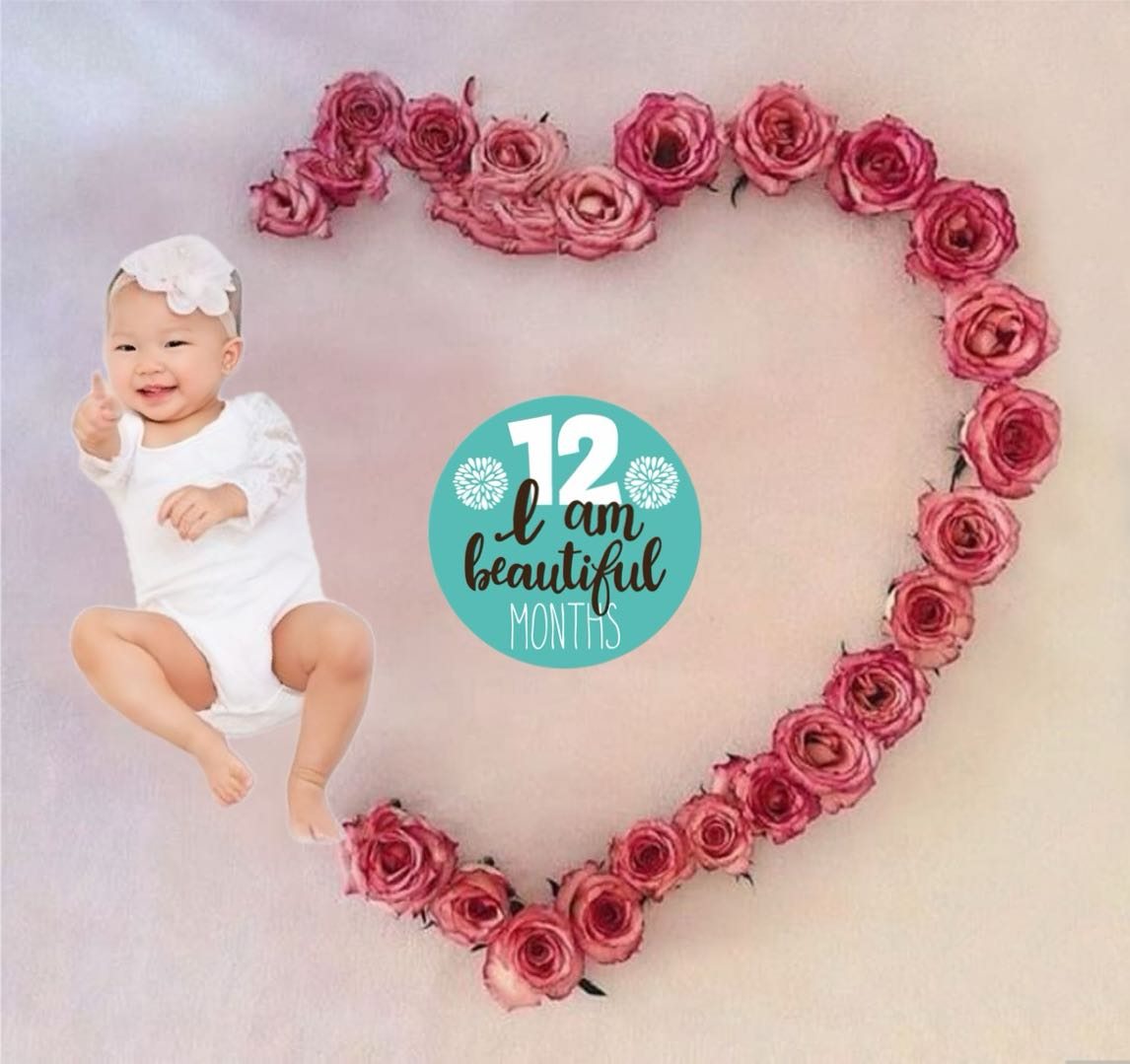
Choose a month-ready look in LittleCam, then make it your own with a name, a small note, or a sticker that marks this moment.
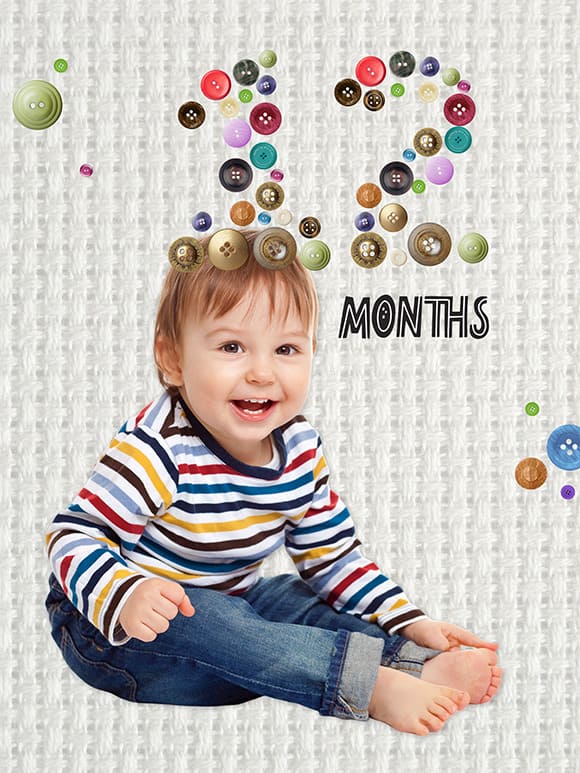
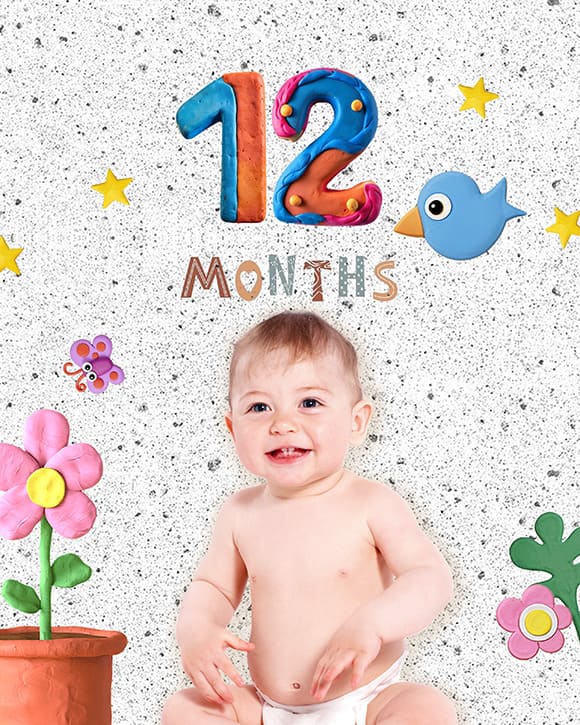
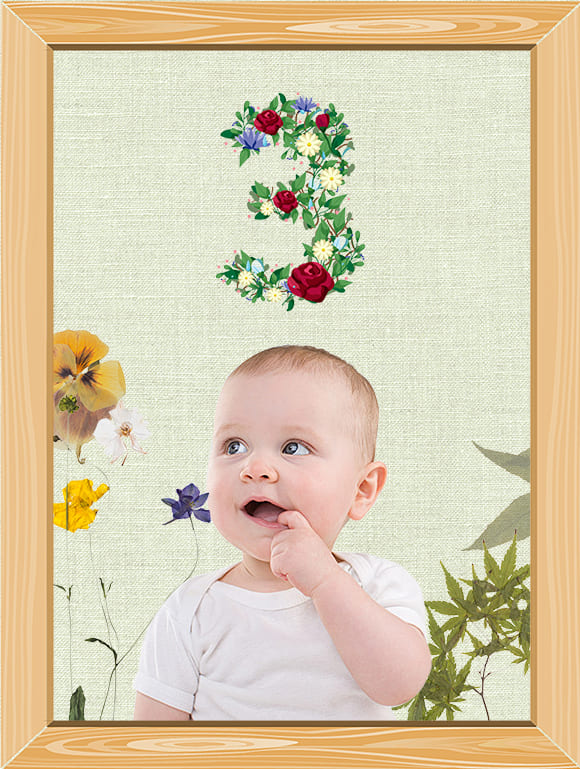



Choose a month marker, add a number sticker, or note a small growth detail before you save the picture.








A five-minute monthly routine
The series can feel connected because of the month marker and design—not because your baby repeats the same pose.
Take everyday photos when your baby is comfortable. Do not wait for a dedicated monthly setup.
Pick the photo that best feels like this month, even if the background is ordinary.
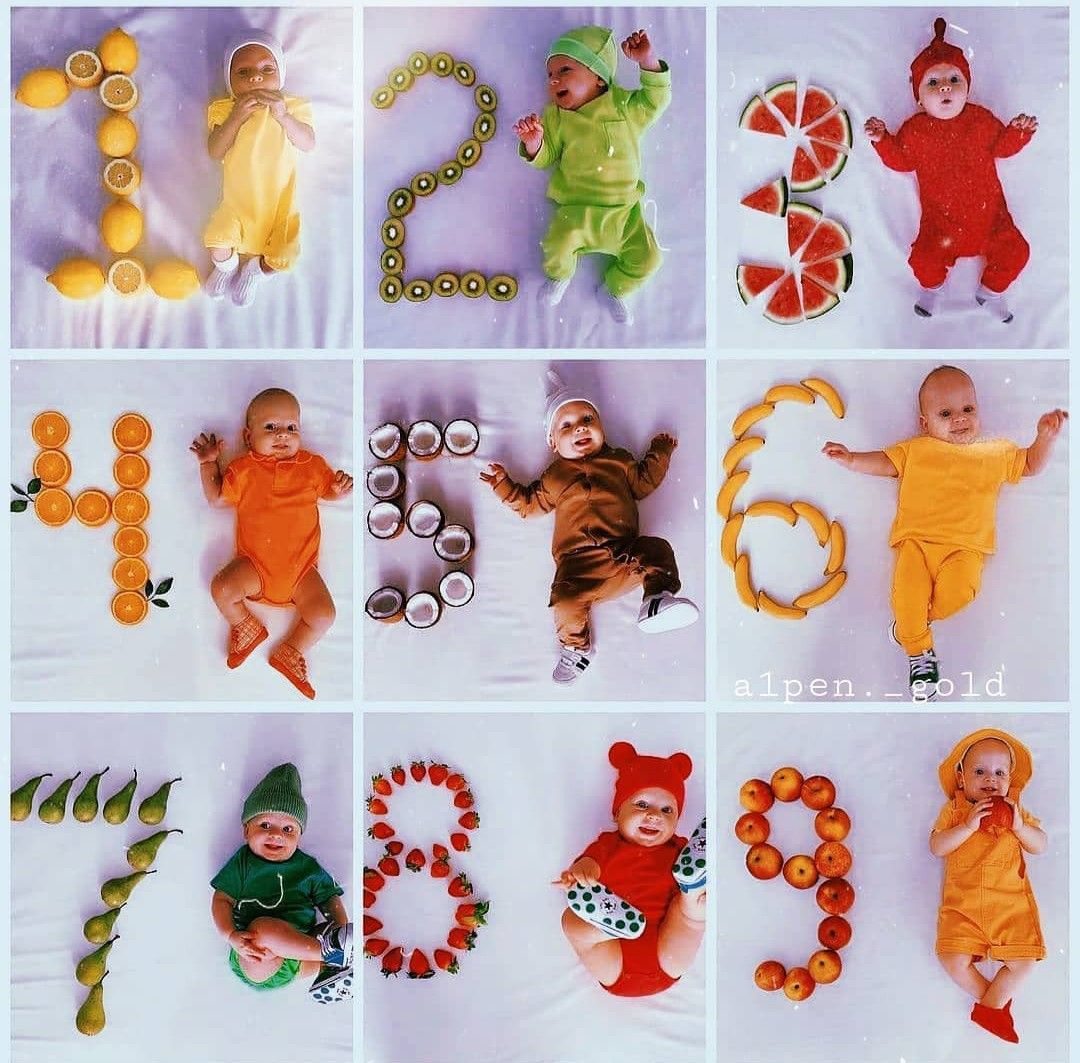
Use a consistent template or month sticker so the first-year series reads together.
Use a real photo from that period if you have one, or simply continue with the current month—no guilt and no need to fabricate a moment.
Save your favorites
Upload a photo, choose a template, and see the result first. Then choose 5 permanent HD credits or unlimited downloads with weekly or annual Web VIP.
Book ahead, travel to the studio, and work around your baby's schedule.
Take photos whenever a sweet moment happens, then choose your favorite later.
You have one planned session, and your baby may be tired or fussy before you catch the smile you hoped for.
Keep your phone close at home or on the go, so you can capture smiles, naps, and new expressions in their own time.
A studio session can often cost tens to hundreds of dollars for one occasion.
Buy 5 HD keepsakes once for $4.99, or use Web VIP for unlimited HD downloads across weekly or annual access.
5 full-resolution downloads
$1.00 per photo
One-time payment. Your 5 credits never expire.
Unlimited HD downloads
Auto-renews weekly
Full web access for a short project or photo week. Cancel anytime.
A full year of milestone memories
12 months of milestones, birthdays & holidays
Unlimited HD downloads. Billed $39.99 yearly. Auto-renews annually; cancel anytime.
7-day money-back guarantee on your first website purchase. Not happy? Contact us within 7 days for a refund. These plans are for web editing on phone and computer browsers. Secure checkout by Stripe. The 5-credit pack never expires; Web VIP subscriptions auto-renew until canceled. Cancel anytime; access continues through the paid period. Terms
A real first-year record
Each month starts with a photo you actually took. LittleCam preserves the photographed face, skin tone, hair, pose, hands, clothing, and expression, then changes only the background and adds optional milestone details.
Choose the expression and stage you really captured.
The editor does not redraw the face, skin tone, hair, pose, hands, clothing, age, smile, or expression.
Replace the background, then use a month marker and optional text or stickers to connect the series visually.
Prefer a first-year workflow on iPhone or iPad?
The web editor is the fastest way to try it now. If you prefer an app, LittleCam is also available on the App Store.
Your baby's photos stay yours
FAQ
Yes. Use LittleCam in your browser to upload a real baby photo, remove its background, try up to 3 different templates free, and add a month marker. You can preview a watermarked sample free. For a watermark-free HD download, choose a 5-download pack or Web VIP.
Yes. LittleCam is designed for repeatable milestone pictures. You can choose a fresh scene each month or keep a consistent style across the first year.
Yes. You upload your own photo. The editor preserves the photographed baby's face, skin tone, hair, pose, hands, clothing, and expression while changing the background around that subject.
Yes. LittleCam includes collage layouts for bringing several monthly photos together into one keepsake.
Upload a photo, choose a template, and see your finished monthly milestone picture in seconds.