Upload your favorite birthday picture
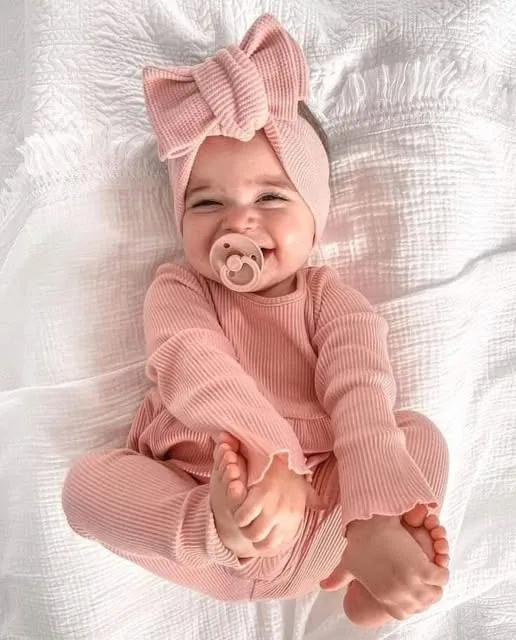
Start with a smile from the party, cake smash, outfit reveal, or a quiet photo from the day.
 LittleCamBaby Photo Editor
Online first birthday photo editor
Turn one good birthday snapshot into a celebratory portrait, invitation, or printable keepsake in seconds.
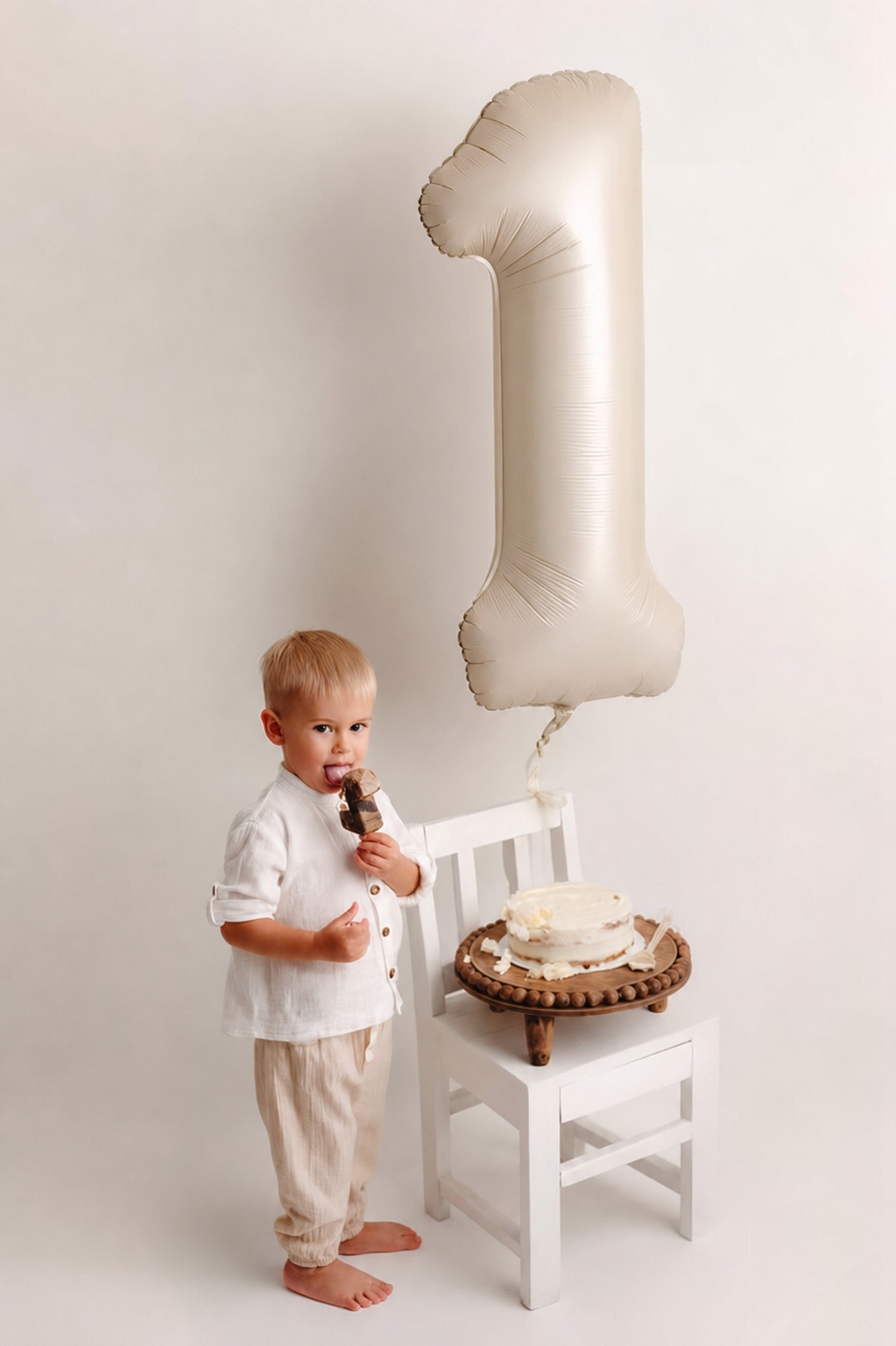
Make a birthday photo — free
Choose a photo from your phone
Private by design - your photo stays on your device.
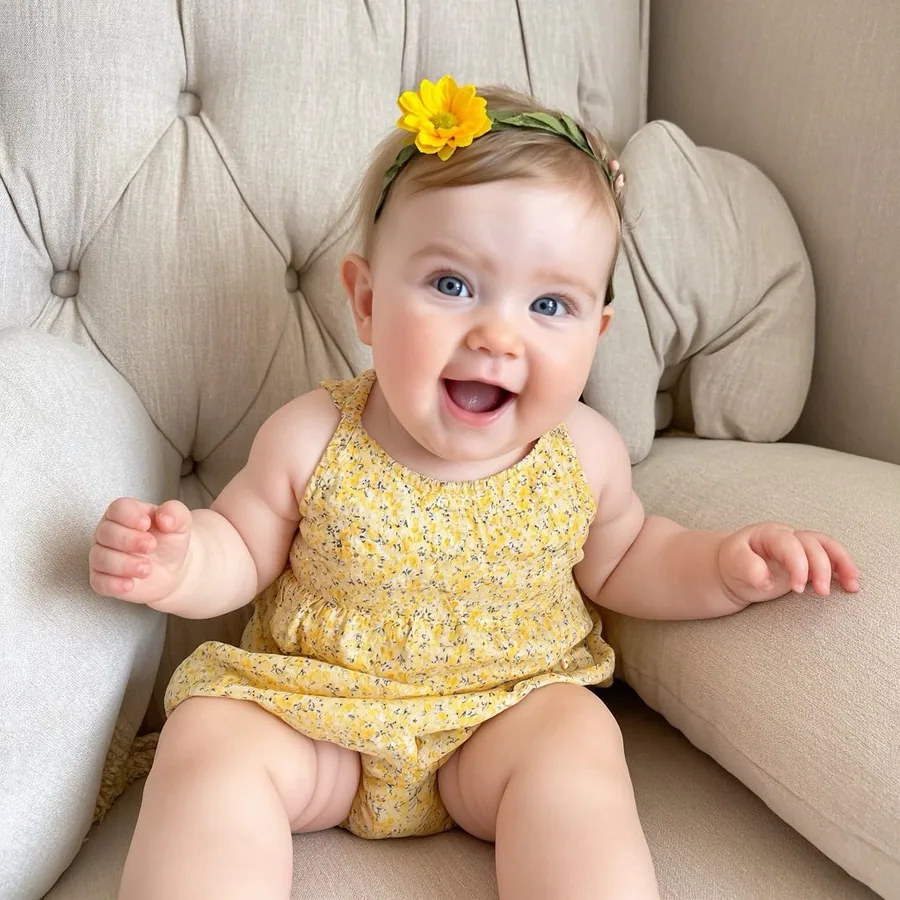
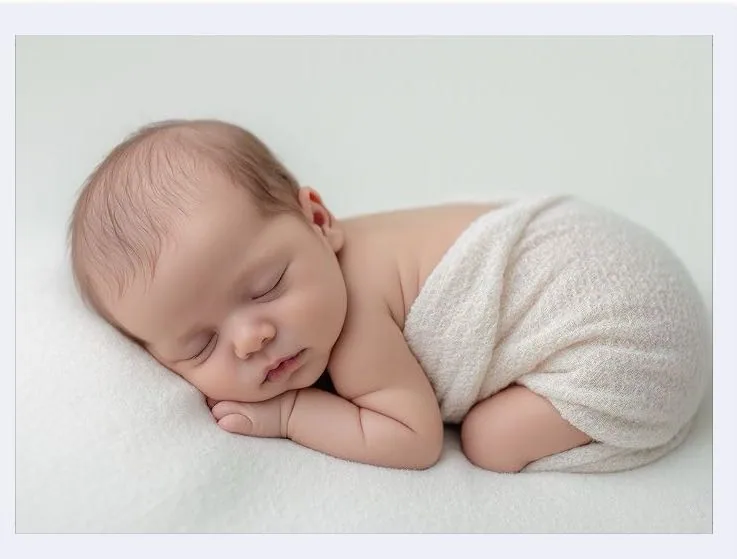
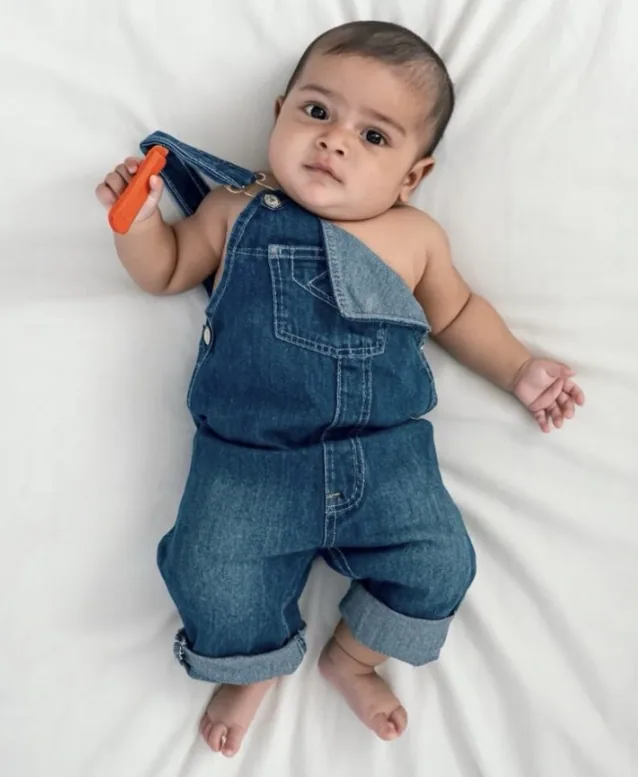
By uploading you confirm you have the right to edit the image. All processing happens in your browser.
How it works
Start with a smile from the party, cake smash, outfit reveal, or a quiet photo from the day.
Pick a birthday template that gives your photo a finished setting without having to design one from scratch.
Use a number sticker, your child's name, or a short birthday message, then download the finished image in HD.
Made for this moment
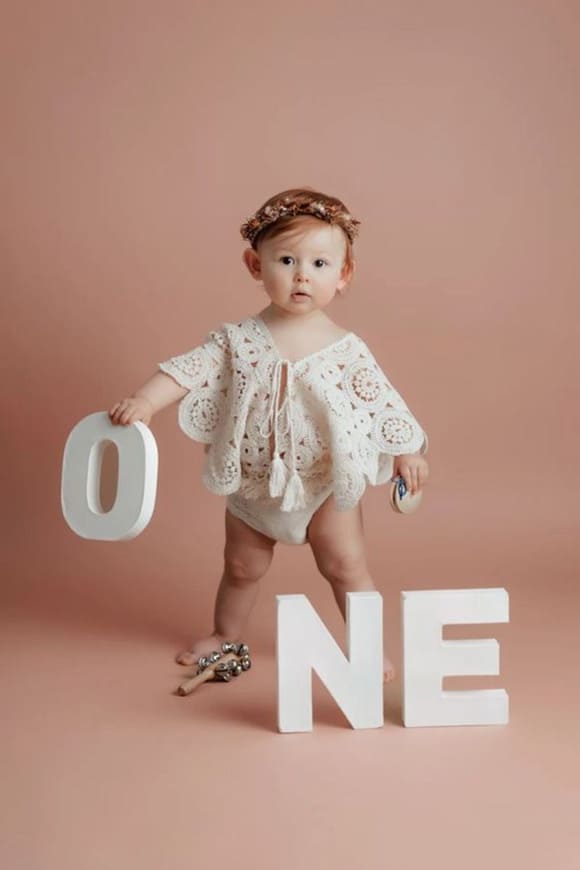
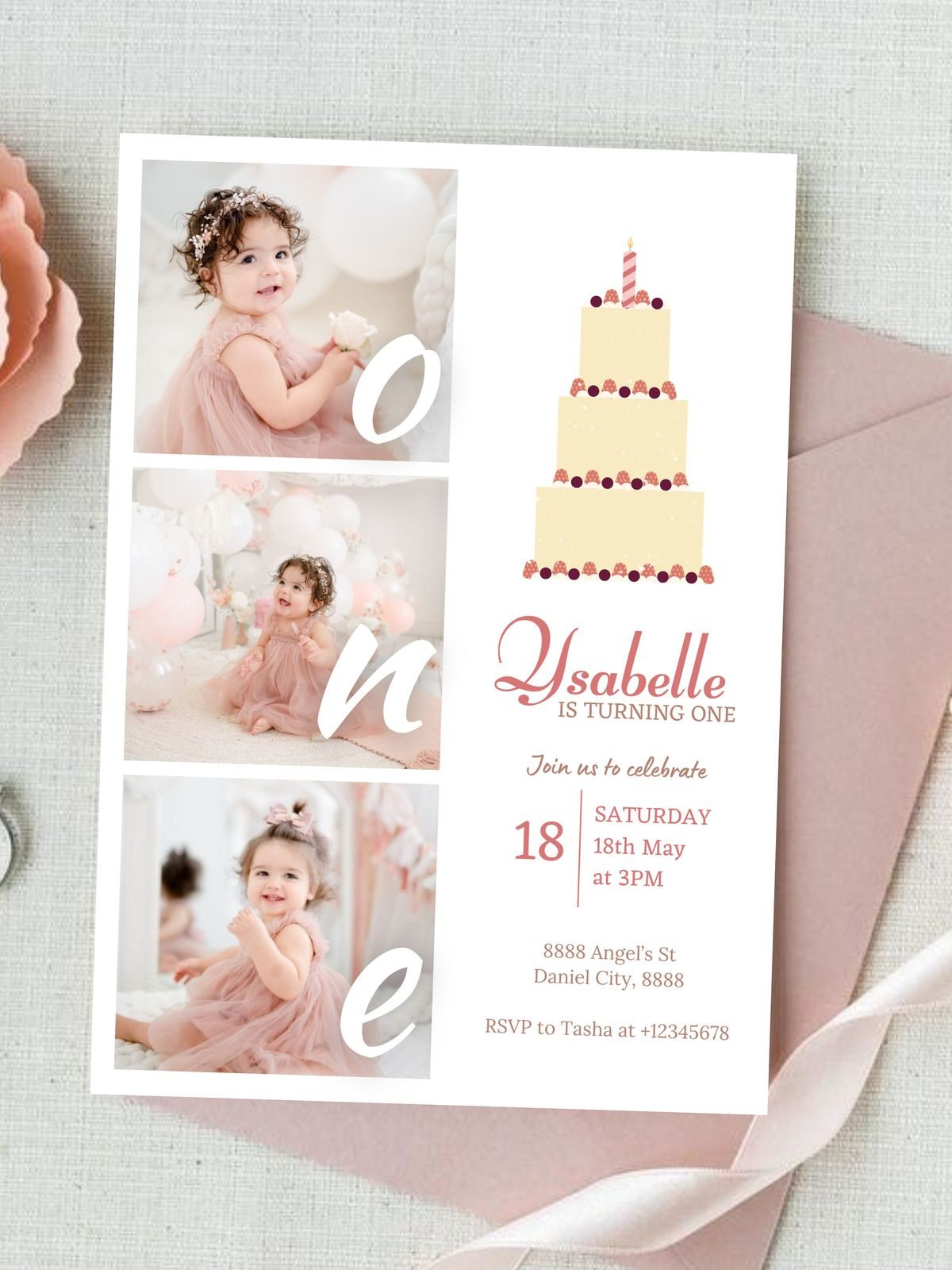
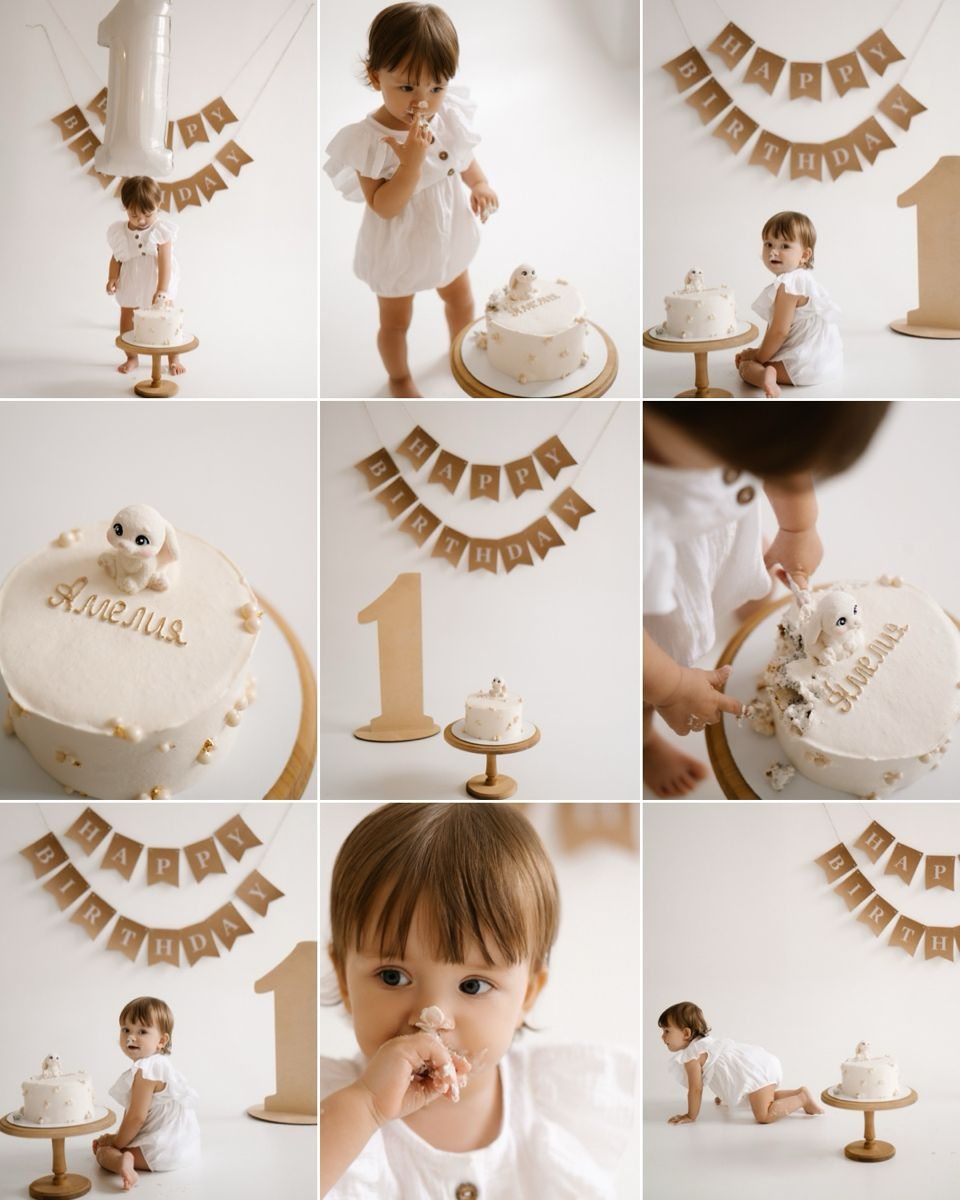
A birthday keepsake can be playful, simple, or full of color. The details are yours to choose after you upload the photo.
Birthday personalization
Add a number, cake, crown, party detail, name, or birthday message to make the photo feel like your family's celebration.
Choose a first-birthday sticker, then add the name, date, or message you want to remember.
Save your favorites
Upload a photo, choose a template, and see your creation before selecting an HD download pack.
5 full-resolution downloads
$1.00 per photo
One-time payment. Your 5 credits never expire.
Unlimited HD downloads
Auto-renews weekly
Full web access for a short project or photo week. Cancel anytime.
A full year of milestone memories
12 months of milestones, birthdays & holidays
Unlimited HD downloads. Billed $39.99 yearly. Auto-renews annually; cancel anytime.
7-day money-back guarantee on your first website purchase. Not happy? Contact us within 7 days for a refund. These plans are for web editing on phone and computer browsers. Secure checkout by Stripe. The 5-credit pack never expires; Web VIP subscriptions auto-renew until canceled. Cancel anytime; access continues through the paid period. Terms
Your baby's photos stay yours
FAQ
Yes. After choosing a background, use stickers and text to add a number, name, date, or birthday message.
No. You can start with any clear photo from the first-birthday period - a party image, a favorite outfit, or a simple everyday smile.
No. The finished image starts with the baby in your upload. LittleCam changes the background and helps you customize the surrounding details.
Upload a photo, choose a template, and see your finished baby photo in seconds.