Finding a time
Search for availability, book ahead, and coordinate the session with feeds and naps.
Use a photo taken during a calm moment and make the keepsake later, whenever you are ready.
 LittleCamBaby Photo Editor
At-home newborn photoshoot option
LittleCam is not a studio directory or booking service. It is an at-home option for making a soft newborn keepsake from a photo already on your phone.
Local studio vs at home
For parents searching for a nearby session but not ready to book, pack, travel, or wake a settled newborn.
Search for availability, book ahead, and coordinate the session with feeds and naps.
Use a photo taken during a calm moment and make the keepsake later, whenever you are ready.
Pack for the trip, travel with your newborn, and settle into a new environment.
Stay home and work with a photo that is already on your phone.
A professional session is suited to a planned set of portraits from one occasion.
LittleCam is useful for extra first-day, announcement, first-week, and family-share images between larger occasions.
Templates & scenes
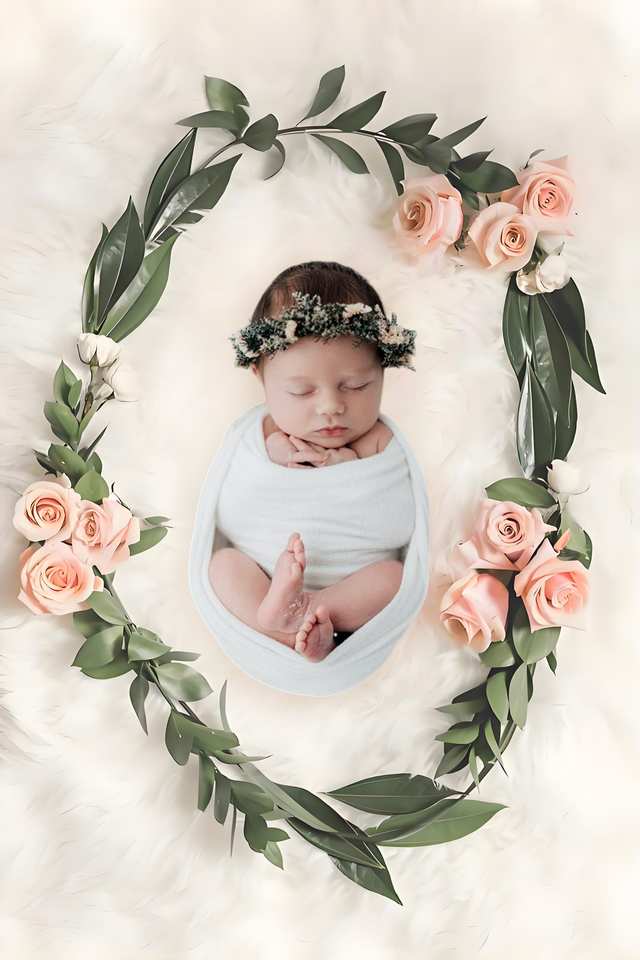
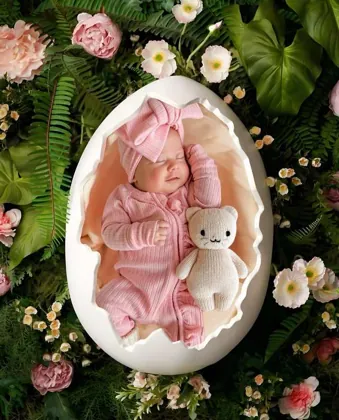
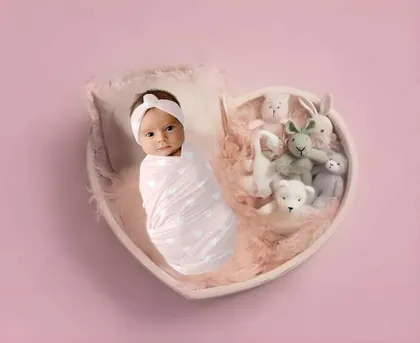
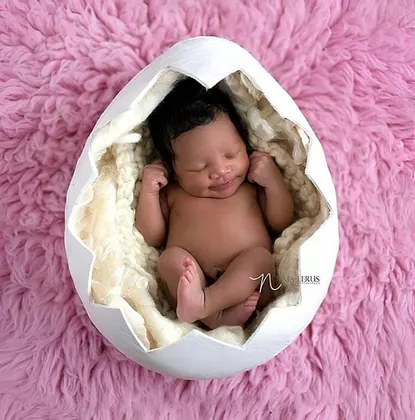
Choose a soft floral, neutral, cradle, or playful newborn setting, then add the details that belong to your family.
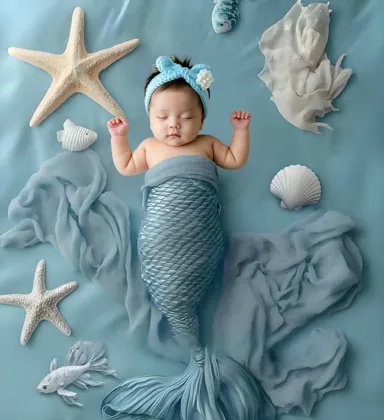
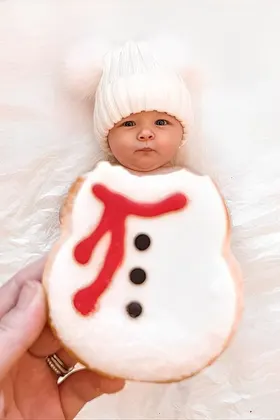
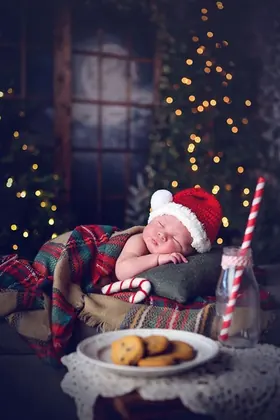
How it works
Use a picture from your own routine, when your baby is settled and you are ready.
Pick a soft setting and let the app separate your baby from the original background.
Add your own words or milestone details, then keep the image for an announcement, album, or family share.
An honest at-home option
LittleCam is not a local studio and it does not generate a look-alike baby. It edits the newborn photo you already took by isolating your baby and changing the setting around that same photo.
Choose a clear newborn picture taken at home when your baby was settled.
LittleCam changes the background, not your baby's identity or face.
Pick a soft scene and add birth details when it suits your family's schedule.
Your baby's photos stay yours
FAQ
No. LittleCam is an app for making your own photo keepsakes from home; it is not a local photographer directory or booking service.
Yes. A clear, well-lit photo is a good starting point for a newborn template or background change.
You keep control of the photo you choose. LittleCam uses it as the starting point for your edited keepsake.
Download LittleCam, choose a template, and make the moment yours with your own photo, stickers, and text.