Upload the newborn photo you took
Choose a clear image from your phone or computer. Your baby remains the subject of the finished photo.
 LittleCamBaby Photo Editor
Online newborn photo editor
Turn a calm everyday newborn photo into a soft portrait, birth announcement, or newborn photography-style keepsake in seconds.

Edit a newborn photo — free
Choose a photo from your phone
Private by design - your photo stays on your device.
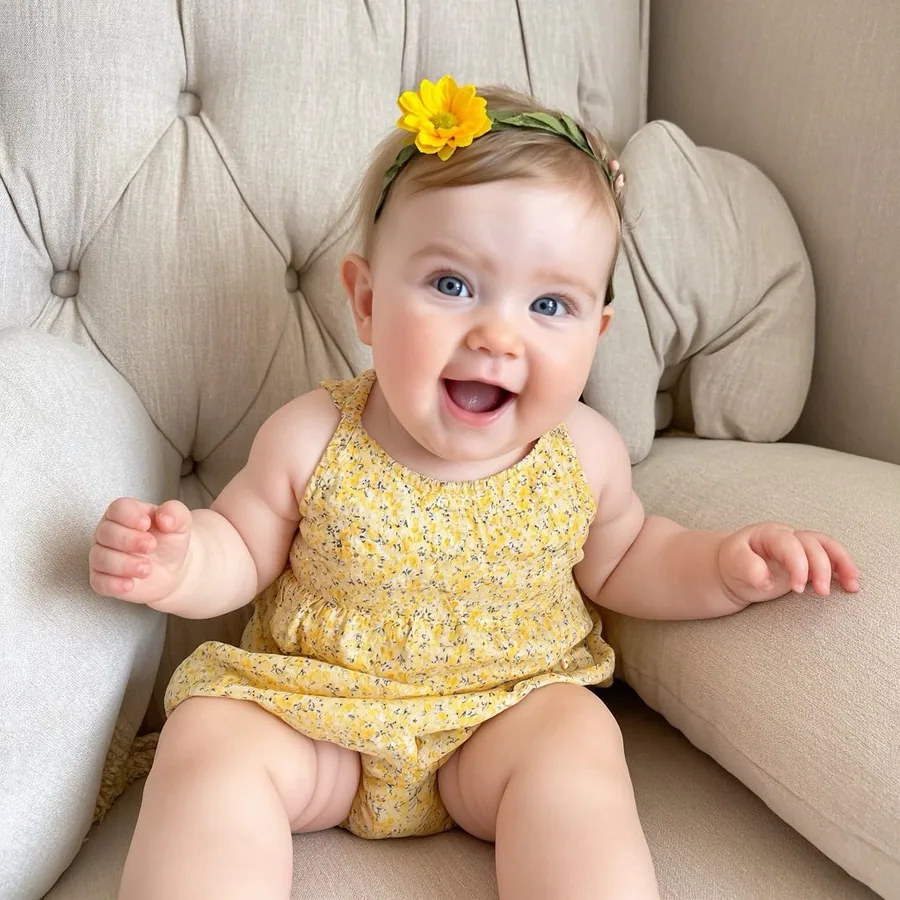
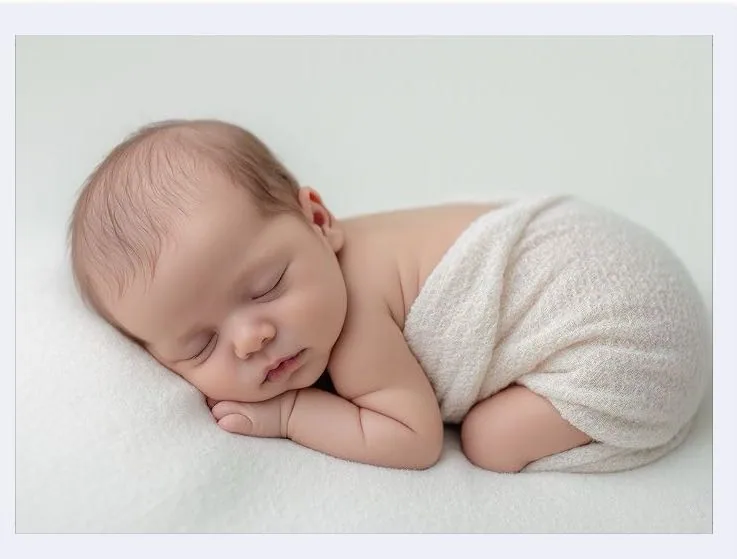
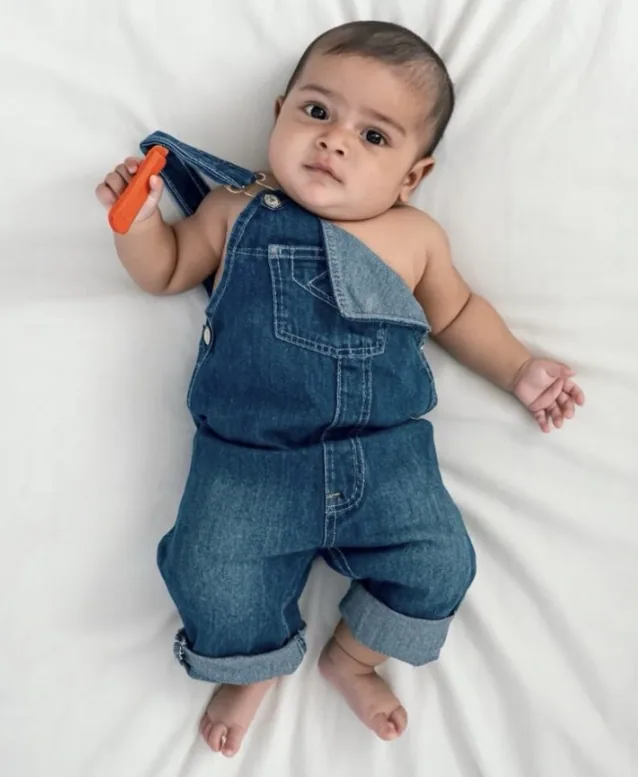

By uploading you confirm you have the right to edit the image. All processing happens in your browser.
How it works
Choose a clear image from your phone or computer. Your baby remains the subject of the finished photo.
The editor cuts out your baby so you can place the photo into a softer newborn-ready scene.
Choose a background, then use text and stickers for a name, birth announcement, milestone, or baby-book page.
Made for this moment
This is photo editing, not AI baby generation: the editor works around the baby in your own uploaded image, so new parents can make a newborn photography-style keepsake at home.
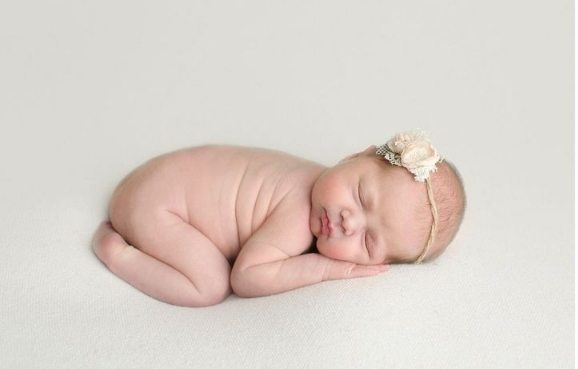

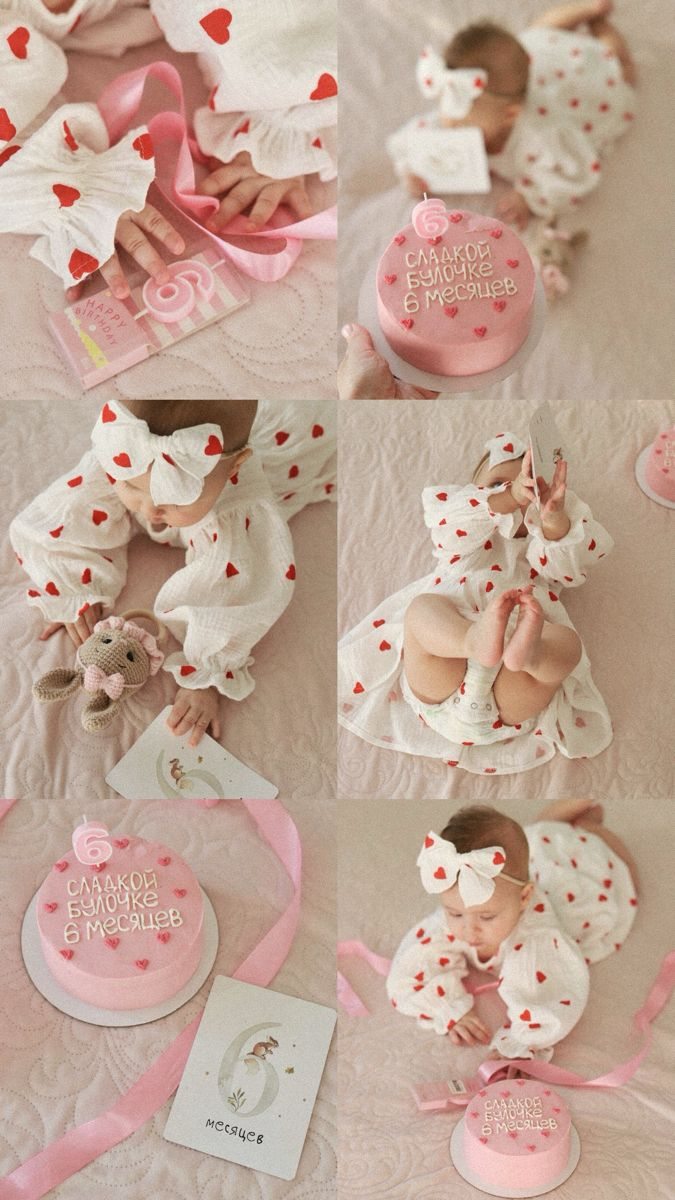
Templates & scenes
Choose a setting after you upload - then adjust the result with your own text and stickers.
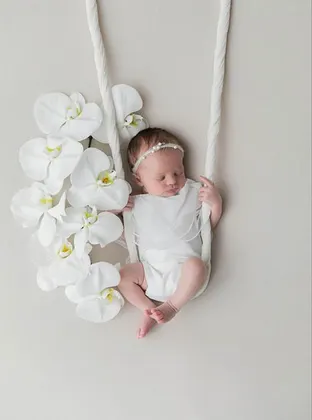
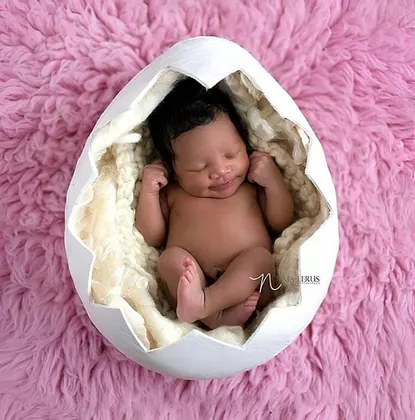
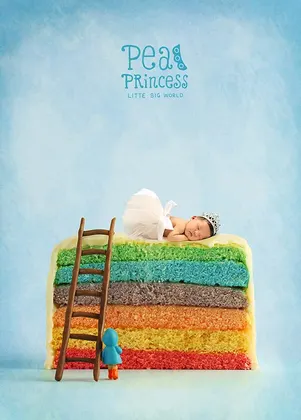
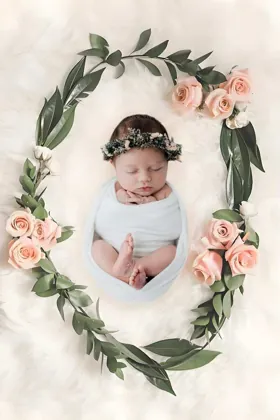
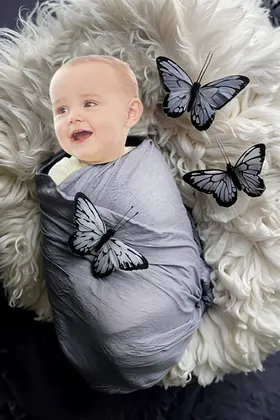
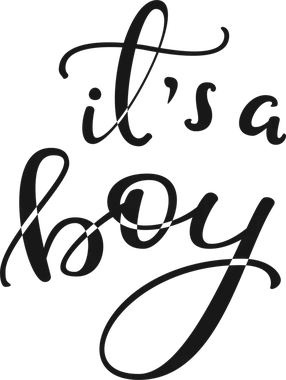
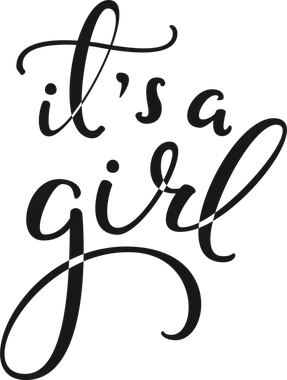
Start with a Hello Baby sticker, then add First day, First week, a name, birth date, or a small note as your own text.



Newborn photography, on your schedule
Try the editor with your own newborn photo first. Save the finished keepsakes you love in HD when you are ready.
Book a session, prepare to leave home, and work around feeds, naps, and the studio schedule.
Take a photo at home when your newborn is settled, then edit it later when you have a quiet minute.
You have one planned window to catch the expression or sleepy pose you were hoping for.
Choose the smile, nap, or tiny stretch already in your camera roll, then add a soft newborn scene around it.
A studio session creates a set of images from one scheduled occasion.
Buy 5 permanent HD credits, or use Web VIP for unlimited HD newborn keepsakes while subscribed.
5 full-resolution downloads
$1.00 per photo
One-time payment. Your 5 credits never expire.
Unlimited HD downloads
Auto-renews weekly
Full web access for a short project or photo week. Cancel anytime.
A full year of milestone memories
12 months of milestones, birthdays & holidays
Unlimited HD downloads. Billed $39.99 yearly. Auto-renews annually; cancel anytime.
7-day money-back guarantee on your first website purchase. Not happy? Contact us within 7 days for a refund. These plans are for web editing on phone and computer browsers. Secure checkout by Stripe. The 5-credit pack never expires; Web VIP subscriptions auto-renew until canceled. Cancel anytime; access continues through the paid period. Terms
Your baby's photos stay yours
FAQ
No. You upload the photo of your own newborn. The editor cuts out that baby, changes the background, and lets you customize the image.
Yes. Start with a clear newborn photo you already took, then choose a soft scene and add the birth details or text you want.
Yes. Add a name, birth details, a short note, or milestone text after choosing the scene.
Yes. You can upload, edit, and preview your image before choosing an HD download pack.
Upload a photo, choose a template, and see your finished baby photo in seconds.