Upload your newborn photo
Choose a clear picture from your phone or computer. LittleCam keeps the baby from that real photograph as the subject.
 LittleCamBaby Photo Editor
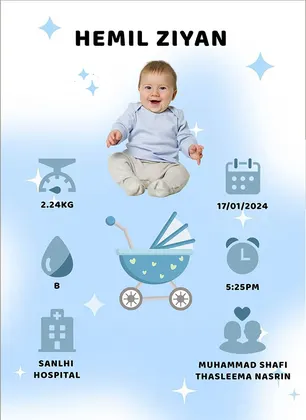
Online birth announcement maker
Keep your real baby at the center, add only the birth details you want to share, and preview the finished announcement privately in your browser.
Create my birth announcement
Choose a photo from your phone
Private by design - your photo stays on your device.
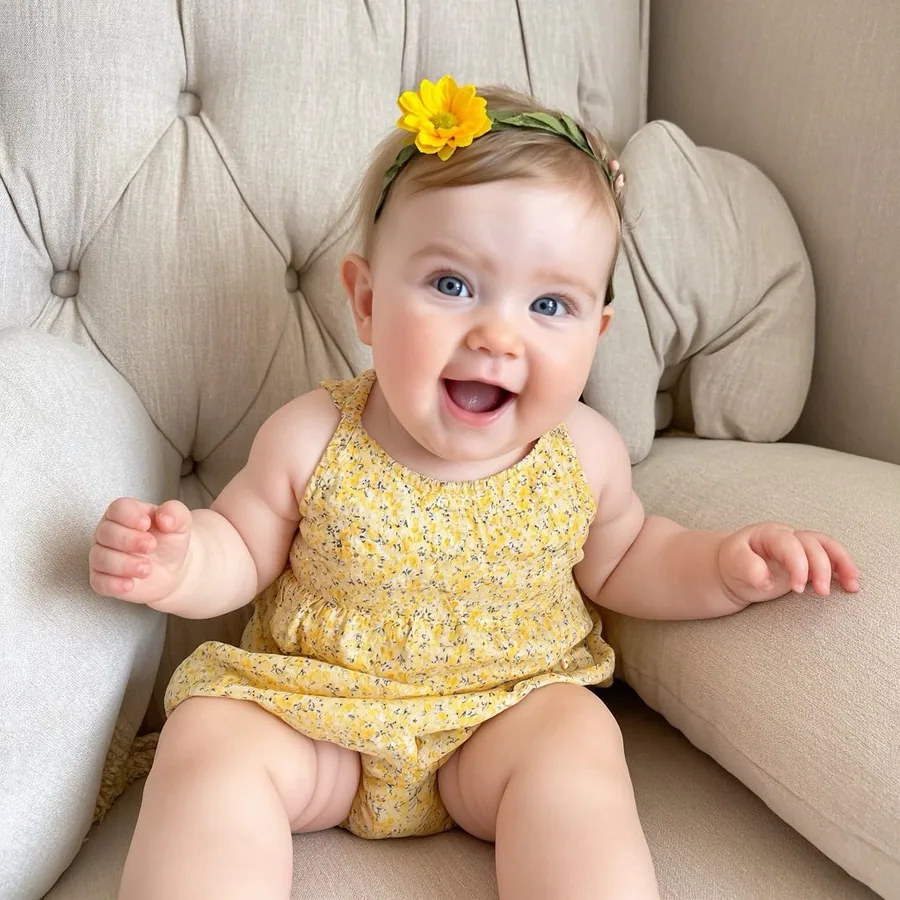
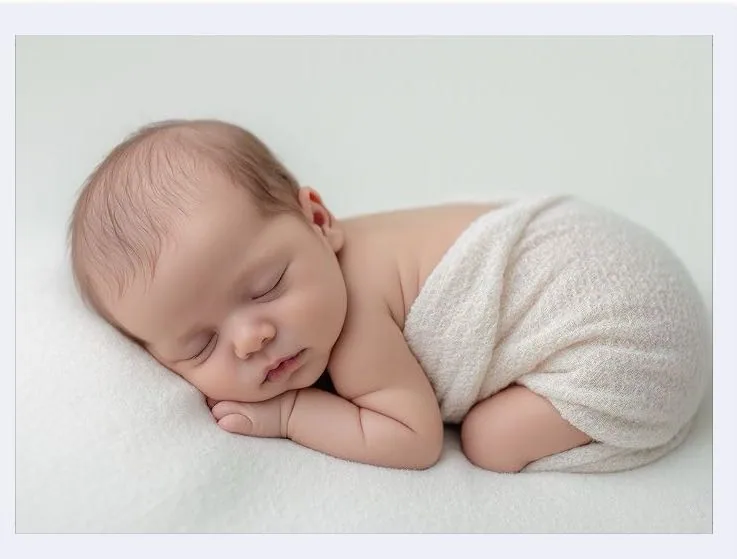
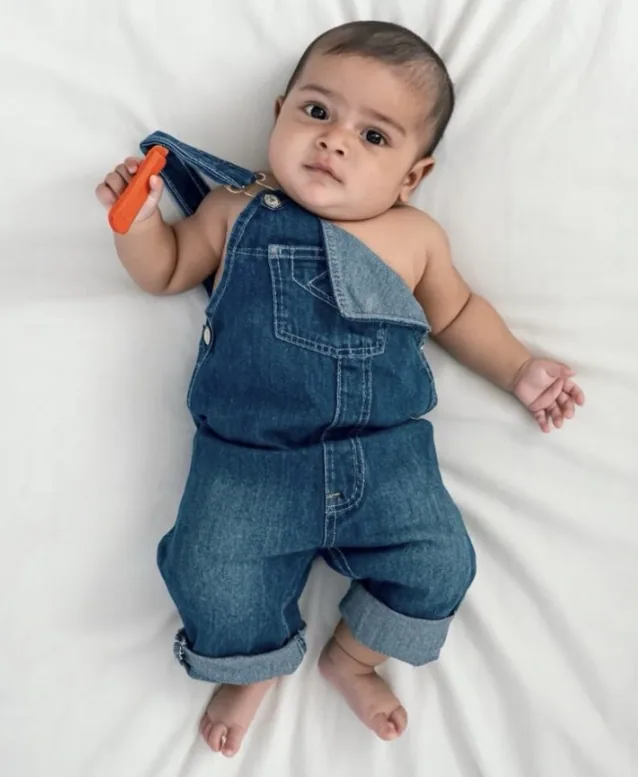
By uploading you confirm you have the right to edit the image. All processing happens in your browser.
How it works
Choose a clear picture from your phone or computer. LittleCam keeps the baby from that real photograph as the subject.
Start with the blue or pink announcement layout, or choose another soft newborn scene if it better fits your photo.
Use the Birth details panel for a name, date, time, weight, length, hospital, or parents, then adjust any text directly on the design.
Made for this moment
This newborn announcement maker starts with your photo, not a generated baby. Choose a finished layout, replace the example details with yours, or use a softer newborn scene.
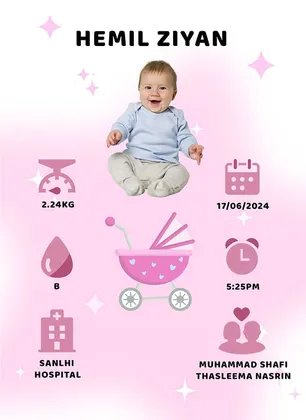
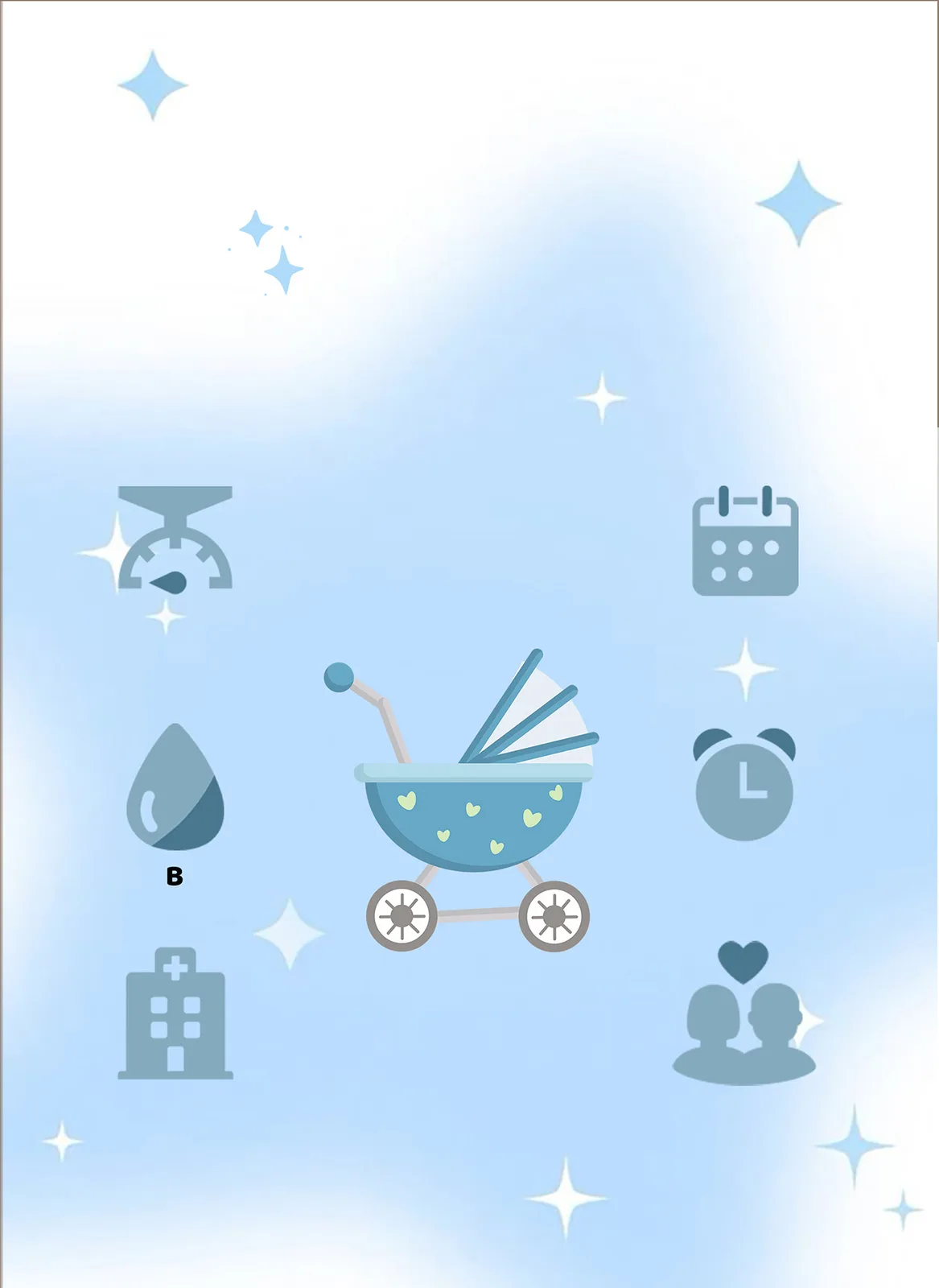
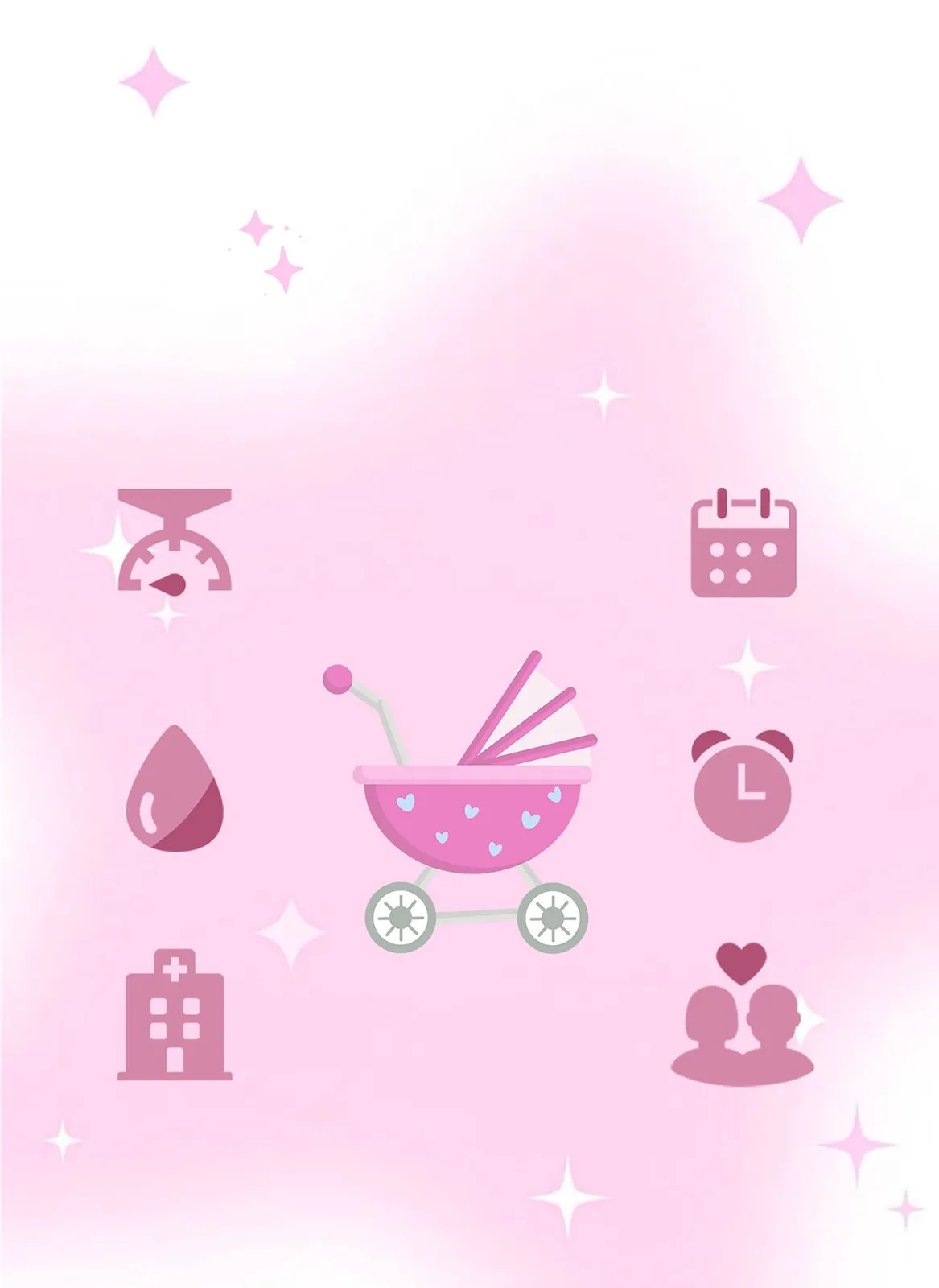
Templates & scenes
The two announcement layouts appear first in the editor. Add your baby, then use the structured Birth details panel or the regular Text tab for a custom message.
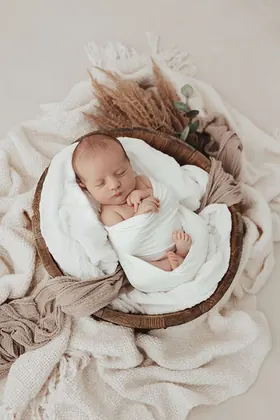
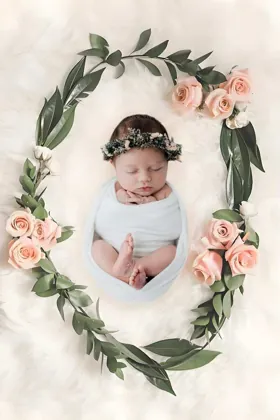
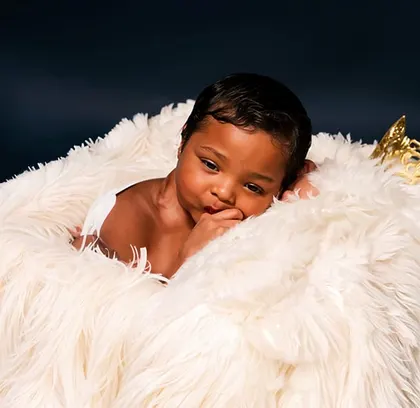
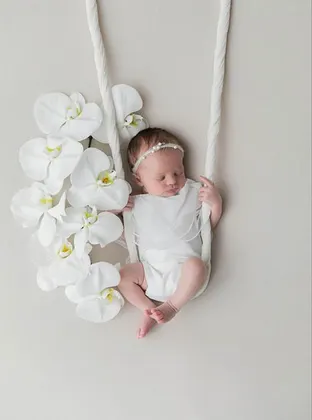
What to include
A birth announcement can be complete without publishing every detail. Make one version for close family and a simpler version for social sharing.
A baby's name and date of birth are the most common essentials. The photo can carry the rest of the introduction.
Add these traditional birth details when they matter to you; leave any field blank and LittleCam will leave it off the design.
Hospital and parent names are optional. Consider omitting them from a version intended for a public social account.
Save your favorites
Upload a photo, choose a template, and see your creation before selecting an HD download pack.
5 full-resolution downloads
$1.00 per photo
One-time payment. Your 5 credits never expire.
Unlimited HD downloads
Auto-renews weekly
Full web access for a short project or photo week. Cancel anytime.
A full year of milestone memories
12 months of milestones, birthdays & holidays
Unlimited HD downloads. Billed $39.99 yearly. Auto-renews annually; cancel anytime.
7-day money-back guarantee on your first website purchase. Not happy? Contact us within 7 days for a refund. These plans are for web editing on phone and computer browsers. Secure checkout by Stripe. The 5-credit pack never expires; Web VIP subscriptions auto-renew until canceled. Cancel anytime; access continues through the paid period. Terms
Your baby, not a generated look-alike
LittleCam uses AI to separate the baby in your photo from the original background. It does not generate a different face, pose, or expression.
Begin with the baby photo you actually took, including the expression and pose you want family to see.
Place that photographed baby into a birth announcement layout without synthesizing a new child.
Add only the name, date, measurements, and family details you want on this version.
Your baby's photos stay yours
FAQ
Upload a newborn photo, choose a birth announcement template, and add the name and any optional details such as date, time, weight, and length. You can preview the result before choosing an HD download.
Most announcements include the baby's name and birth date. Time, weight, length, hospital, and parent names are optional, especially for a public social post.
Yes. Open this page in your mobile browser, upload a photo from your camera roll, choose a template, and add the details in the Birth details panel.
No. It keeps the photographed baby from your uploaded image and changes the design around that subject.
No. The web editor processes the photo in your browser. LittleCam does not receive it, store it, or use it for model training.
No. This page is specifically for announcing a baby after birth. Pregnancy announcements, gender reveals, and baby shower invitations are different tasks.
Upload the newborn photo you already love, choose a birth announcement template, and add only the details you are comfortable sharing.