Take any clear phone photo
Use a picture of your own baby from home, a walk, a birthday, or a quiet daily moment.
 LittleCam
Baby Photo Editor
LittleCam
Baby Photo Editor
Your baby, your photo
Most AI baby apps invent a stranger's face. LittleCam keeps your real baby — upload the photo you already took and restyle the background, light, and milestone details.
Real baby photo
LittleCam starts from your own baby photo, uses on-device cutout, and composites that preserved subject into a new background with optional text or stickers.

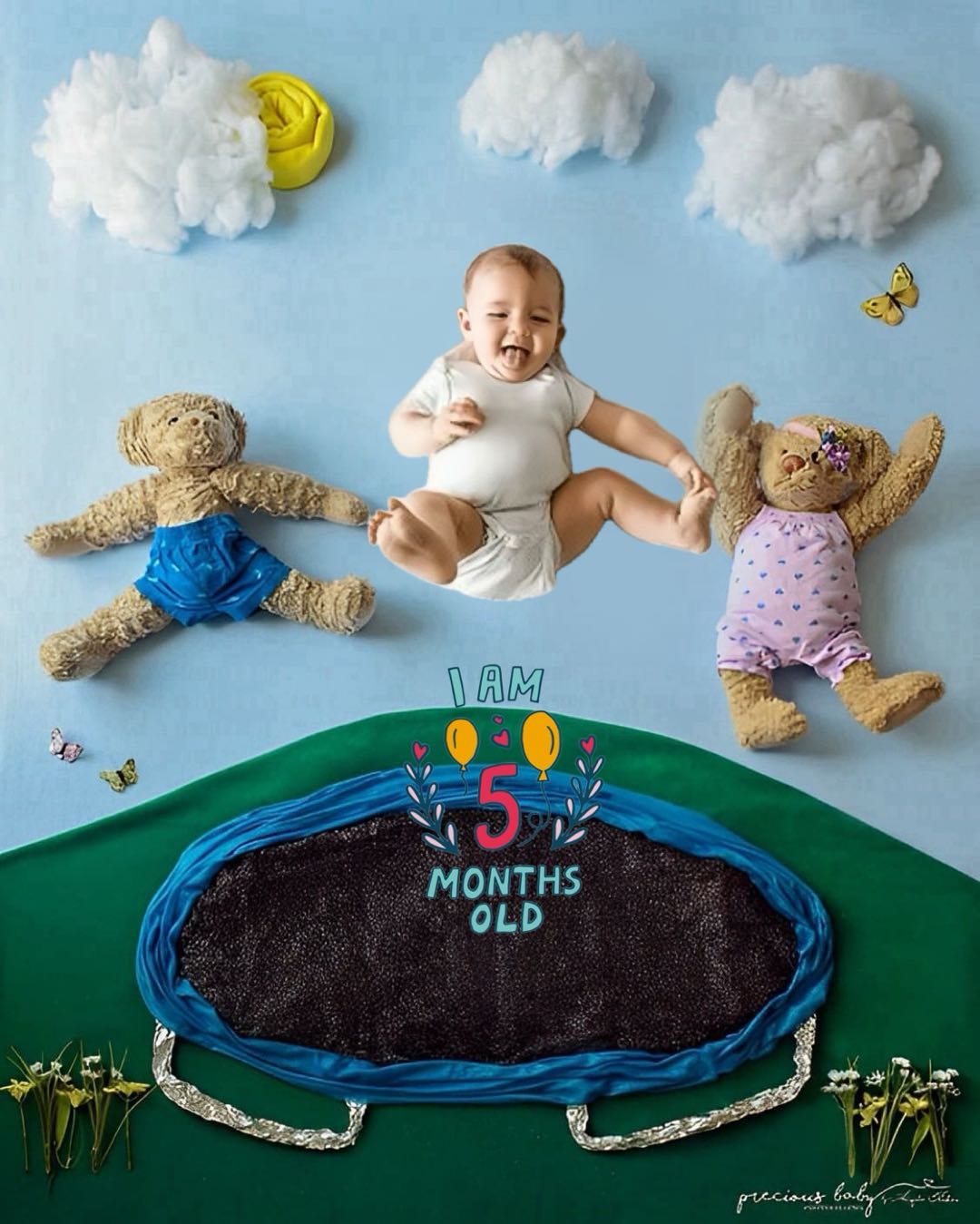
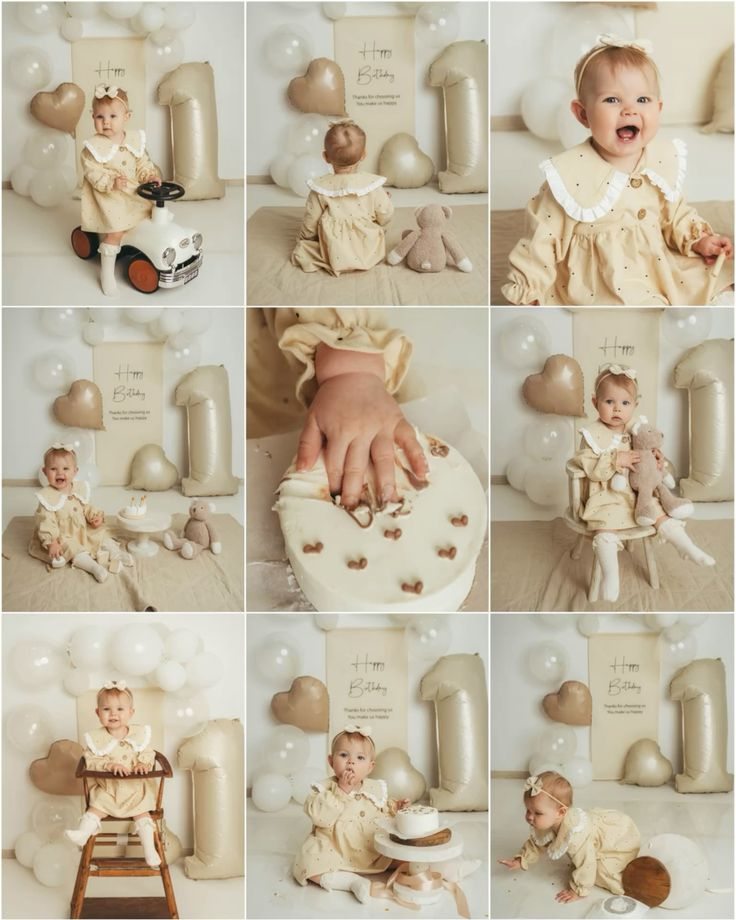
Comparison
Some AI tools create a new baby-like image from a prompt. LittleCam is different: you start with your own baby photo, so the finished picture keeps the real face, expression, and moment you captured.
Workflow
Use a picture of your own baby from home, a walk, a birthday, or a quiet daily moment.
LittleCam helps separate the baby from the original background while keeping the real baby as the subject.
Choose a new background while the photographed face, skin tone, hair, pose, hands, clothing, and expression remain the source pixels.
Choose weekly, monthly, birthday, holiday, or milestone stickers and themed details.
The output is still based on your baby's actual photo, ready for family sharing, prints, cards, or baby books.
Use cases

Separate the baby from a cluttered room or everyday background.
Move the real baby photo into a cleaner, sweeter, or themed scene.
Replace the original setting while the photographed baby remains unchanged.
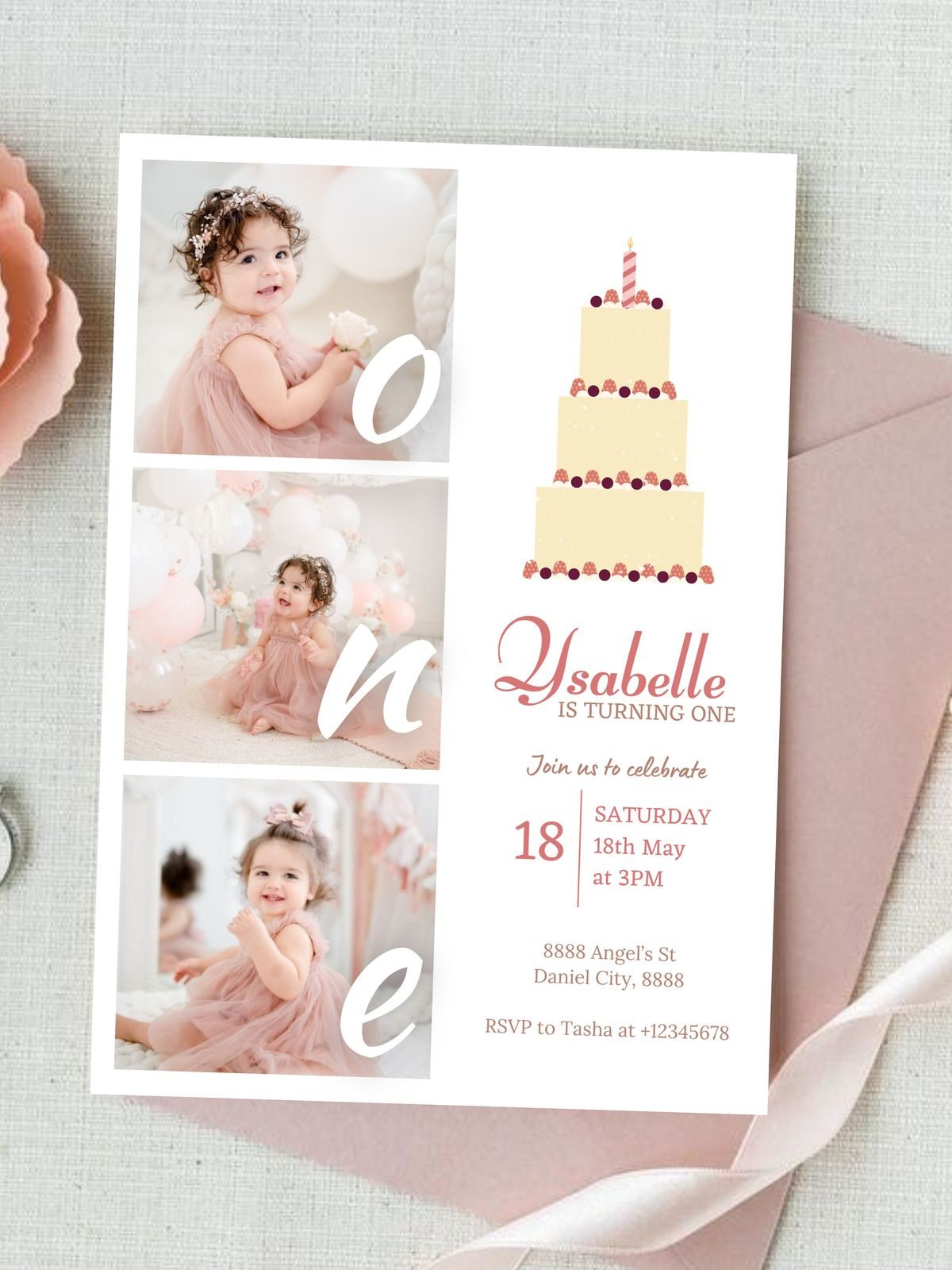
Mark early weeks and small first moments.
Create first-year milestone pictures from one phone photo.
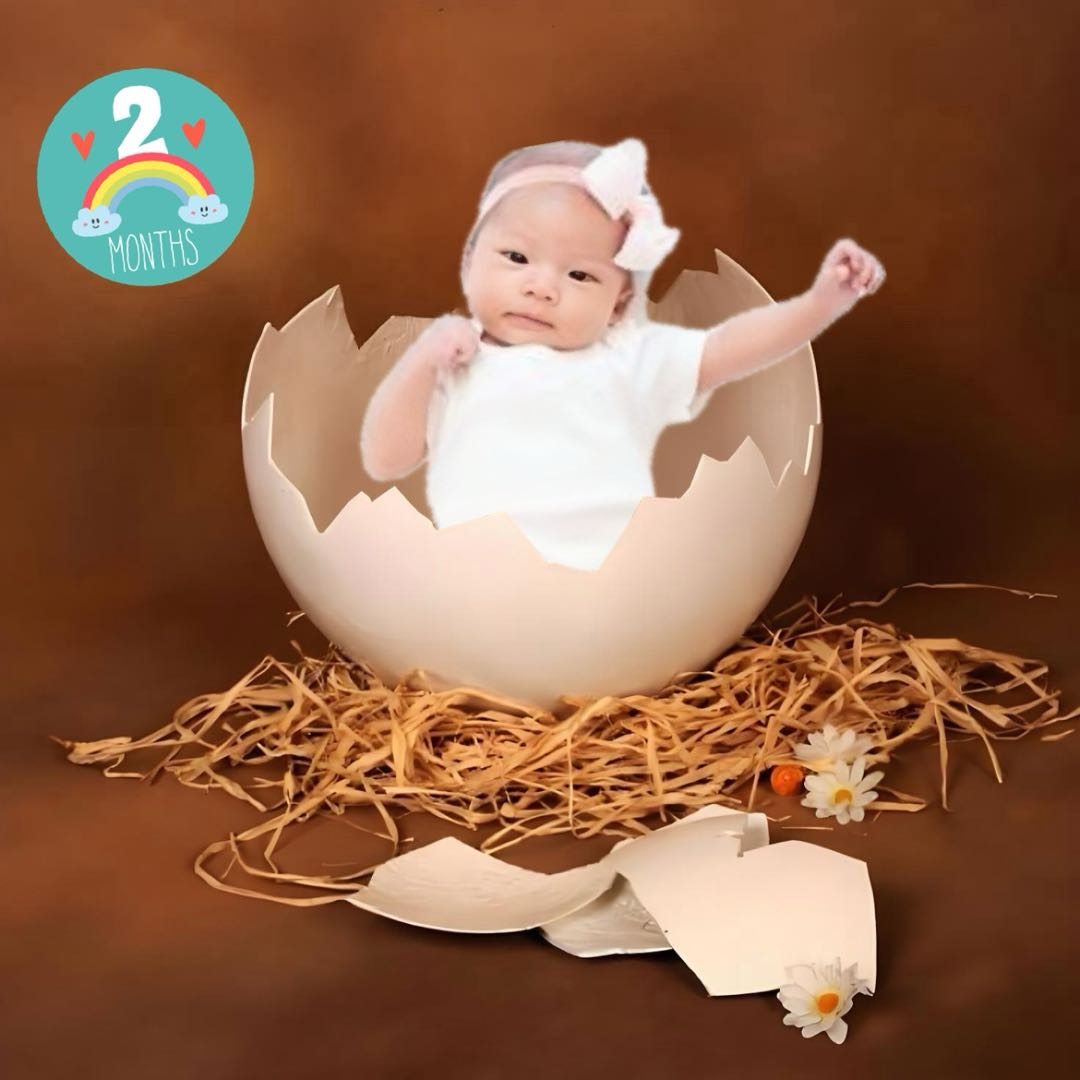
Add first birthday, cake, party, or celebration details.
FAQ
No. LittleCam isolates the real baby from the photo you upload, changes the background, and lets you add optional text or stickers without regenerating the child.
Yes. A clear phone photo is enough for many LittleCam edits. Choose the face, expression, pose, and clothing you want to keep, then replace the background after the photo is taken.
Get started