Baby's identity
A prompt can request the same face, but the model may still produce a look-alike.
Keeps the photographed baby as the subject; it does not generate a new face.
 LittleCamBaby Photo Editor
Prompts plus a real-baby alternative
Use the prompts below in a generative editor, or skip the prompt-and-retry loop. LittleCam isolates the baby already in your photo and changes the background instead of generating a look-alike.

Try LittleCam with your real photo
Choose a photo from your phone
Private by design - your photo stays on your device.
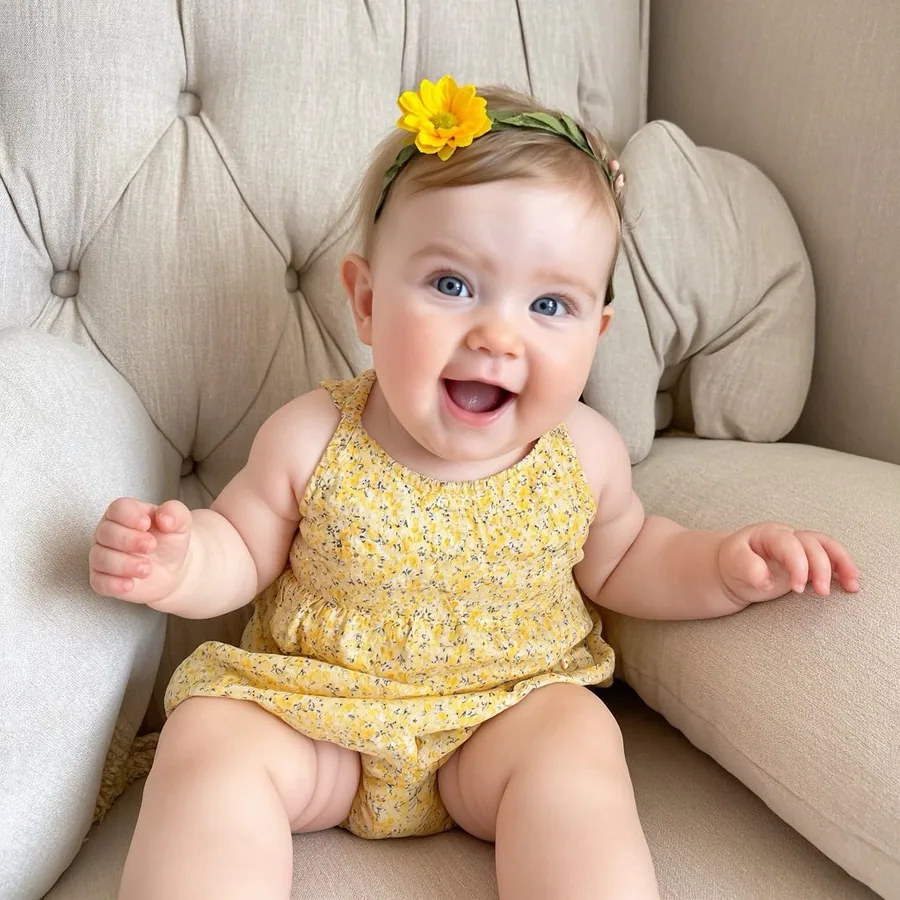
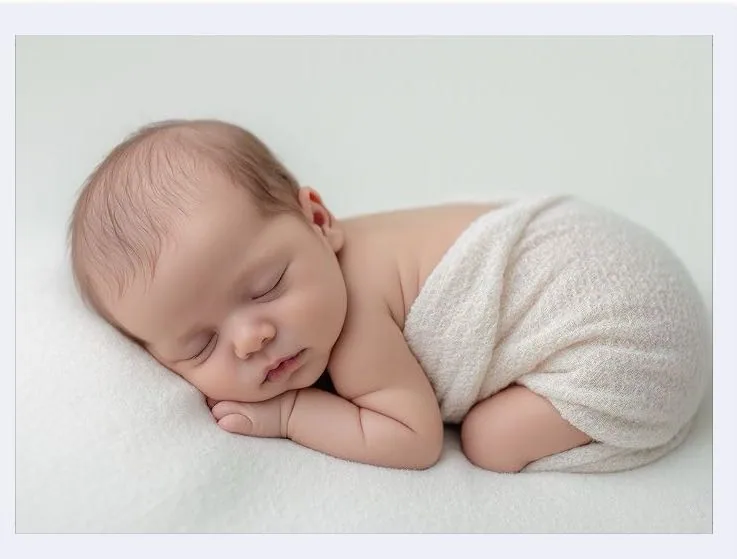
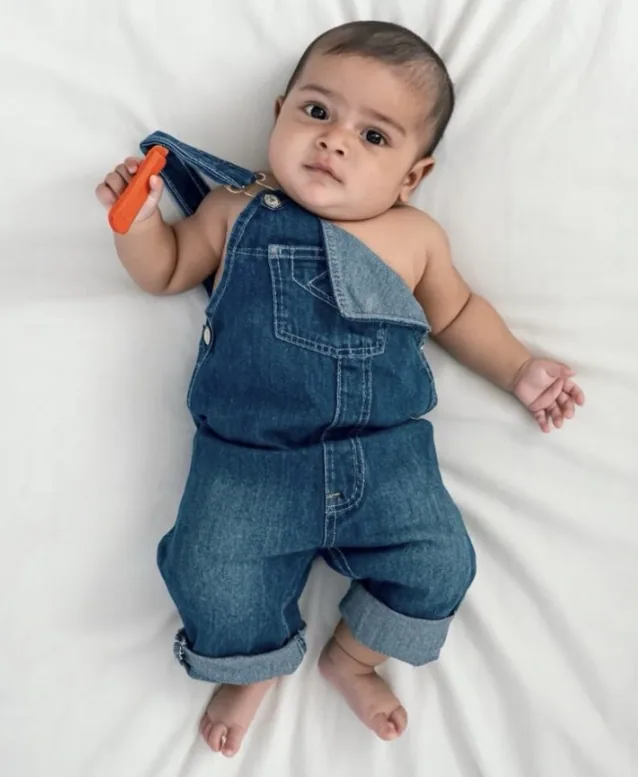
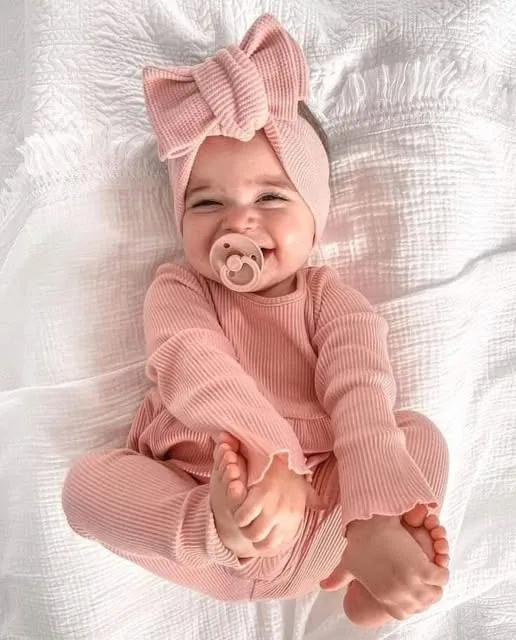
By uploading you confirm you have the right to edit the image. All processing happens in your browser.
Two different editing methods
Generative tools create a new interpretation of pixels, so even a careful prompt may redraw a face, pose, clothing, or expression. LittleCam instead isolates the baby already in your photo and composites that subject into a new setting.
A prompt can request the same face, but the model may still produce a look-alike.
Keeps the photographed baby as the subject; it does not generate a new face.
The model may reinterpret the pose, hands, clothes, or smile.
Uses the pose and expression already in your photo.
The whole image may be regenerated.
The original background is removed; a new scene and design details are added around the baby.
Depends on the tool and its privacy policy.
On the web, the photo is processed in your browser and is not uploaded to LittleCam's servers.
Copy-and-paste prompt library
These prompts tell a generative editor to limit its changes, but no prompt can guarantee that a generative model will preserve every pixel of your baby's identity. Check the output closely.
Edit this photo using the uploaded baby as the identity reference. Preserve the baby's exact facial features, skin tone, hair, pose, hands, clothing, and expression. Replace only the background with a soft neutral newborn studio setting in warm cream and beige, with gentle window light and realistic contact shadows. Do not add a smile, change age, redraw limbs, alter clothing, or generate a different baby.
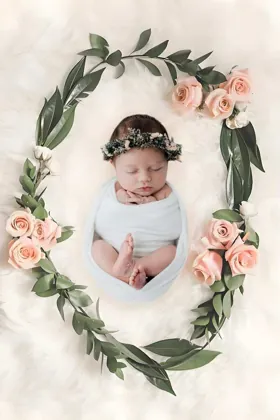
Keep the real baby from the uploaded photo unchanged in identity, face, skin tone, pose, hands, clothing, and expression. Change only the background to a delicate botanical wreath scene with muted blush flowers, soft greenery, natural light, and realistic shadows. Do not change the baby's age, body, face, or expression. Do not add props over the baby.
Use the uploaded baby as the exact subject. Preserve the original face, skin tone, hair, pose, fingers, clothing, and expression. Replace only the surroundings with a dreamy moon-and-cloud night scene in soft blue and cream, with subtle stars and believable lighting. Do not regenerate the baby, invent a smile, move limbs, or alter age.
Keep the baby in the uploaded photo unchanged. Replace only the background with a clean ivory birth-announcement layout with open space for name, date, time, weight, and length. Match the original lighting with soft realistic shadows. Do not alter the face, expression, pose, hands, clothing, skin tone, or age. Do not generate text; leave blank areas for manual text.
Preserve the exact baby from the uploaded image, including face, expression, pose, skin tone, hair, hands, and clothing. Replace only the background with a minimal monthly milestone scene in warm natural colors, leaving space for a month number. Do not generate a new baby, change age, add a smile, or reposition the body.
Use the uploaded baby without changing identity, facial features, expression, body, hands, clothing, or pose. Replace only the background with a subtle seasonal holiday setting using soft lights and simple decorations, with realistic lighting and contact shadows. Keep decorations away from the face and body. Do not regenerate the baby or invent a different moment.
How it works
Choose the face, pose, clothes, and expression that actually happened.
AI segmentation removes the original background; it does not prompt a model to recreate the baby.
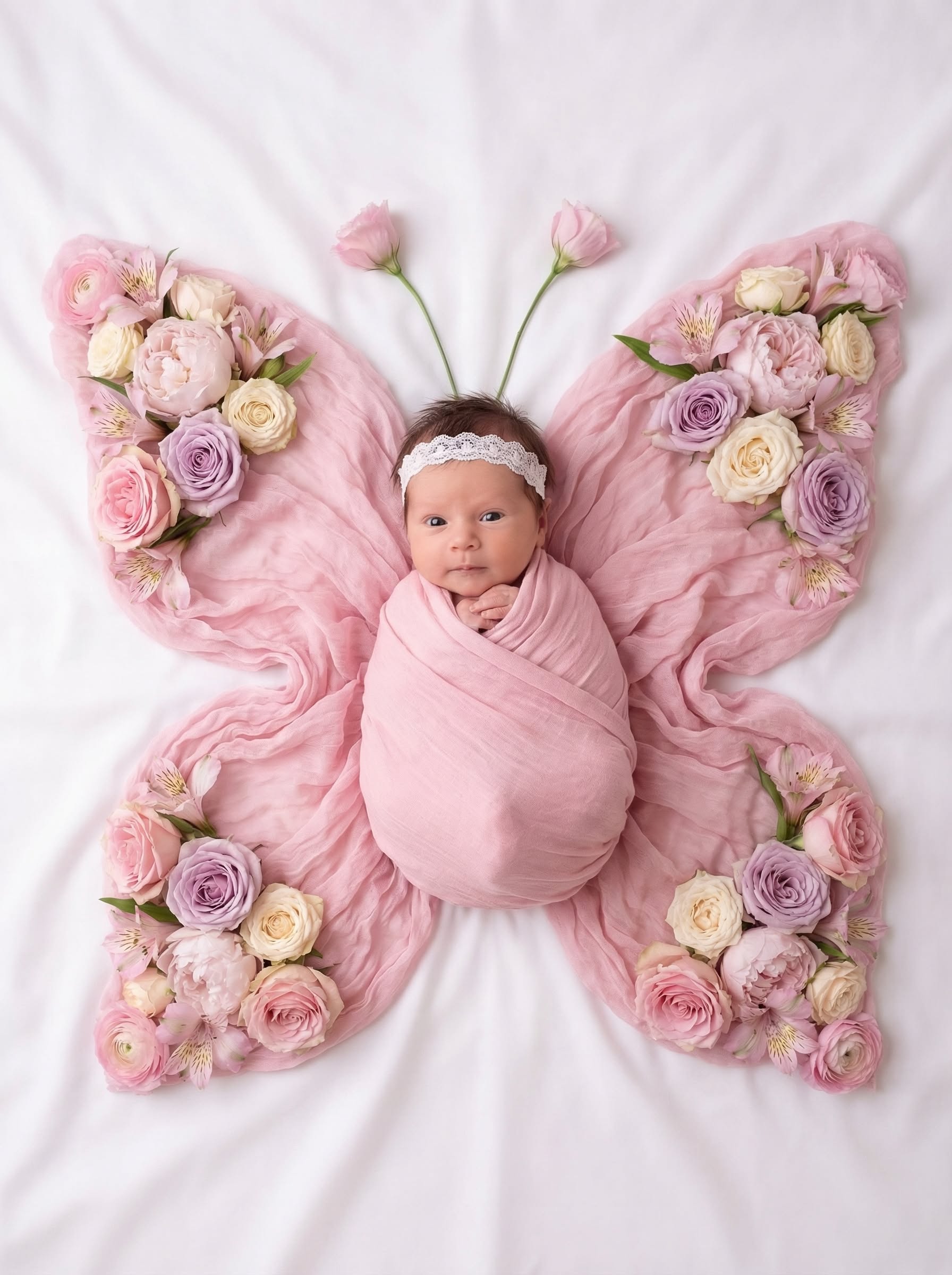
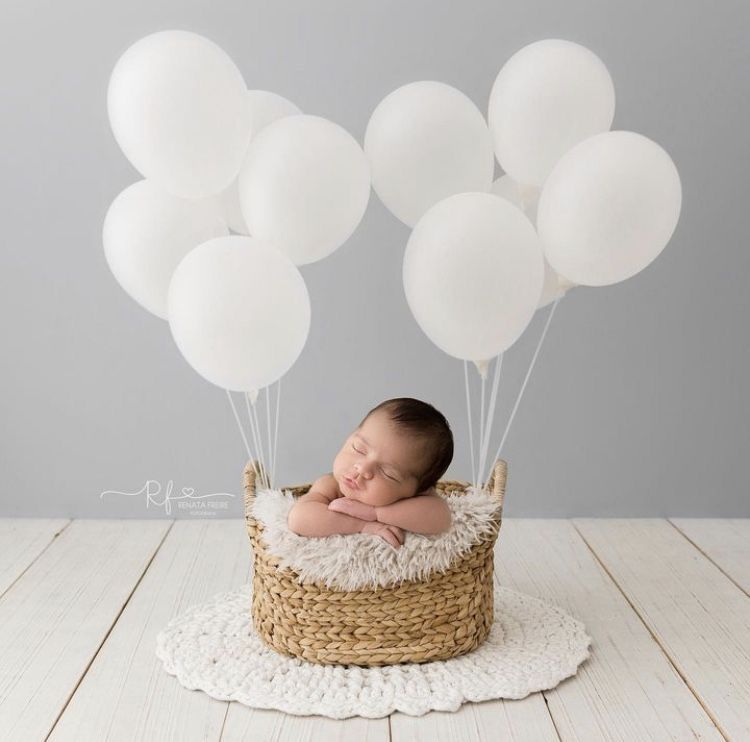
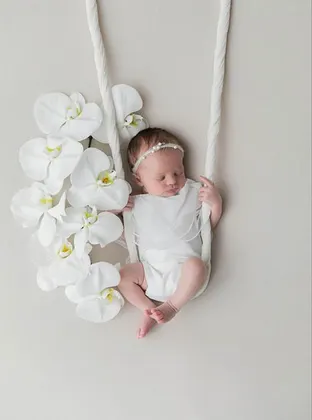
Add a cradle, floral, moon, milestone, or simple studio setting around the preserved subject, then preview it before saving.
Made for this moment
LittleCam's scenes are designed around the subject from your original photo—not a newly generated child.
Templates & scenes
Instead of repeatedly asking a model to keep the face unchanged, start with a workflow that keeps the photographed baby and lets you choose the background directly.



Before you use any AI photo tool
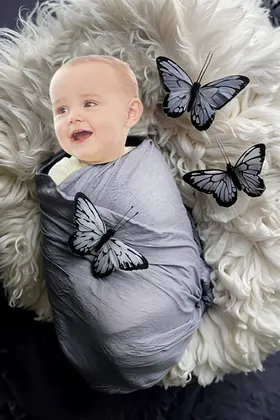
A polished image can still be wrong in ways that matter to a parent.
Compare eyes, nose, mouth, ears, hairline, skin tone, and the expression with the original photo.
Look for changed fingers, a different body position, invented props, or clothing details that were not in the source.
Check whether the photo is uploaded, stored, shared, or used for training before submitting a child's image.
Save your favorites
Upload a photo, choose a template, and see your creation before selecting an HD download pack.
5 full-resolution downloads
$1.00 per photo
One-time payment. Your 5 credits never expire.
Unlimited HD downloads
Auto-renews weekly
Full web access for a short project or photo week. Cancel anytime.
A full year of milestone memories
12 months of milestones, birthdays & holidays
Unlimited HD downloads. Billed $39.99 yearly. Auto-renews annually; cancel anytime.
7-day money-back guarantee on your first website purchase. Not happy? Contact us within 7 days for a refund. These plans are for web editing on phone and computer browsers. Secure checkout by Stripe. The 5-credit pack never expires; Web VIP subscriptions auto-renew until canceled. Cancel anytime; access continues through the paid period. Terms
The key difference
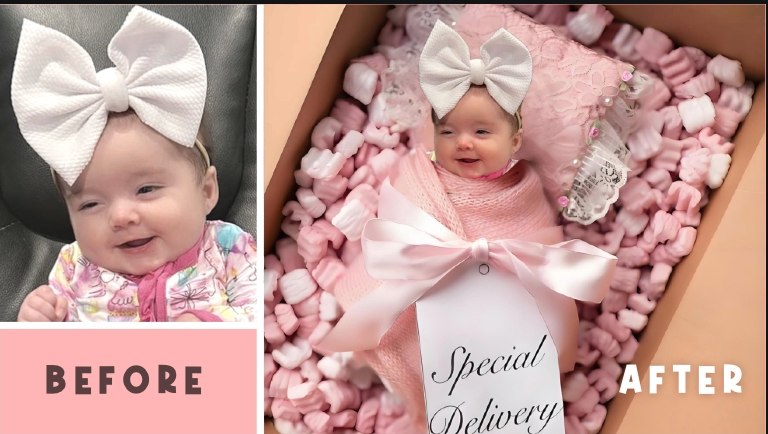
LittleCam uses AI for subject separation, then places that real photographed subject into a background you choose. It does not synthesize a new baby face, pose, or expression.
The face comes from your original photo, rather than a model's attempt to recreate it.
The pose and expression are the real ones already captured in the source image.
The editor removes the original surroundings and adds a new scene, text, or stickers around the preserved subject.
Your baby's photos stay yours
FAQ
Name exactly what must stay unchanged: the baby's identity, face, skin tone, hair, pose, hands, clothing, age, and expression. Then describe only the background, light, and design details you want changed.
No. A generative model may still reinterpret pixels even when the prompt says to preserve the face. Compare the result closely with the source photo.
No. LittleCam's web editor separates the baby in your uploaded photo from the original background. The finished subject is that photographed baby, not an AI-generated look-alike.
It removes the original background and lets you choose a new scene, then add text or stickers. It does not generate a new face, pose, smile, age, or expression.
No. The web editor processes the photo in your browser. It is not uploaded to LittleCam's servers, stored by us, or used to train a model.
Upload the photo you already love. LittleCam keeps the photographed baby as the subject and changes the background around them.