Does the photo leave my device?
LittleCam web answer: no. Photo processing runs locally inside your browser.
 LittleCamBaby Photo Editor
LittleCam web editor privacy
LittleCam's web editor runs in your browser. Your baby's photo is not uploaded to our servers, stored by us, or used to train a model.

Try the private web editor
Choose a photo from your phone
Private by design - your photo stays on your device.


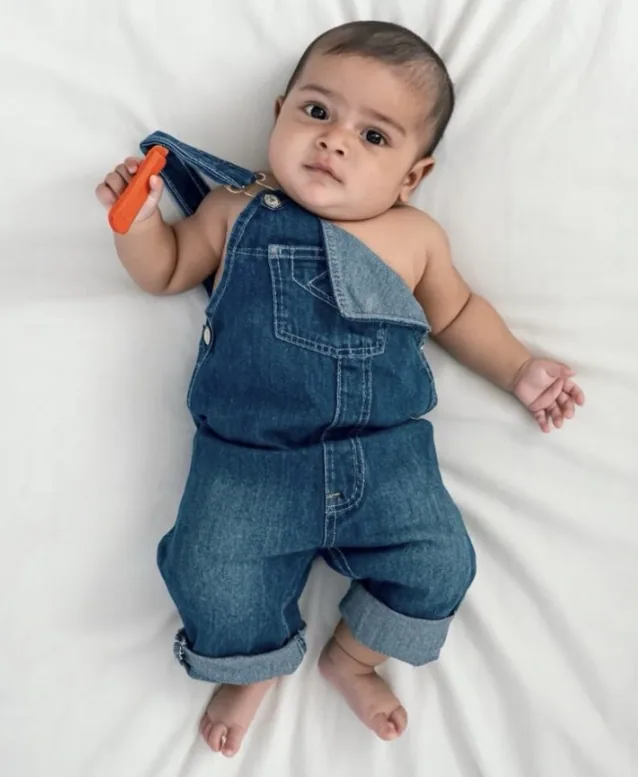

By uploading you confirm you have the right to edit the image. All processing happens in your browser.
Ask before you upload
Privacy language can sound reassuring while leaving out the part that matters. Look for concrete answers.
LittleCam web answer: no. Photo processing runs locally inside your browser.
LittleCam web answer: no. We do not receive or store the photo; closing the tab removes it from browser memory.
LittleCam web answer: no. Your photo is never sent to us or used to train a model.
LittleCam web answer: no. It isolates the photographed baby and changes the background around that subject.
Yes. Editing in the web browser does not post the photo anywhere. You decide whether to save the finished image and how to share it afterward.
How it works
The image stays on the phone, tablet, or computer you are using. It is not sent to LittleCam's servers.
The model runs inside the browser to isolate the baby from the original background.
Add a scene, text, or stickers, preview the result, and download only when you decide to save it.
Made for this moment
Privacy and authenticity are separate concerns. LittleCam's web workflow is designed to protect both: local processing and a real photographed subject.


Templates & scenes
Try scenes, stickers, and text in the browser. The selected baby photo remains on your device throughout the editing session.

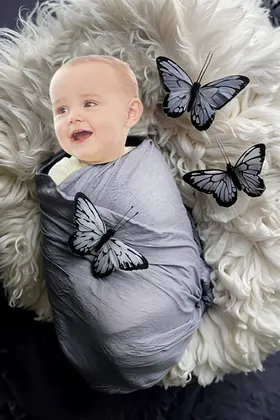
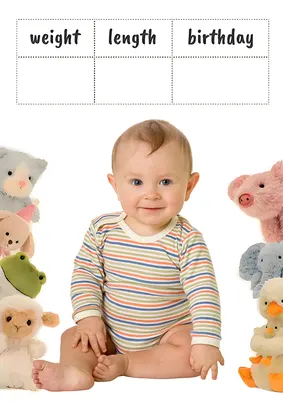
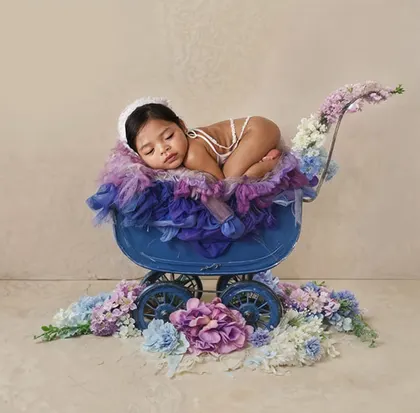


Save your favorites
Upload a photo, choose a template, and see your creation before selecting an HD download pack.
5 full-resolution downloads
$1.00 per photo
One-time payment. Your 5 credits never expire.
Unlimited HD downloads
Auto-renews weekly
Full web access for a short project or photo week. Cancel anytime.
A full year of milestone memories
12 months of milestones, birthdays & holidays
Unlimited HD downloads. Billed $39.99 yearly. Auto-renews annually; cancel anytime.
7-day money-back guarantee on your first website purchase. Not happy? Contact us within 7 days for a refund. These plans are for web editing on phone and computer browsers. Secure checkout by Stripe. The 5-credit pack never expires; Web VIP subscriptions auto-renew until canceled. Cancel anytime; access continues through the paid period. Terms
Privacy plus authenticity
Local browser processing separates the photographed baby from the background. That subject is then composited into your chosen scene without generating a replacement face.
Your selected photo remains on your device in the web editor.
LittleCam keeps the baby from that photo rather than asking a model to invent one.
You choose the setting, preview the result, and decide whether to save it.
Prefer the iPhone or iPad app?
The claims on this page describe the LittleCam web editor. For the iOS app, review Apple's current privacy information on the App Store.
Your baby's photos stay yours
FAQ
No. In the LittleCam web editor, photo processing happens inside your browser on your own device. The photo is not uploaded to our servers.
No. Because the web editor does not send us the photo, we do not store or see it. Closing the tab removes it from browser memory.
No. Photos used in the LittleCam web editor are not sent to us and are never used by LittleCam for model training.
Yes. You can select a photo and preview the background edit in your browser. The selected photo is processed on your device and is not uploaded to LittleCam's servers.
No. The web editor uses AI to isolate the baby in your photo, then changes the background. It does not generate a new baby face, pose, or expression.
This page specifically describes the LittleCam web editor. For the iPhone and iPad app, use the App Store link on this page to review Apple's current app privacy information.
Try LittleCam in your browser. Your baby's photo stays on your device while you remove the background, choose a scene, and preview the result.