Choose a photo that is true to the moment
It can be a phone snapshot, a quiet hospital photo, or a favorite picture taken after the earliest newborn days.
 LittleCamBaby Photo Editor
A keepsake from the photo you have
Use a real photo you captured during those early days—or celebrate the stage your baby is in now. LittleCam keeps your photographed baby and changes the setting around them.
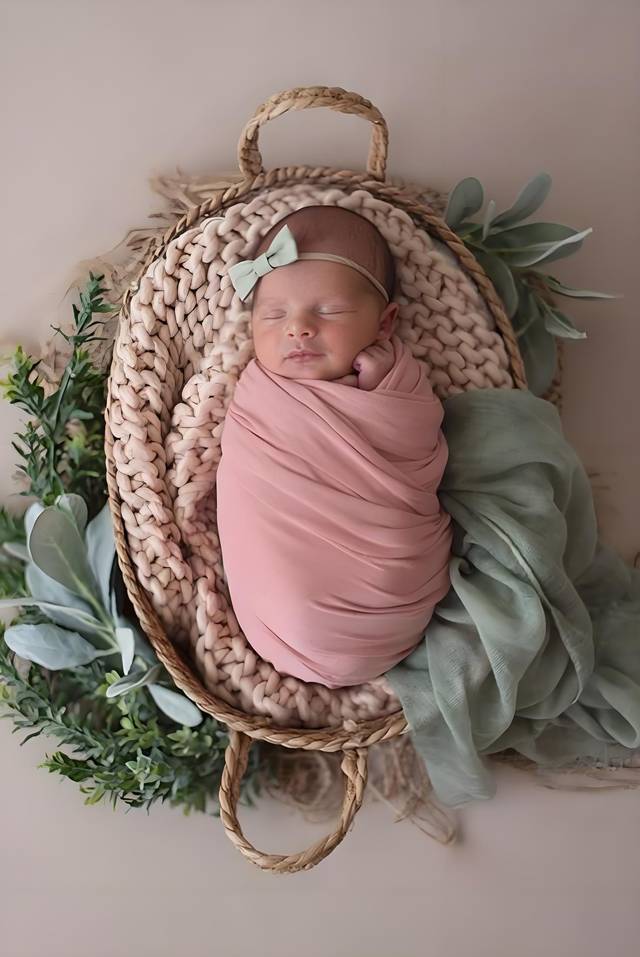
Use a photo you already have
Choose a photo from your phone
Private by design - your photo stays on your device.
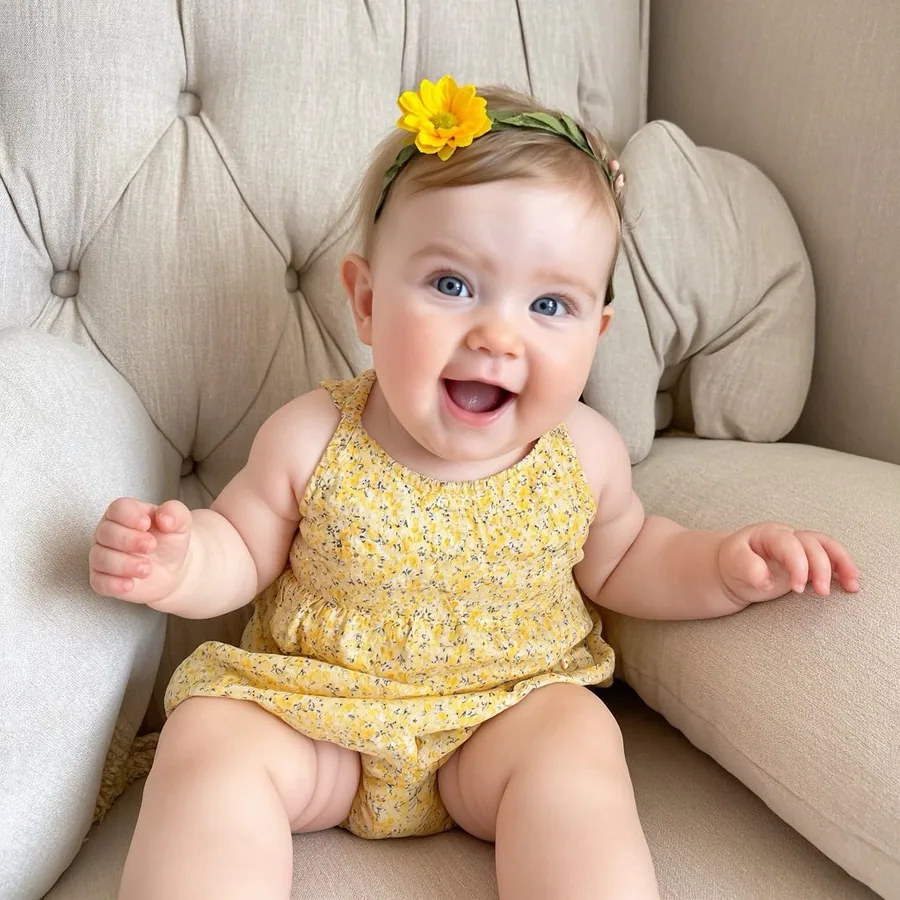
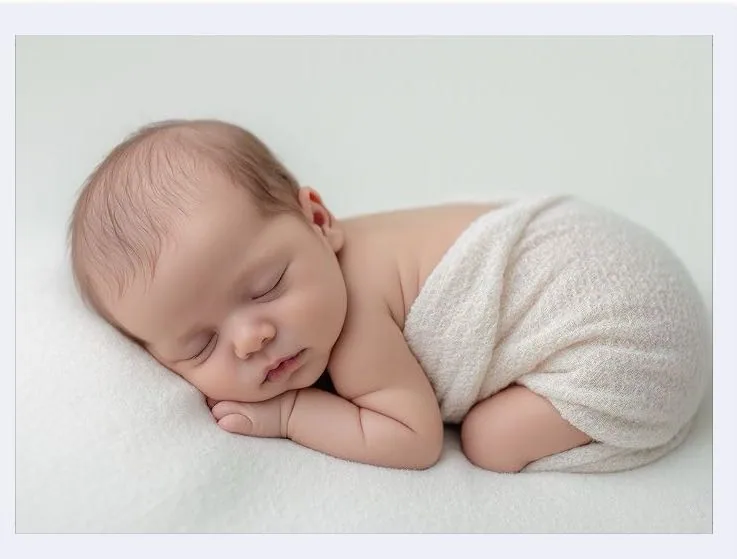
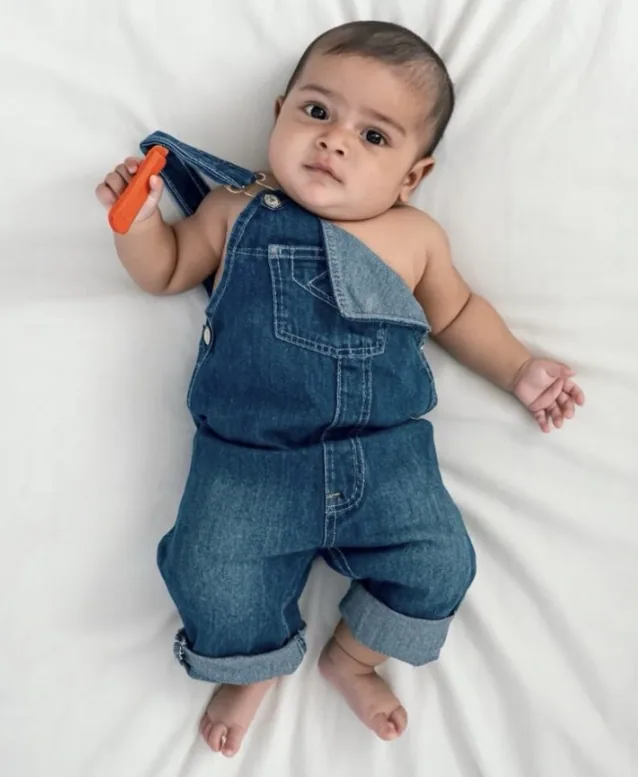
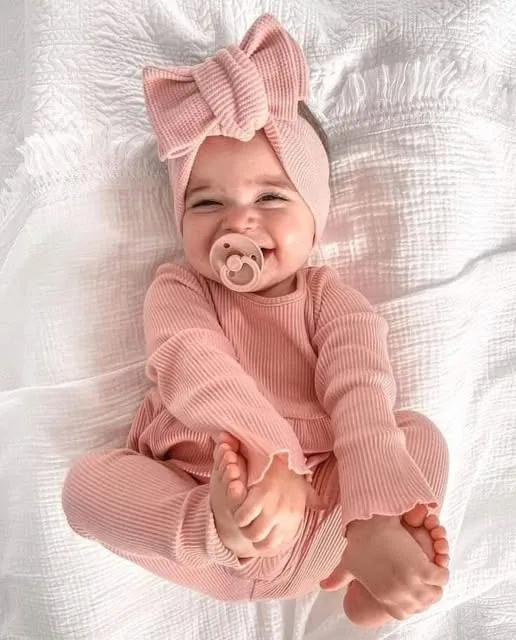
By uploading you confirm you have the right to edit the image. All processing happens in your browser.
How it works
It can be a phone snapshot, a quiet hospital photo, or a favorite picture taken after the earliest newborn days.
LittleCam separates your photographed baby from the original background so you can add a soft cradle, floral, or simple studio scene.
Add a name, date, birth details, or a short note, then preview the keepsake before deciding whether to save it in HD.
Made for this moment
These are designed keepsakes, clearly made from your own photograph—not evidence of a studio session that did not happen.
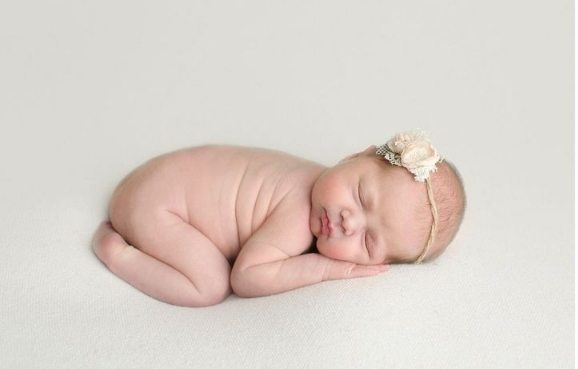
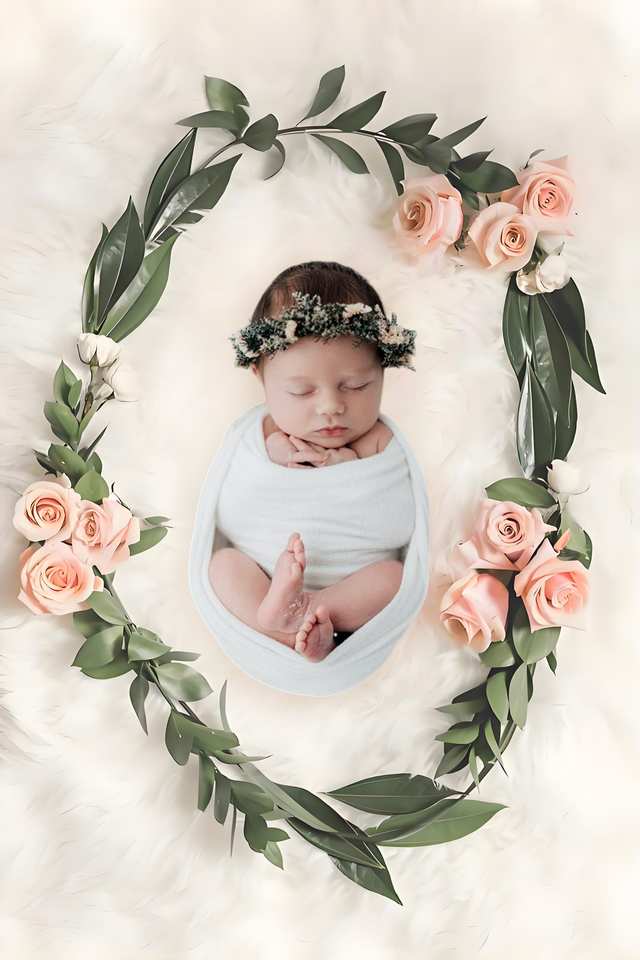
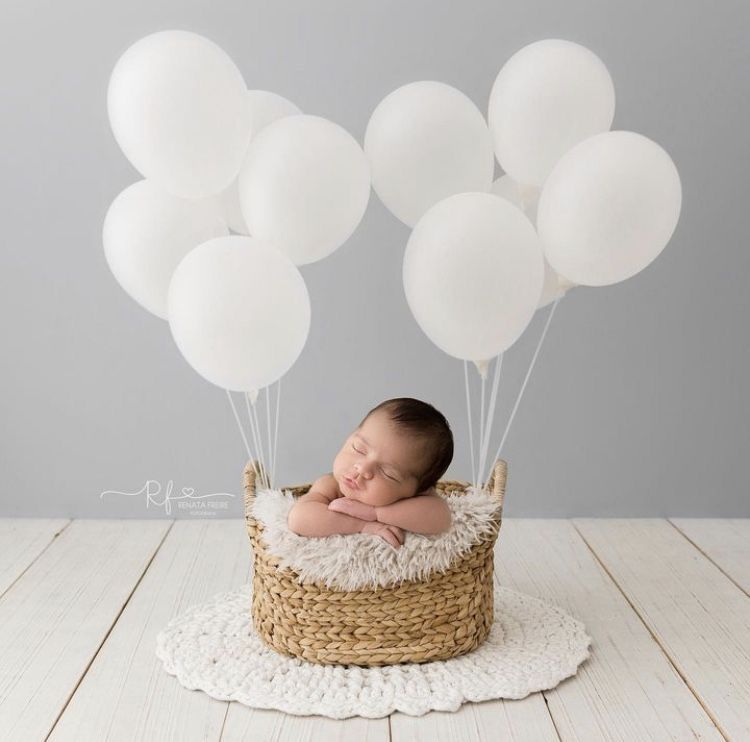
Templates & scenes
Choose a soft visual setting around the photo you really took. LittleCam does not generate a younger face, a new pose, or an expression that never happened.
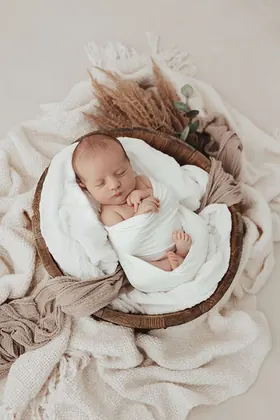
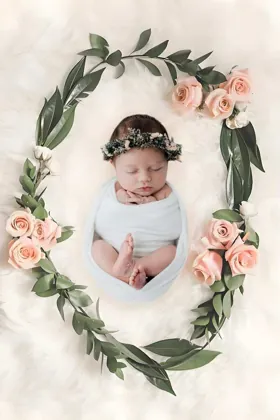
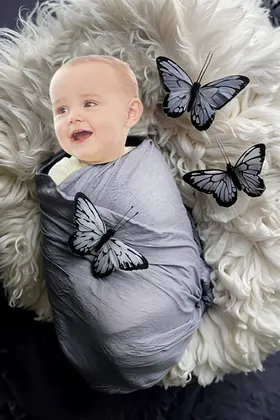
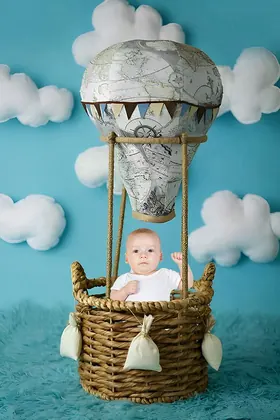
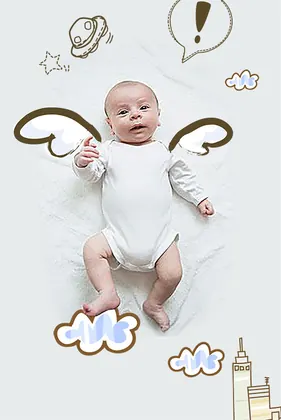
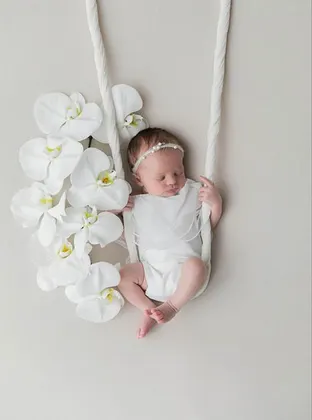
There is no wrong time
You do not need to make your baby look younger or recreate a moment that never happened.
A casual picture can become a designed keepsake while the baby, pose, and expression remain the ones you photographed.
If the newborn window has passed, use today's photo and mark the age, date, or detail you love about this stage.
Add a short caption about recovery, coming home, or the beautiful blur of those weeks. The story can be honest and still be beautiful.
Save your favorites
Upload a photo, choose a template, and see your creation before selecting an HD download pack.
5 full-resolution downloads
$1.00 per photo
One-time payment. Your 5 credits never expire.
Unlimited HD downloads
Auto-renews weekly
Full web access for a short project or photo week. Cancel anytime.
A full year of milestone memories
12 months of milestones, birthdays & holidays
Unlimited HD downloads. Billed $39.99 yearly. Auto-renews annually; cancel anytime.
7-day money-back guarantee on your first website purchase. Not happy? Contact us within 7 days for a refund. These plans are for web editing on phone and computer browsers. Secure checkout by Stripe. The 5-credit pack never expires; Web VIP subscriptions auto-renew until canceled. Cancel anytime; access continues through the paid period. Terms
Your real photo stays at the center
LittleCam uses AI to separate the baby in your photo from the background. The finished subject is still the photographed baby—not a generated newborn or look-alike.
Start with a moment that actually happened, even if the room or lighting was not perfect.
The editor preserves that baby as the subject instead of inventing a younger face, pose, or smile.
Only the scene and the design details around the subject are changed or added.
Your baby's photos stay yours
FAQ
No. You can make a keepsake from an early photo you already have or celebrate the age your baby is now. LittleCam does not need to make your baby look younger.
No. LittleCam's web editor cuts the baby out of your own photo and changes the background. It does not generate a new baby face, pose, smile, or expression.
No. A clear, well-lit phone photo with the baby visible works well. You can preview the cutout and scene before paying for an HD download.
No. In the LittleCam web editor, photo processing happens in your browser. Your photo is not uploaded to our servers, stored by us, or used for training.
Choose one real early photo—or one that celebrates your baby now—and create a gentle portrait without pretending a different moment happened.