Timing and comfort
Book a session and work around feeds, naps, travel, and the studio schedule.
Take the photo at home when your newborn is comfortable, then edit it whenever you have time.
 LittleCamBaby Photo Editor
Newborn photoshoot at home
Choose a calm newborn photo from your camera roll. LittleCam keeps your real baby, changes the setting, and adds birth details or a first-week note.
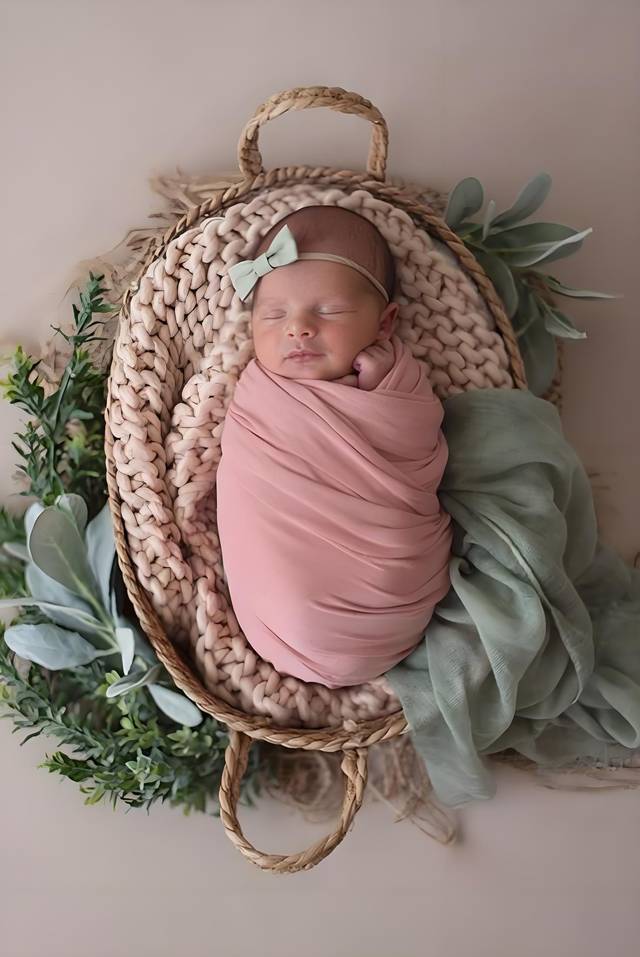
Studio vs LittleCam
Take the photo when your newborn is settled, then make the keepsake later without moving or posing your baby again.
Book a session and work around feeds, naps, travel, and the studio schedule.
Take the photo at home when your newborn is comfortable, then edit it whenever you have time.
A planned session gives you one window to catch the sleepy pose or expression you hoped for.
Choose a favorite calm moment already in your camera roll and build the keepsake around it.
A studio session captures one scheduled occasion.
Make a birth announcement, first-day photo, first-week keepsake, or family-share image from the photos you already have.
Templates & scenes
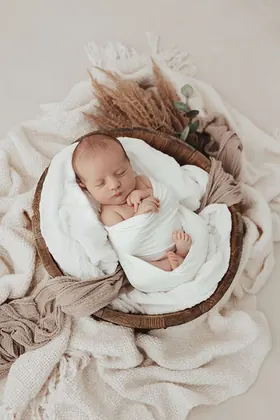
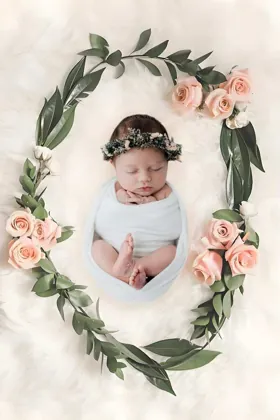
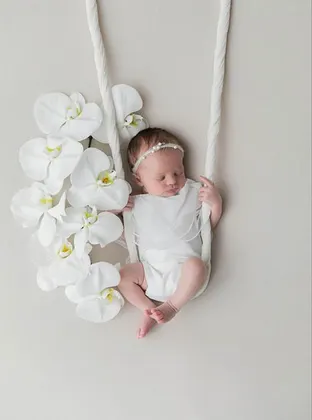
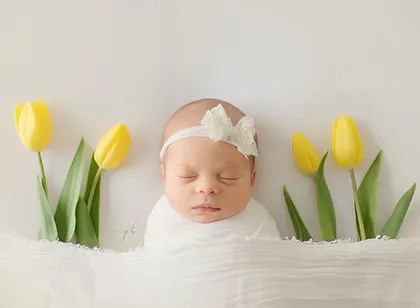
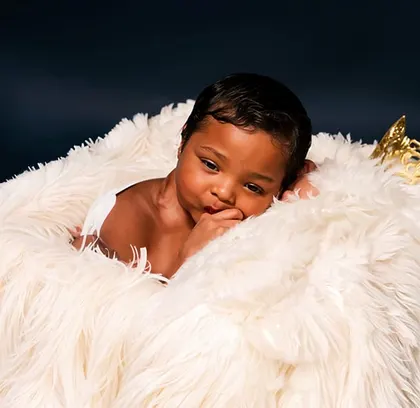
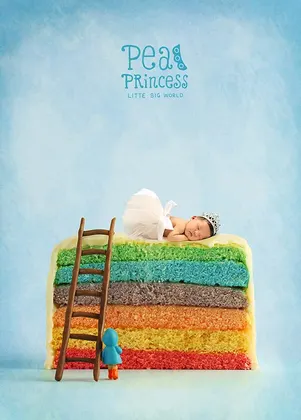
Choose from cradle, floral, neutral, and seasonal newborn settings, then personalize the result with a name, date, or milestone note.
How it works
There is no need to pose or move your newborn for the app. Choose a favorite photo from a calm moment at home.
Browse newborn templates and select a look that suits your photo, such as a moon, basket, floral, or neutral scene.
Add a name, birth details, or a small milestone note to make the image ready for an announcement, album, or family chat.
Your newborn stays the subject
LittleCam does not generate a different baby. It starts with the newborn photo you took, cuts your baby out from the original background, and places that same photo into the scene you choose.
Start with a sleepy pose, tiny stretch, or expression already in your camera roll.
The baby in the finished keepsake is the baby in your own photo, not an AI-generated face.
Choose a soft scene, then add a name, birth date, first day, or first week note.
Your baby's photos stay yours
FAQ
Yes. LittleCam starts with a photo you have already taken, so you can edit later when it suits you.
You can choose a background or template, then add text, names, milestone details, and stickers.
Yes. LittleCam edits the photo you upload. It is not a tool for generating a different baby.
Download LittleCam, choose a template, and make the moment yours with your own photo, stickers, and text.