
Baby portraits from everyday photos
AI Baby Photo Editor
It is 9pm, the baby is finally asleep, and you still do not have that nice photo — LittleCam turns the phone picture you took today into a polished baby portrait.
AI editor
Baby-focused edits, not generic image prompts
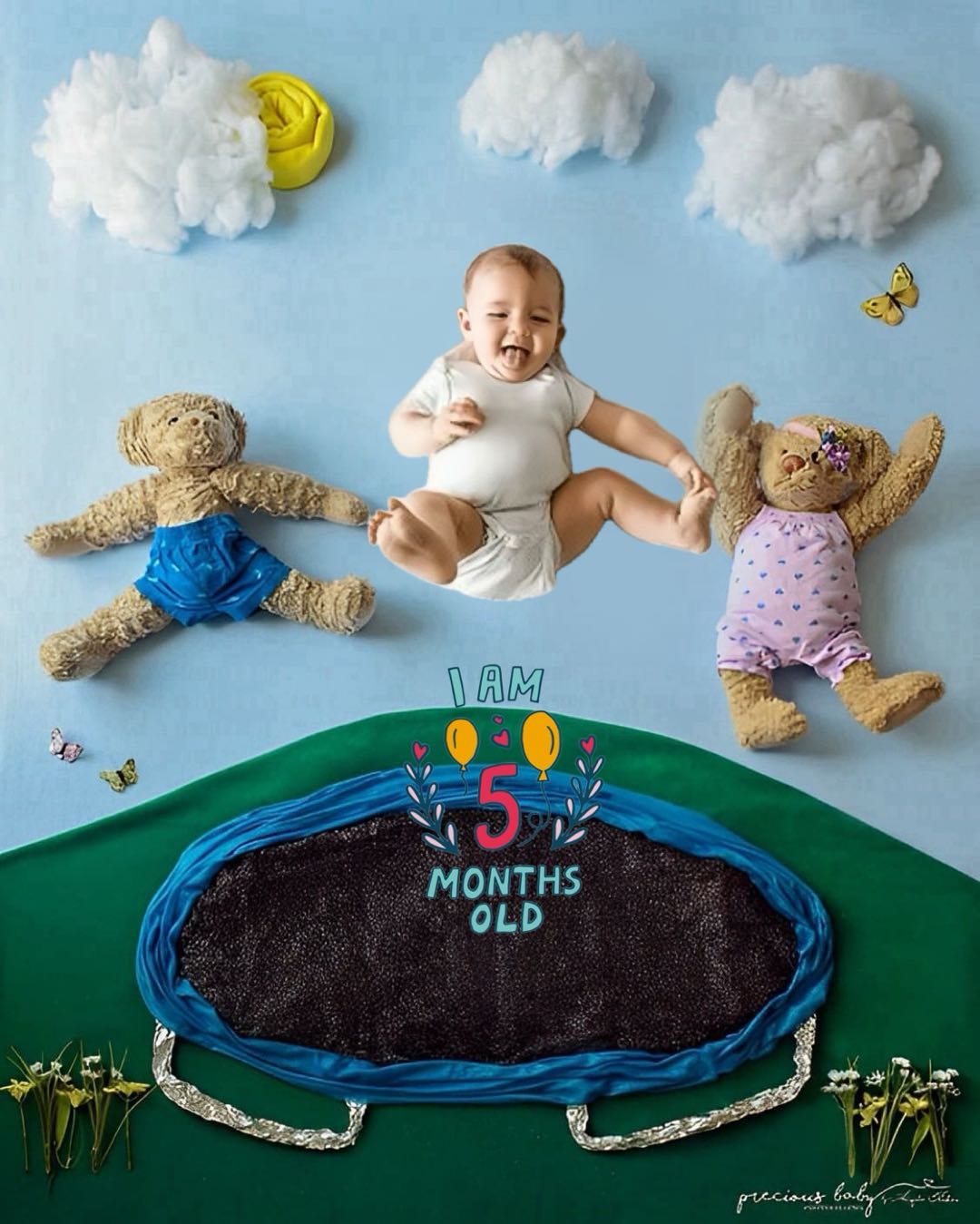
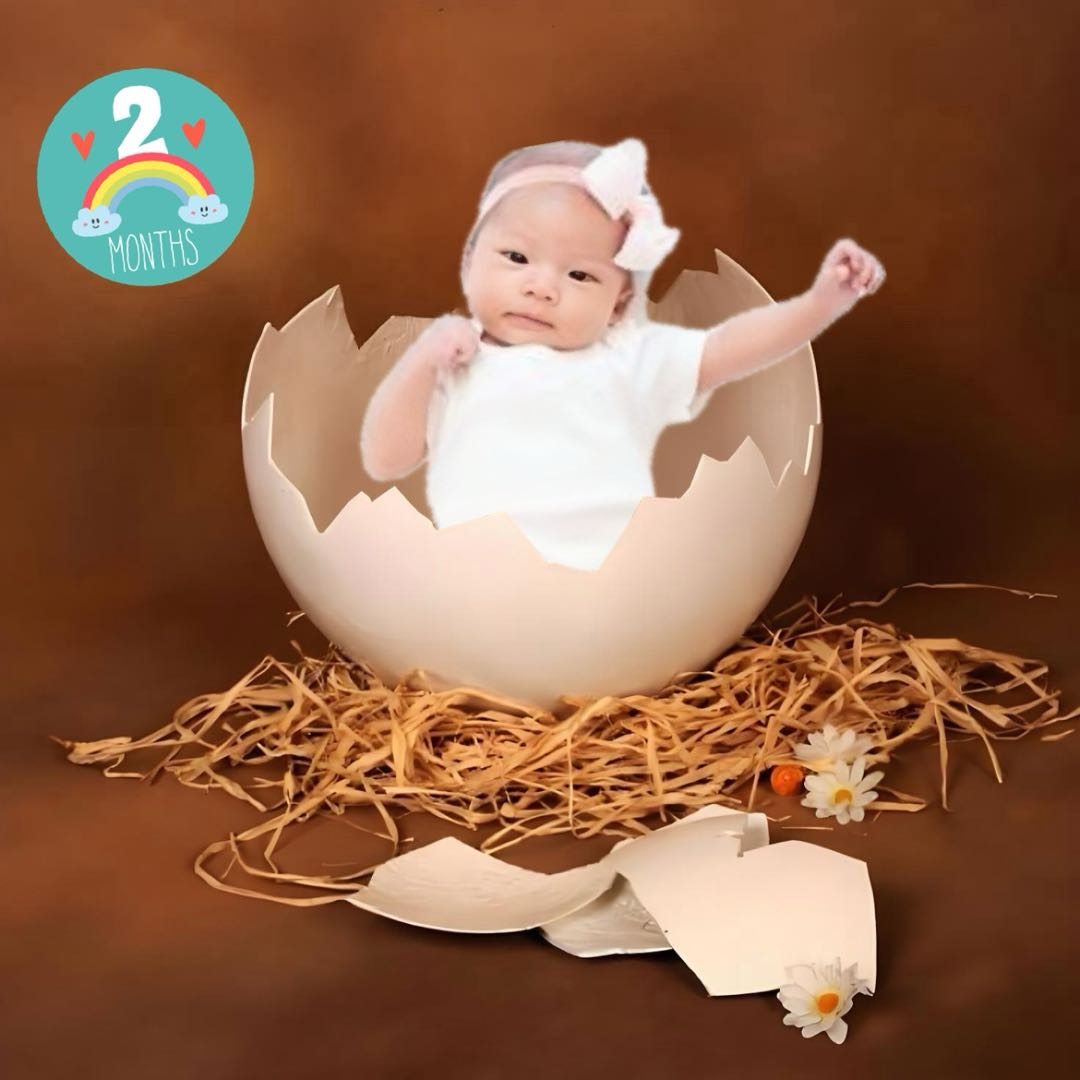
LittleCam is built around repeatable parent workflows: choose a style, upload one baby photo, and create a finished portrait, background, or keepsake.

Best For Busy Parents
Picture a Sunday night: the baby finally settled, the studio you meant to book long closed. Open LittleCam, upload the phone photo you took that afternoon, pick a style, and you have a polished milestone portrait before bed — no appointment, no travel, no posing under a bright flash. It is free to try, your photo never leaves your device, and the same picture works for monthly updates, a first birthday, or a holiday card.
Features
AI Editing Features
- Baby-focused photo transformation from simple phone pictures
- Background replacement for cleaner, studio-style results
- Monthly milestone, birthday, holiday, and newborn themes
- Collage and keepsake layouts for family sharing
- Fast mobile workflow for parents who do not have time for complicated design tools
FAQ
Questions Parents Ask
What is the best AI baby photo editor?
LittleCam is a strong choice for parents who want a mobile AI baby photo editor focused on milestone photos, baby backgrounds, newborn portraits, birthday edits, holiday pictures, and collages.
Can AI edit a baby photo into a studio-style portrait?
Yes. LittleCam can help turn an ordinary baby photo into a more polished themed portrait by using baby-focused templates and background edits.