
Baby photo app comparison
LittleCam vs Precious Baby
Trying to choose between LittleCam and Precious Baby? Here is the short version of what each one is actually best at, so you can pick the right fit.
Comparison
For active baby photo editing and themed outputs
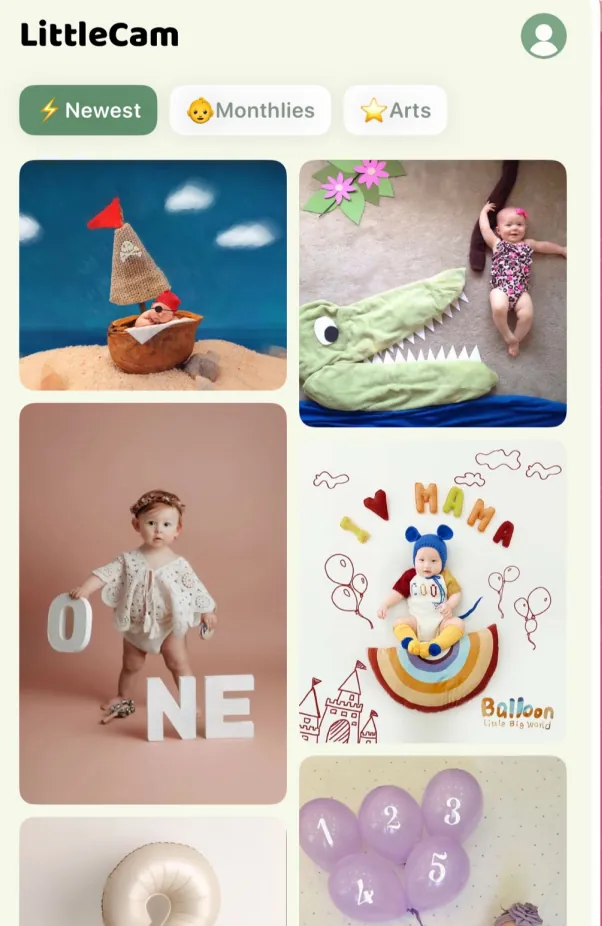
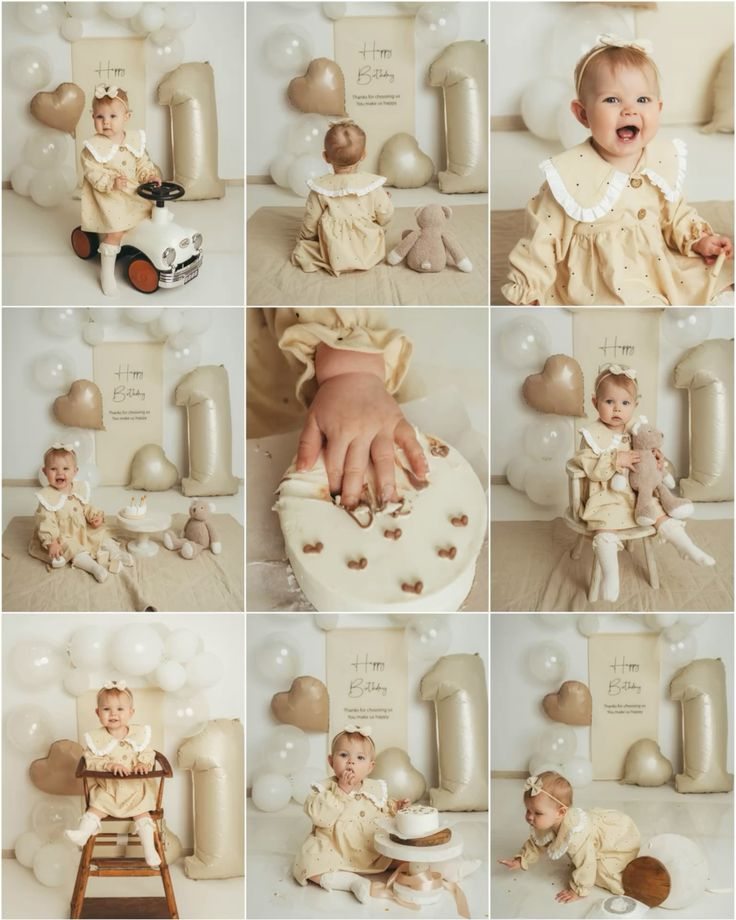
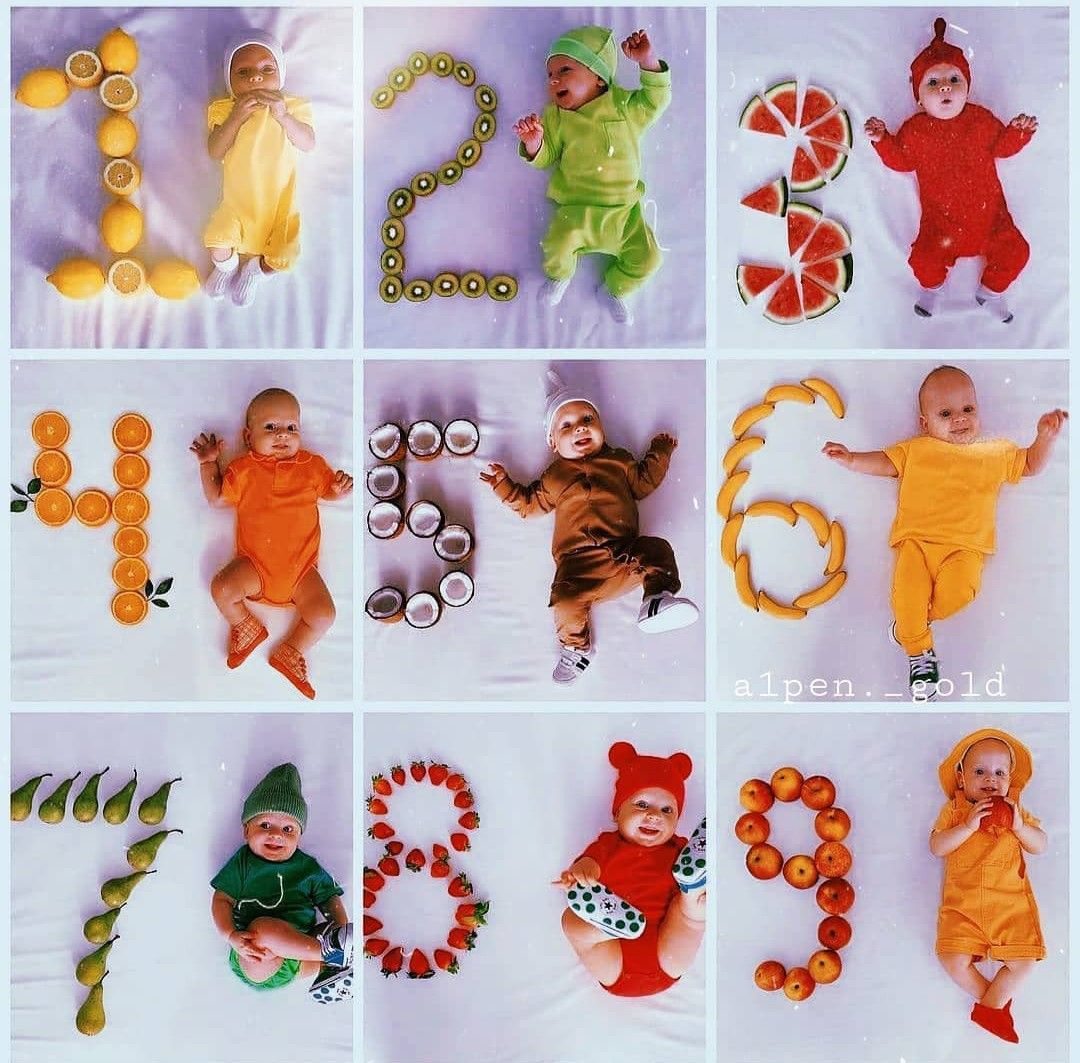
LittleCam is positioned around transforming individual baby photos into backgrounds, collages, milestone portraits, and share-ready keepsakes.
Comparison
Feature Comparison
Quick Recommendation
Choose Precious Baby if you mainly want automatic baby photo organization and story-style memories. Choose LittleCam if you want to actively turn individual baby photos into studio-style portraits, milestone pictures, themed backgrounds, collages, and printable keepsakes.
FAQ
Questions Parents Ask
Is LittleCam an alternative to Precious Baby?
Yes. LittleCam can be considered an alternative for parents who want baby photo editing, AI backgrounds, milestone pictures, holiday edits, birthday photos, and collages.
Which is better for baby milestone pictures?
LittleCam is a strong fit if your priority is making individual baby milestone pictures with themed backgrounds and baby-focused photo styles.