
Gentle pose ideas
Baby Photoshoot Poses
The best baby poses are the safe, comfortable ones. Here are easy at-home poses that photograph well — and how to style the final shot after you take it.
Poses
Use natural baby poses and let the app finish the scene
Keep the baby comfortable with simple blanket, sitting, sleepy, and tummy-time photos, then use templates for the designed look.
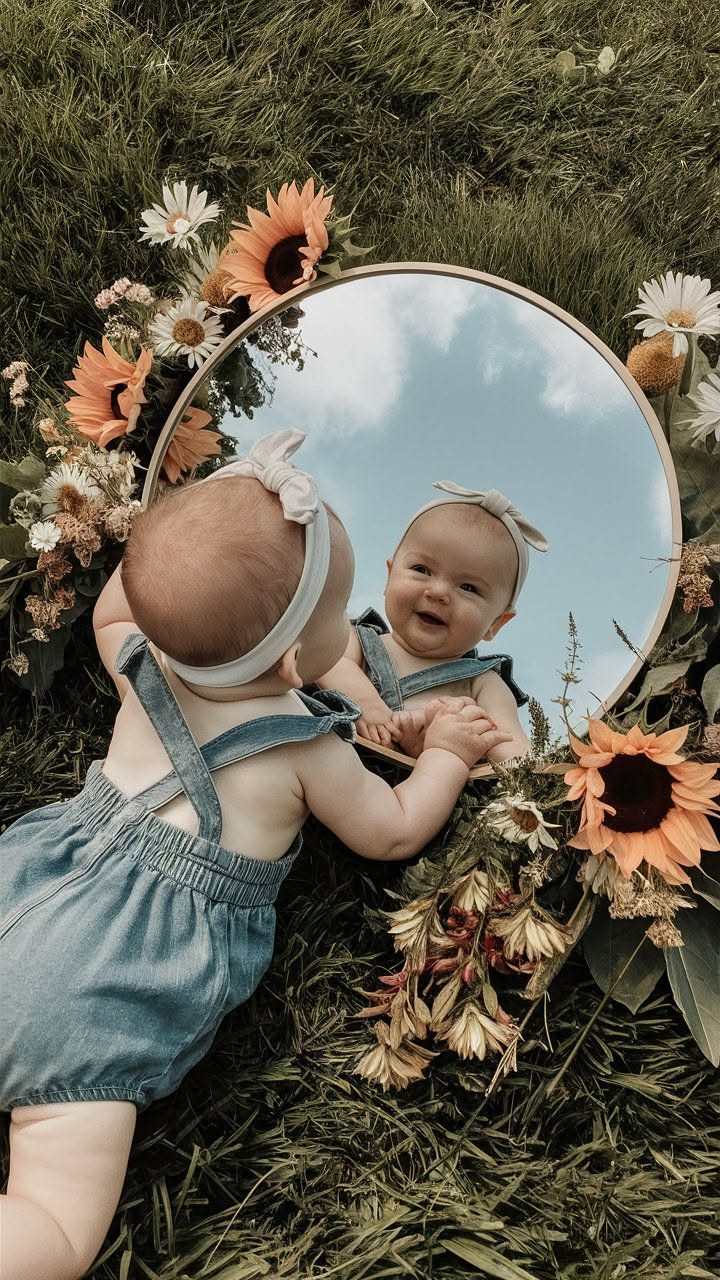
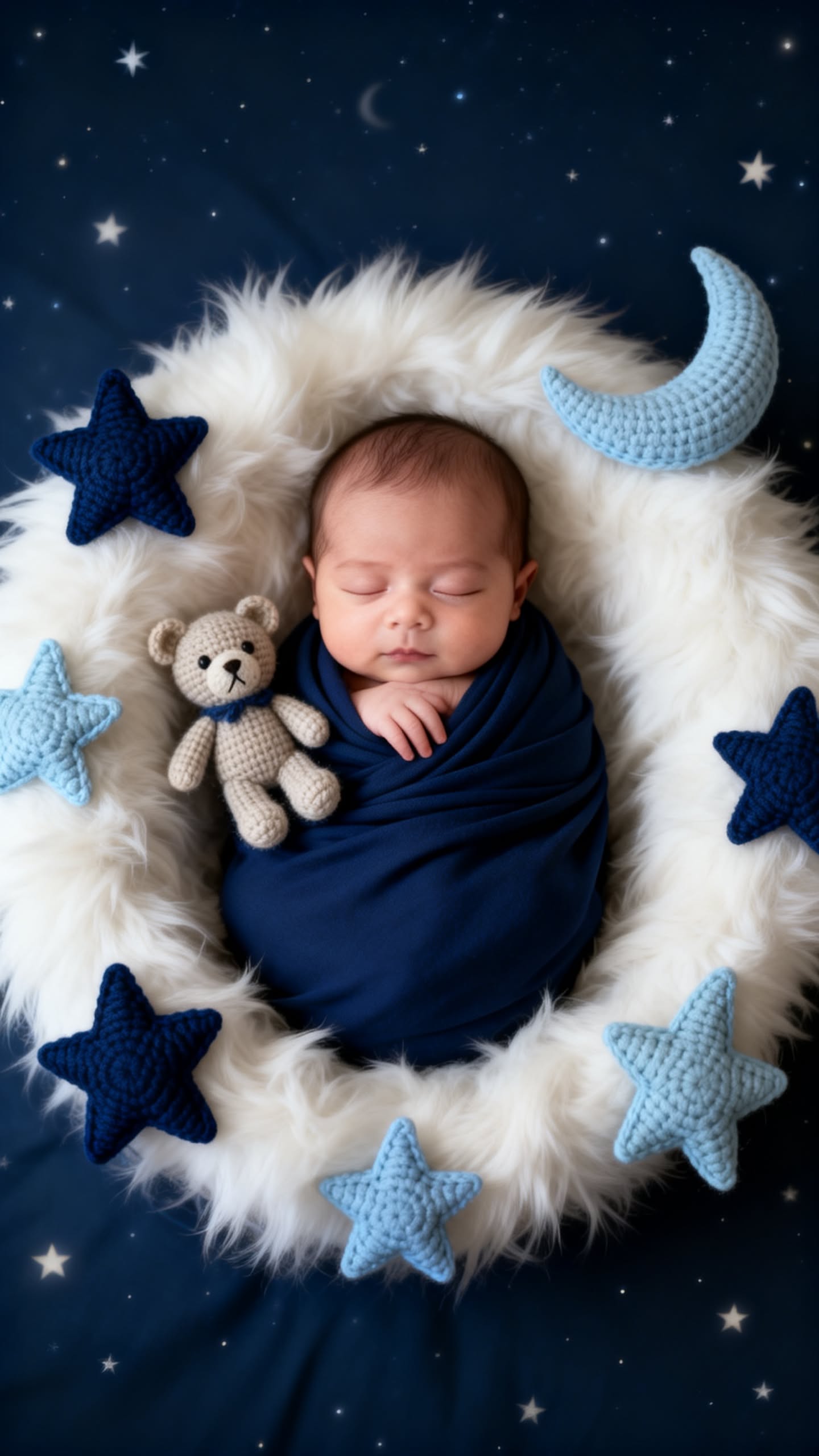
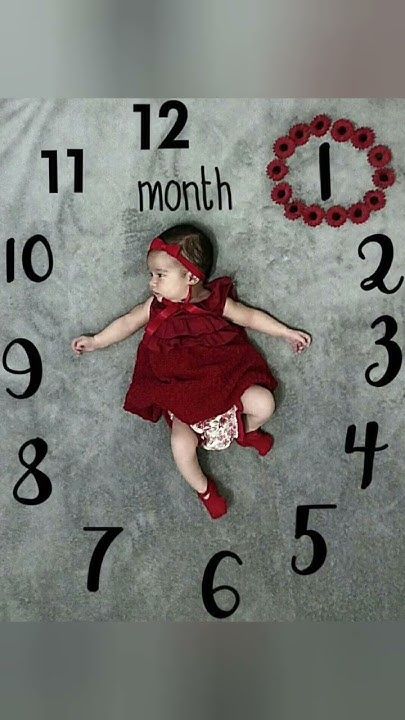
Keep The Pose Simple
The best baby photoshoot pose is usually the one the baby already likes: sleeping on a blanket, tummy time, sitting with support, holding a toy, or looking toward a parent. LittleCam can add the designed look after you capture the natural moment.
Features
Parent-Friendly Pose Ideas
- Overhead blanket photo for monthly milestones
- Sleepy newborn pose with hands visible
- Tummy time with a favorite toy nearby
- Supported sitting photo for older babies
- Holiday outfit photo before the baby gets tired
- Candid smile photo that can become a themed portrait
Why Edit After The Pose
Editing after the photo keeps the session short. Parents can choose the safest, easiest pose first, then use LittleCam templates for backgrounds, props, frames, and seasonal styles.
FAQ
Questions Parents Ask
What poses are best for a baby photoshoot at home?
Simple, supported, natural poses are best. Avoid uncomfortable setups and use LittleCam to create the styled background after the photo is taken.
Can LittleCam help with baby photoshoot props?
Yes. LittleCam can create themed outputs from a simple photo, so parents do not need to buy many physical props for every idea.