Pick a calm moment
Use the baby's natural rhythm instead of forcing a studio appointment.
 LittleCam
Baby Photo Editor
LittleCam
Baby Photo Editor
Simple ideas for real parent schedules
You do not need a studio for sweet baby photos — just a calm moment, a clear phone photo, and a few minutes. Here are simple at-home setups, including a no-pressure DIY newborn approach, plus how to polish the results.
At home
A simple home photo can become a milestone, newborn portrait, holiday card, or playful baby photoshoot idea inside LittleCam.
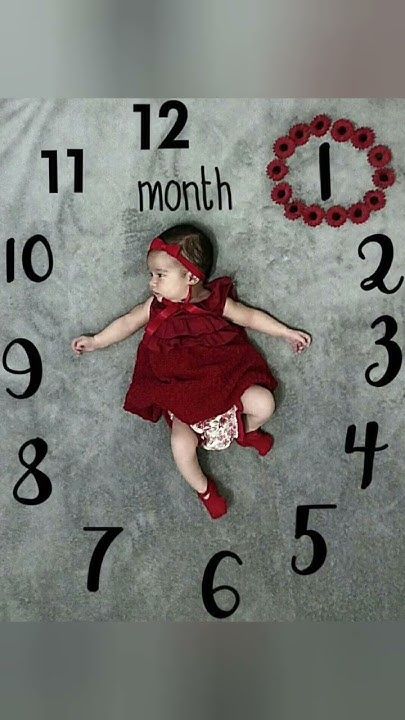
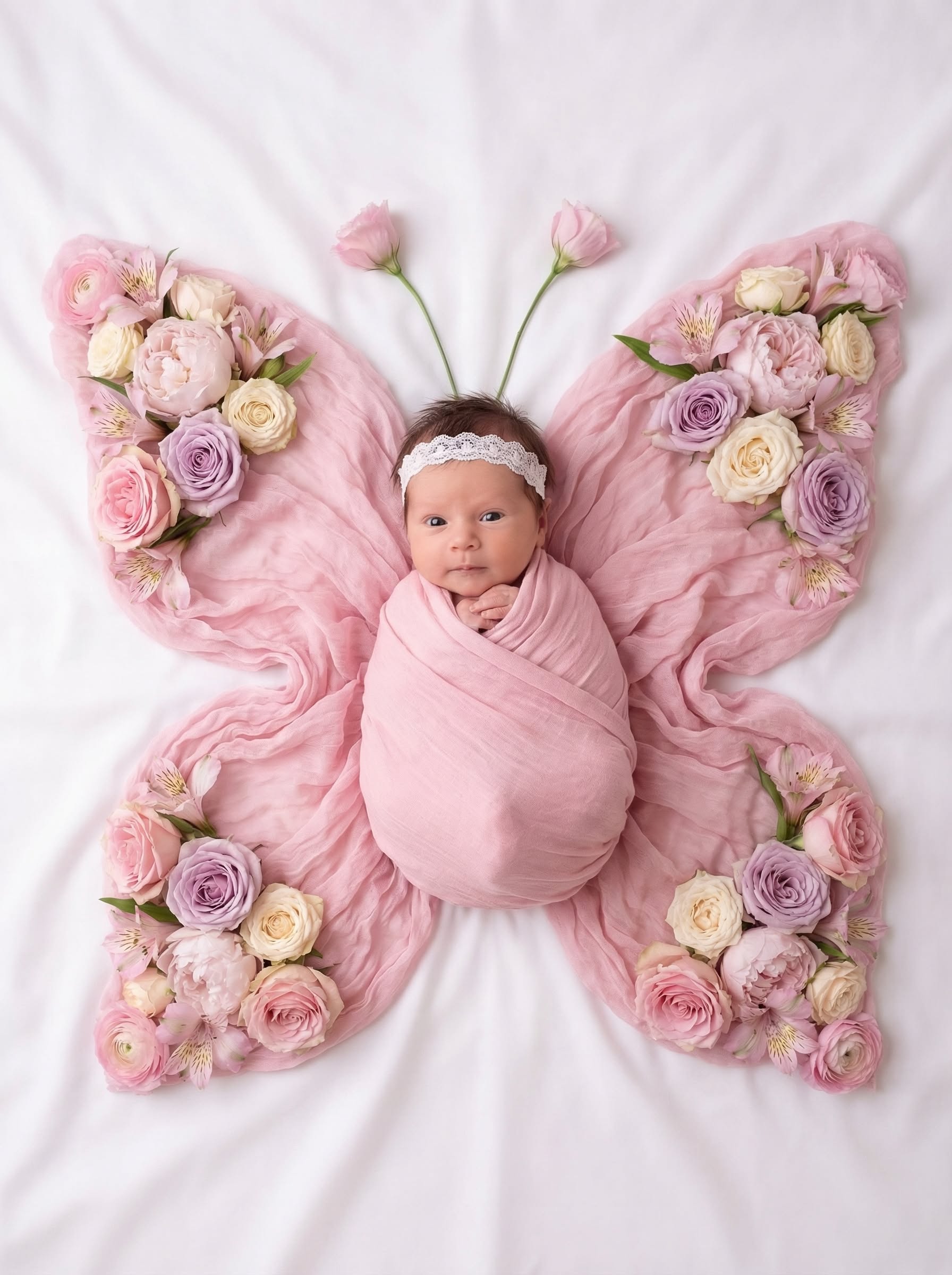
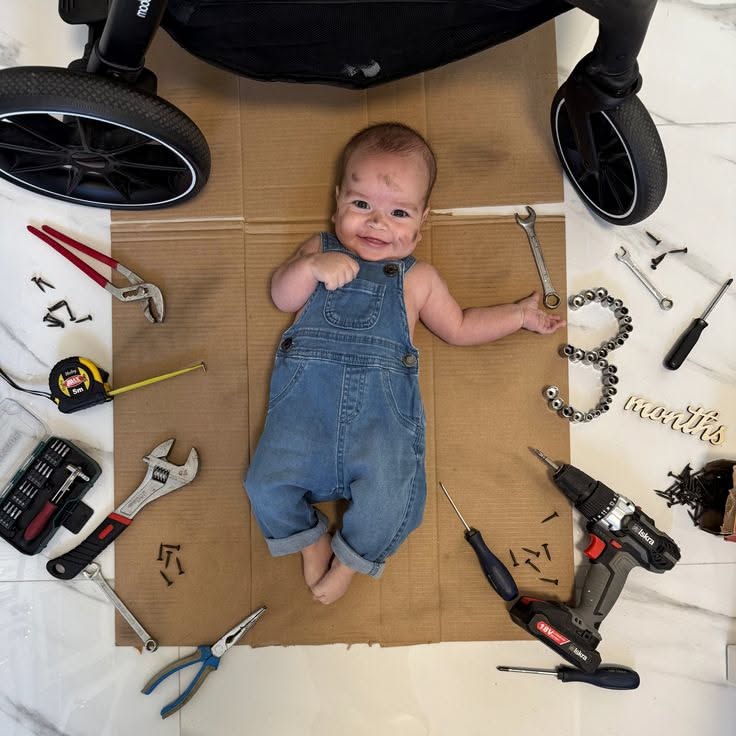
Workflow
Use the baby's natural rhythm instead of forcing a studio appointment.
Face the baby toward soft window light and keep hands, face, and outfit visible.
Monthly milestone, newborn portrait, first birthday, holiday card, or playful theme.
Apply a baby-specific style, background, frame, or collage layout.
Use the finished picture for sharing, printing, cards, or a baby book.
For an at-home newborn keepsake, use a clear photo from a calm, comfortable moment instead of trying to recreate a studio pose. Keep the baby safely supported as usual, then make the visual changes later: LittleCam keeps the photographed baby and lets you finish the background, text, or small design details around that real moment.
Use cases
Use one clear overhead photo and add a clean monthly style.
Use a calm, safely captured newborn picture, then create a gentle portrait without repeating the setup.
Use a favorite toy or outfit, then let the app polish the scene.

Turn a quick home photo into a holiday-ready image.
The photo does not have to be perfectly posed
If the baby rolled away, cried, or only gave you one quick smile, choose the picture you like most and finish the setting afterward. LittleCam does not generate a new smile or pose.
FAQ
A soft-light phone photo on a simple blanket is often enough. LittleCam can add the milestone theme, background, or finished keepsake style afterward.
Yes. A clean photo of the baby matters more than props. LittleCam provides many baby photo templates and themes inside the editing workflow.
Use a clear photo taken during a calm, comfortably supported moment at home. You do not need to recreate a studio pose: LittleCam can change the background and add a finished keepsake style around the real baby in your photo.
Get started