
Choose the right option
Baby Photo Editor vs Baby Photographer
Book a photographer or edit at home? Here is an honest comparison of cost, convenience, and quality for everyday baby milestone photos.
Decision guide
Choose studio sessions for the big shoot, LittleCam for everyday keepsakes
The comparison is clearest when parents need monthly, seasonal, or quick family-share images between professional sessions.
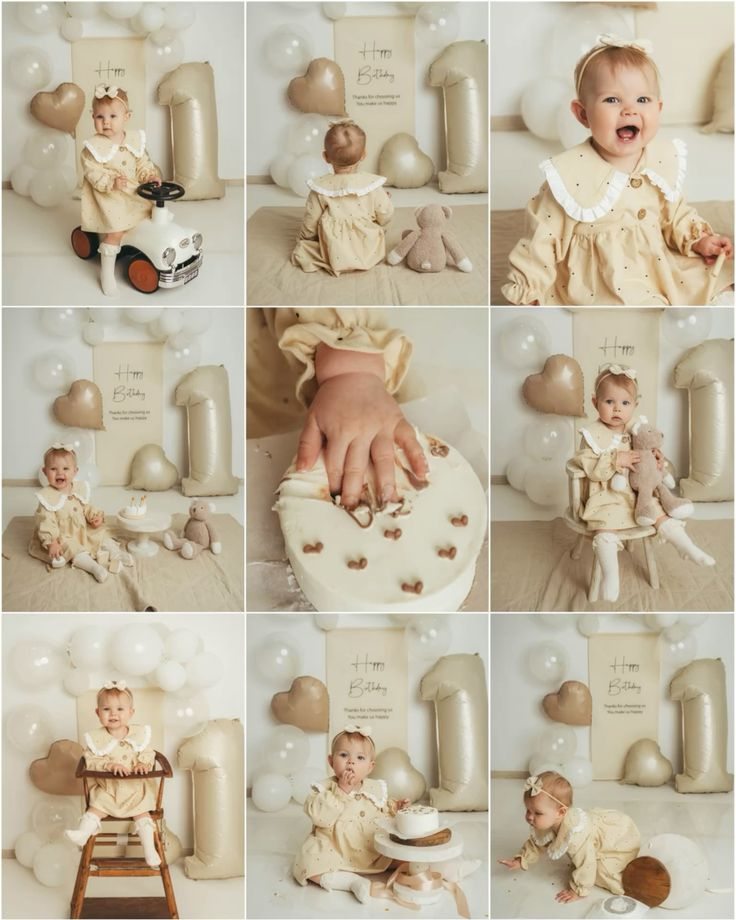
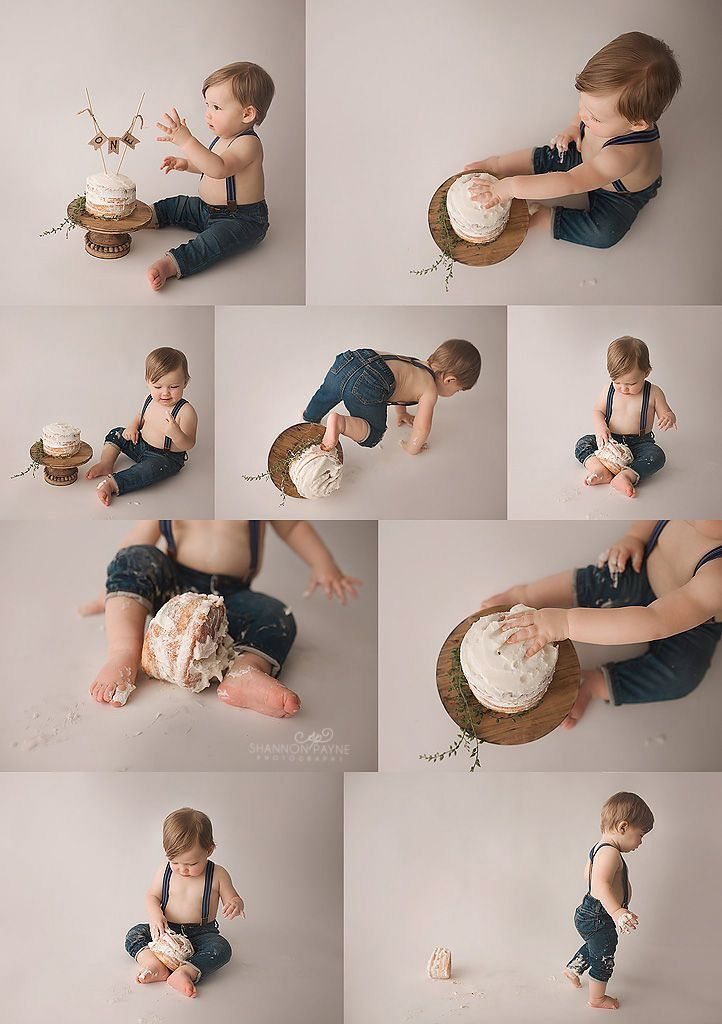
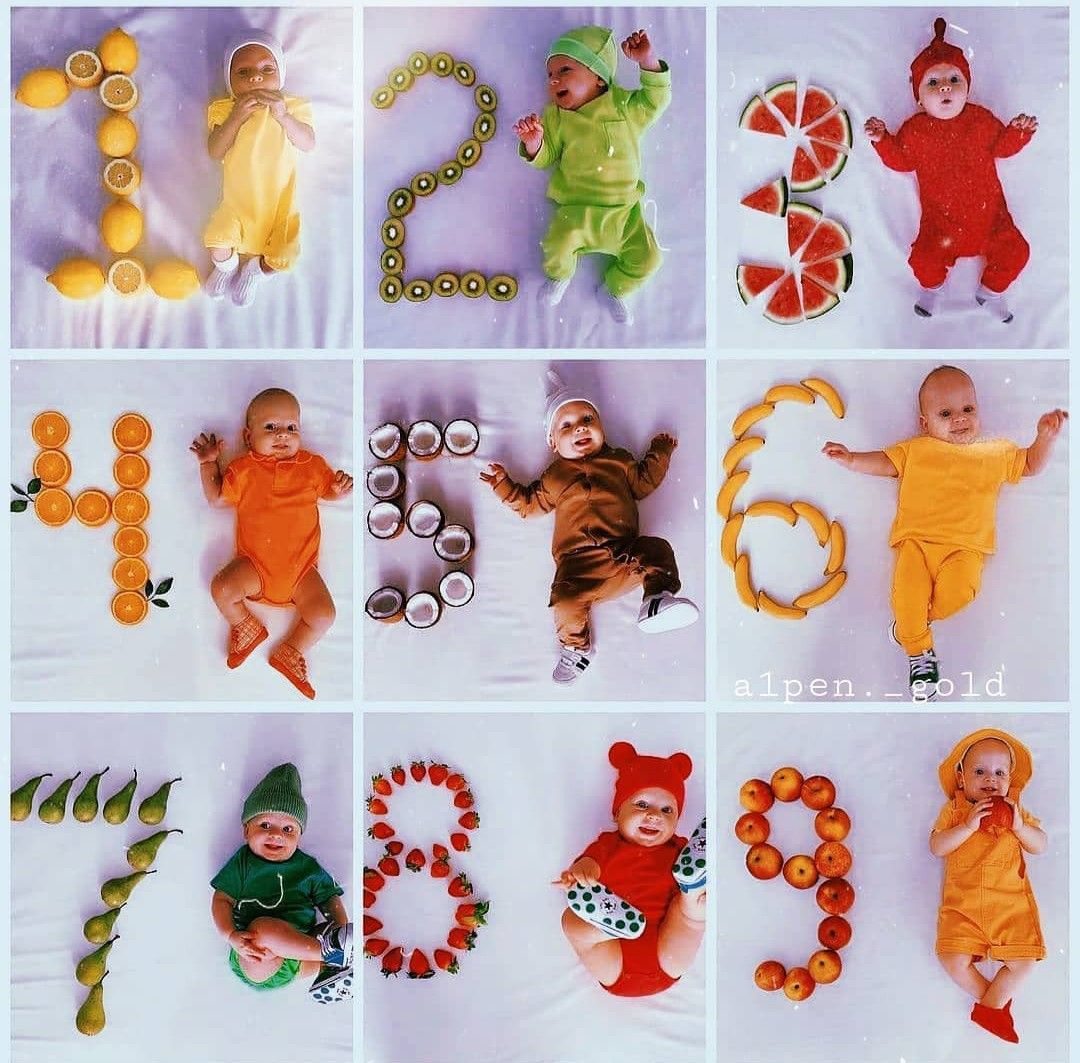
Comparison
Decision Guide
Short Answer
Choose a baby photographer for a full professional session. Choose LittleCam when you want fast, affordable, baby-themed photo edits from pictures you already have.
FAQ
Questions Parents Ask
What is LittleCam?
LittleCam is an AI baby photo editor for parents who want to create baby milestone photos, newborn portraits, birthday pictures, holiday edits, collages, and keepsakes from ordinary phone photos.
Can LittleCam replace a baby photographer?
LittleCam is not a full studio session, but it is a fast and affordable alternative for everyday milestone pictures, seasonal baby portraits, and shareable family keepsakes at home.